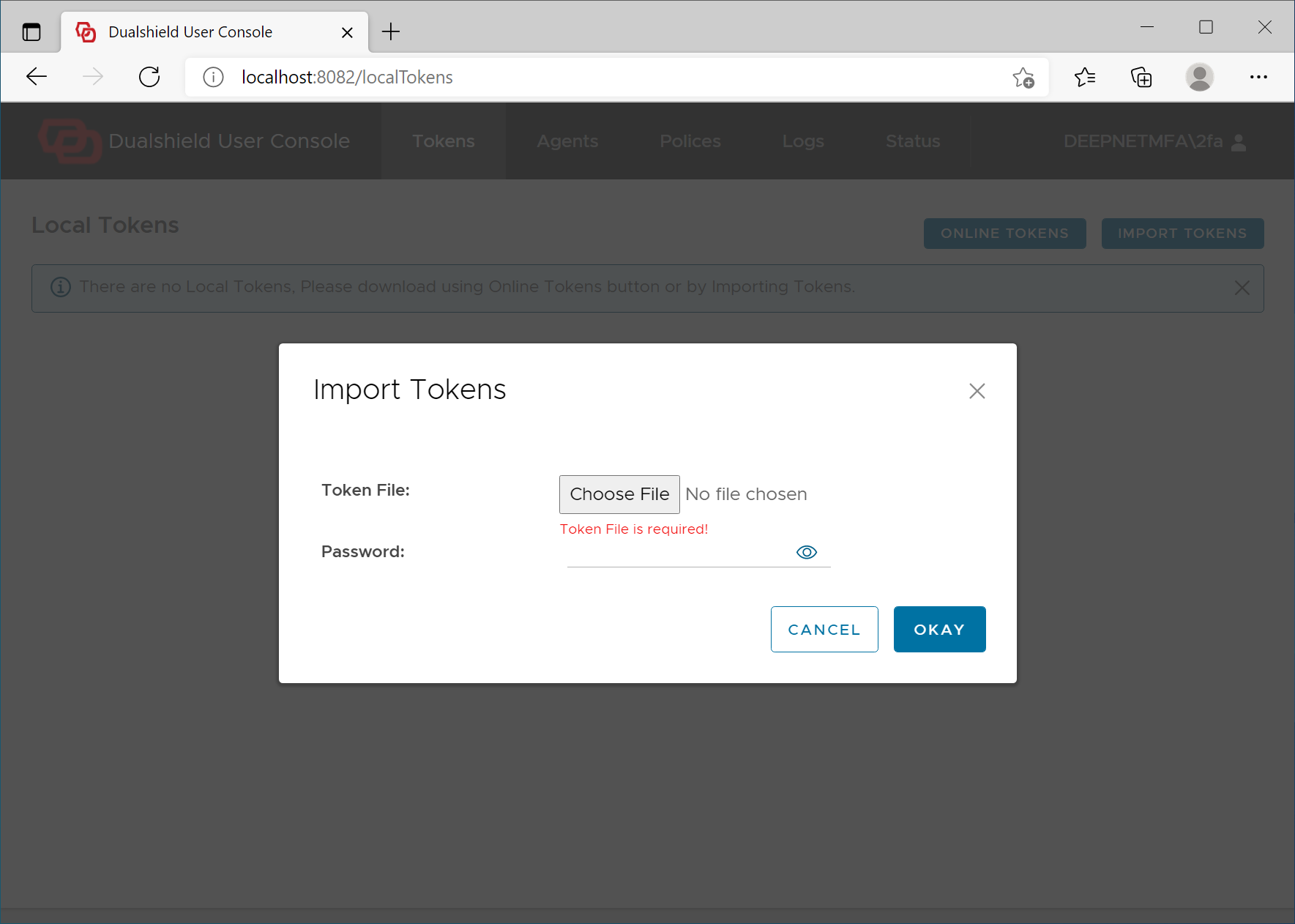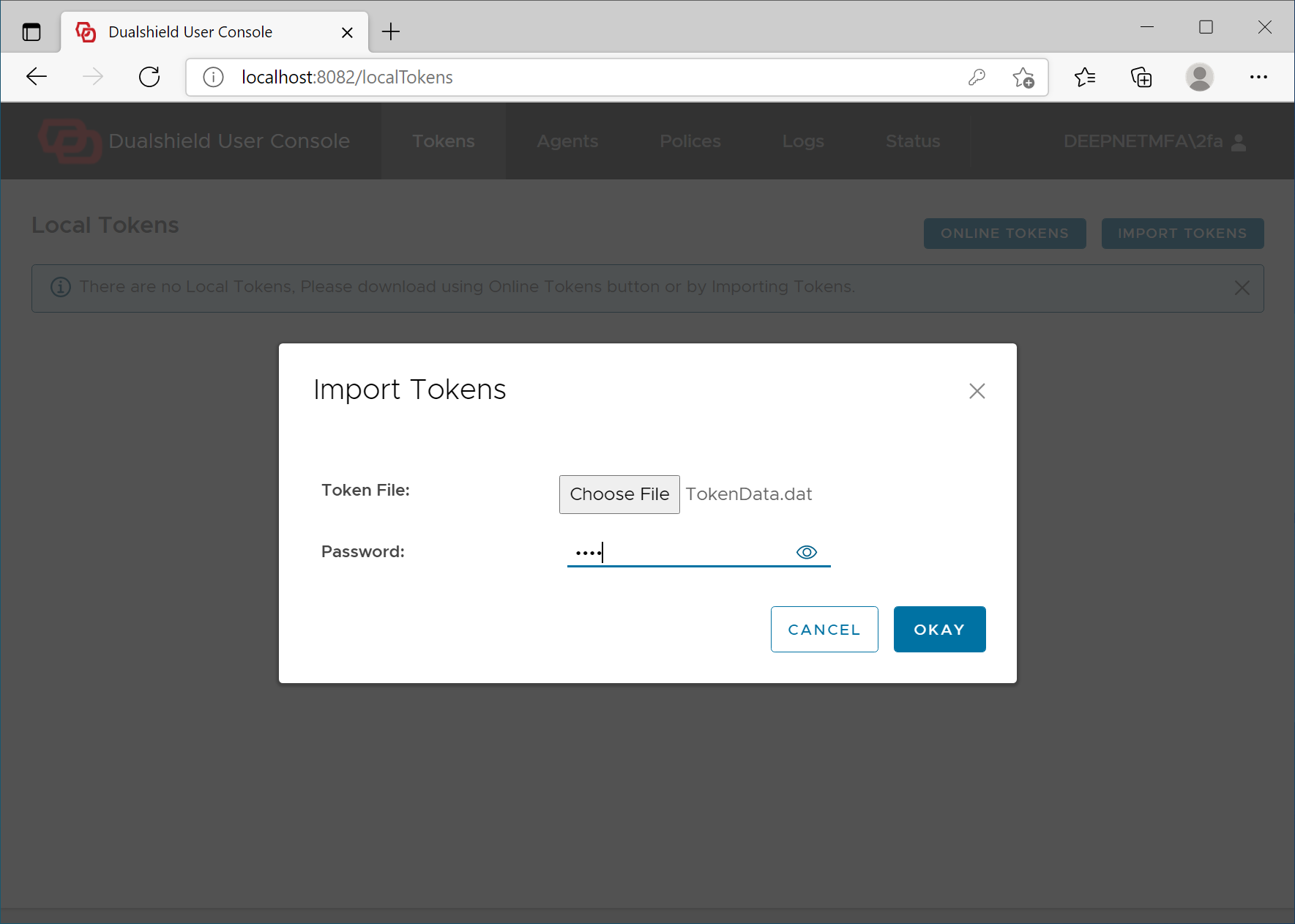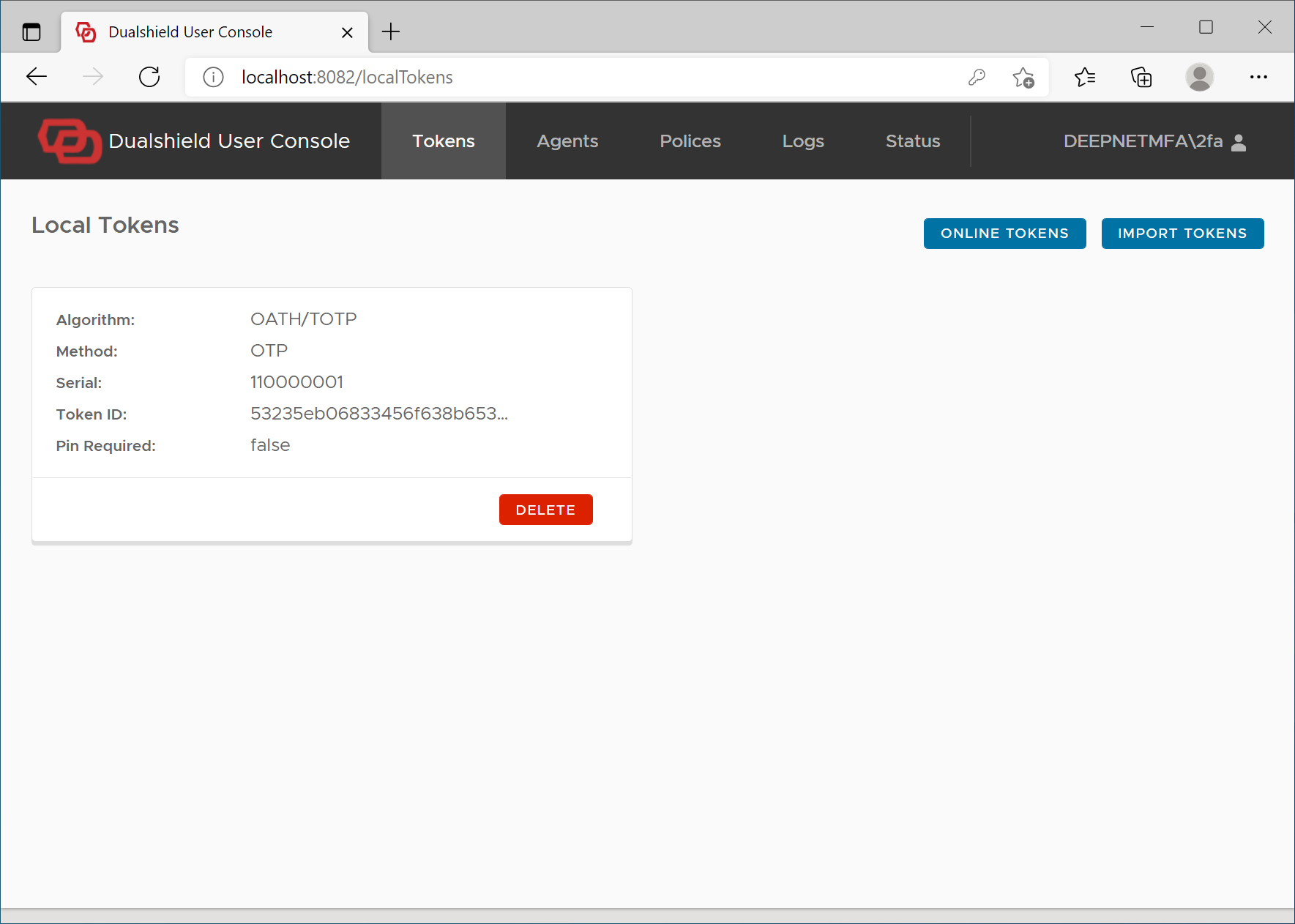
If for some reason, it is not possible to download tokens at all, either automatically or manually, then the last option is for users to import tokens into their computers.
To import a token, the user must obtain the token file first. The token file can be exported from the authentication server by the administrator or by the users themselves.
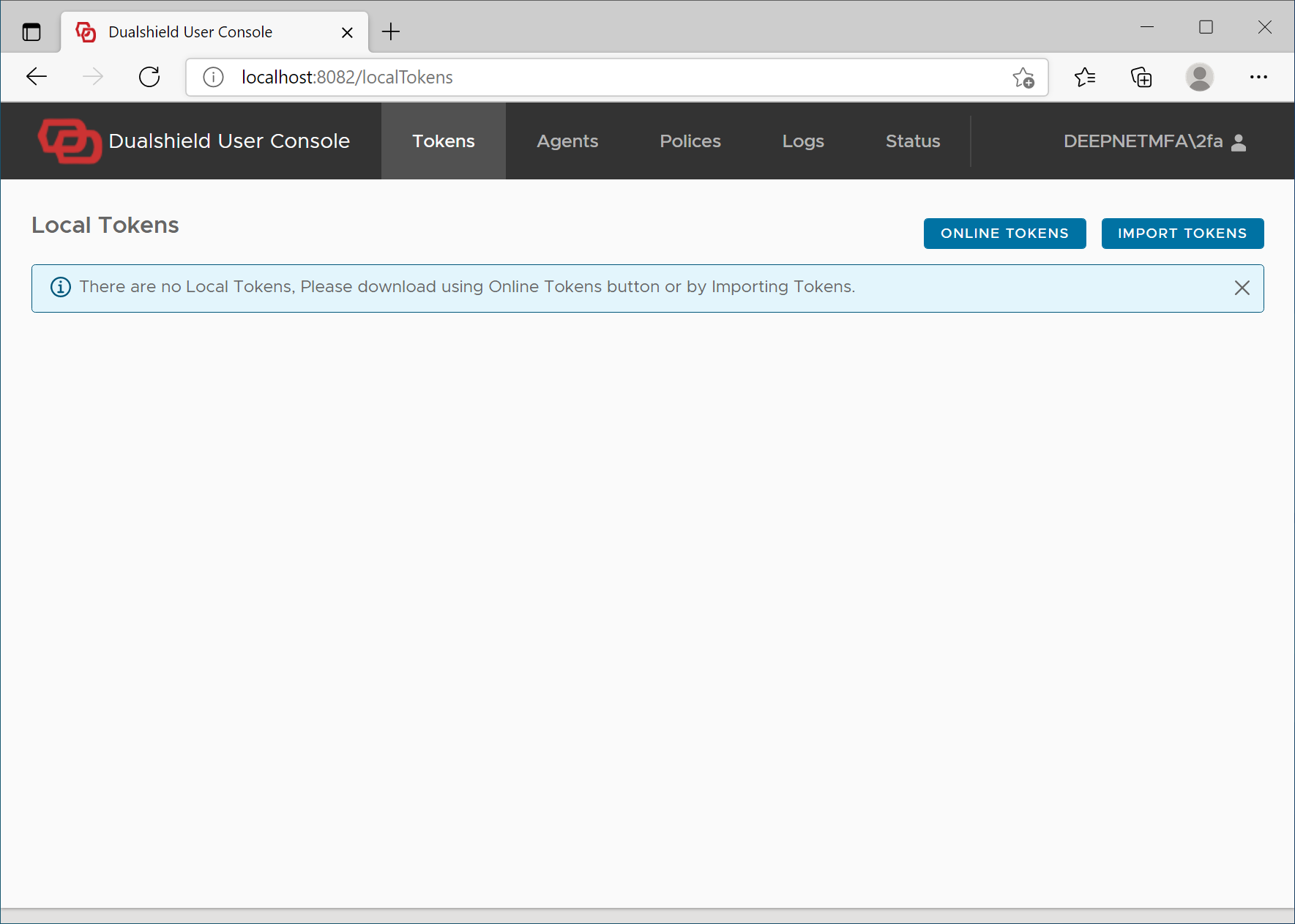
Once the user has received the token file, the user can log in to their computer and visit the Computer Logon User Console on http://localhot:8082