The DualShield 6.x Platform includes a certificate service that supports Let's Encrypt.
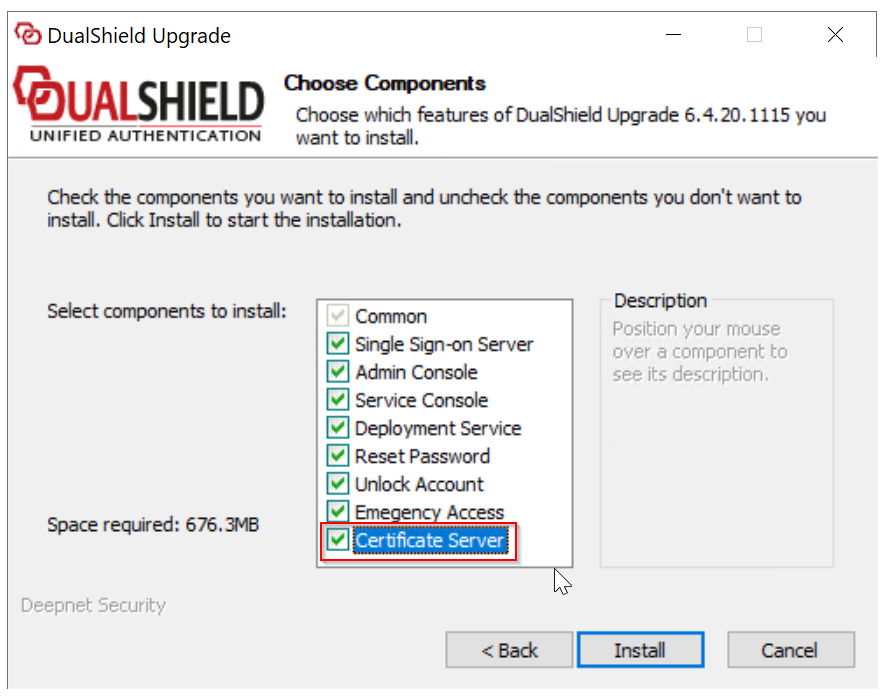
If you are upgrading an old DualShield 5.x server to the latest DualShield 6.x server, then you must select the "Certificate Server" component in the upgrading process:
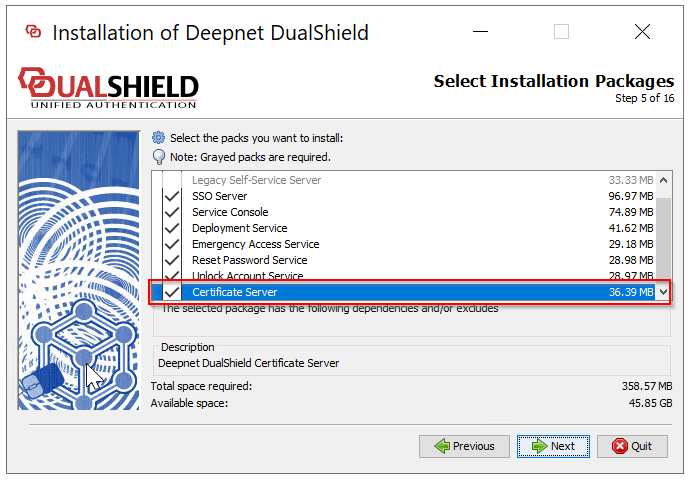
If are installing a new frontend DualShield server, then you must select the "Certificate Server" component in the installation process:
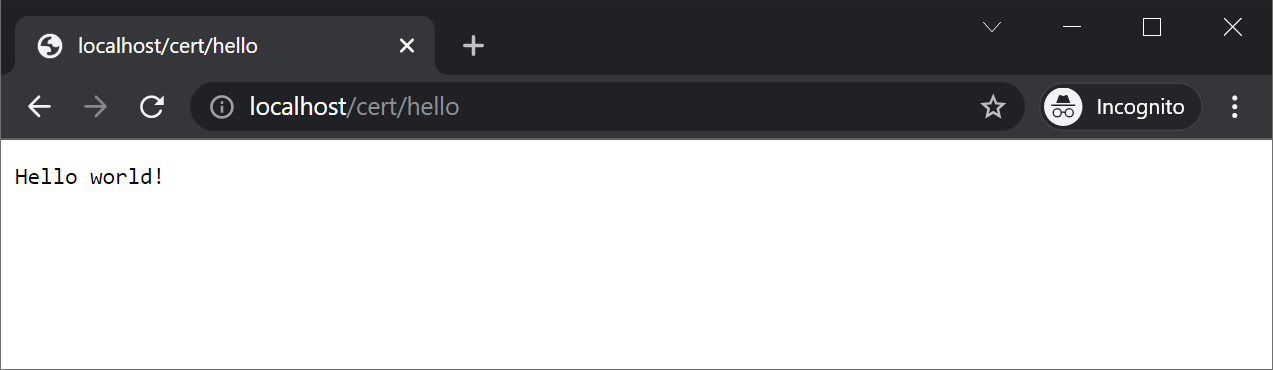
To check if the certificate server is in operation or not, navigate to "http://localhost/cert/hello"
Let's Encrypt requires port 80 to be open when a new certificate is being installed and when an existing certificate is being renewed. A Let's Encrypt certificate is valid for 90 days, which will be automatically renewed on the day it expires.
Let's Encrypt recommends that you should keep port 80 open
https://letsencrypt.org/docs/allow-port-80/
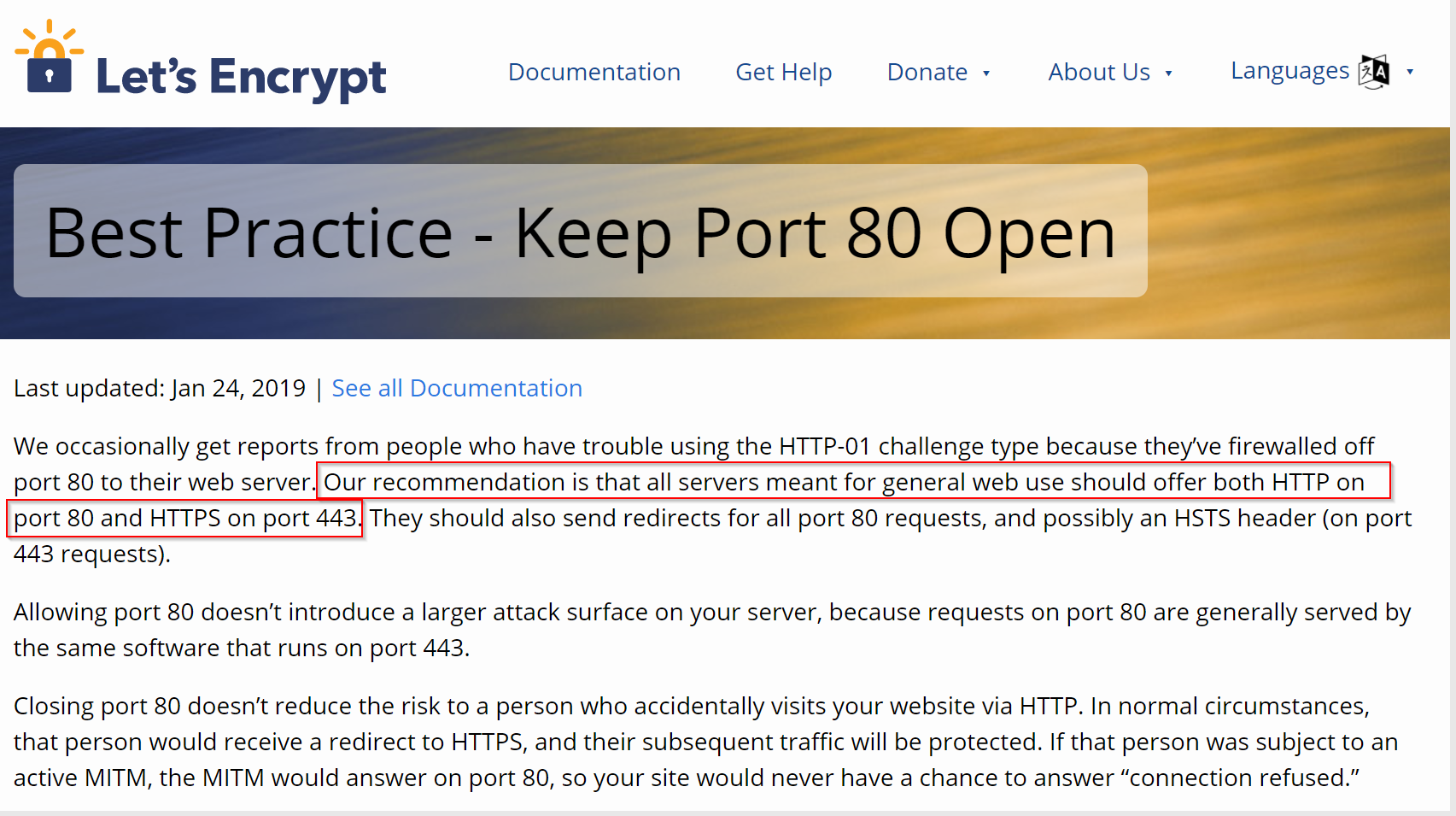
"Allowing port 80 doesn’t introduce a larger attack surface on your server", said Let's Encrypt, "because requests on port 80 are generally served by the same software that runs on port 443."
However, Let's Encrypt only needs to be able to access the /.well-known/acme-challenge/ path. You can configure your firewall to block access to everything else, if you want.
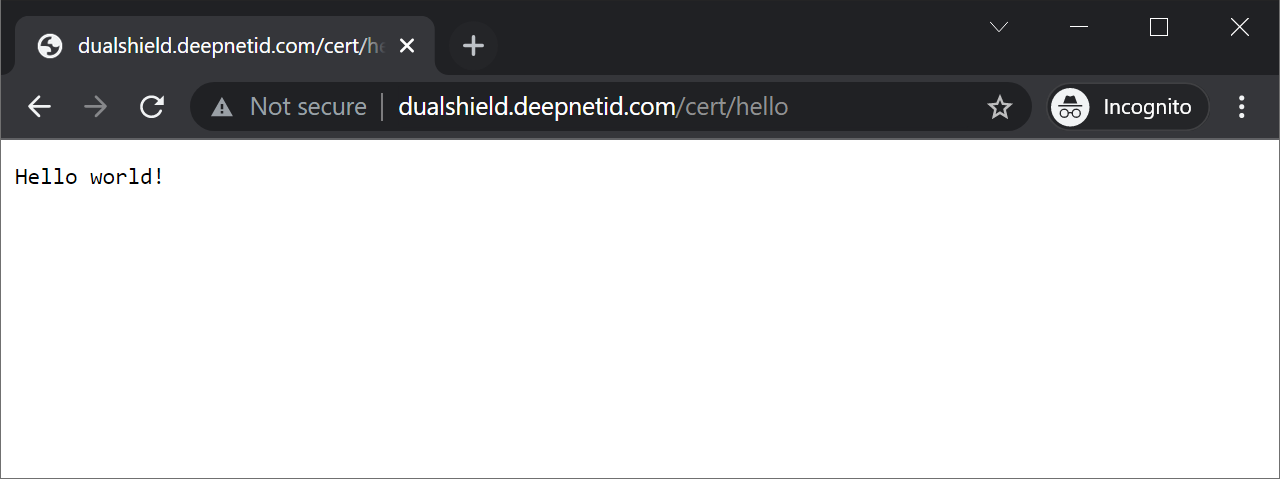
To check if or not port 80 is open to the Internet, navigate to http://your-dualshield-fqdn/cert/hello