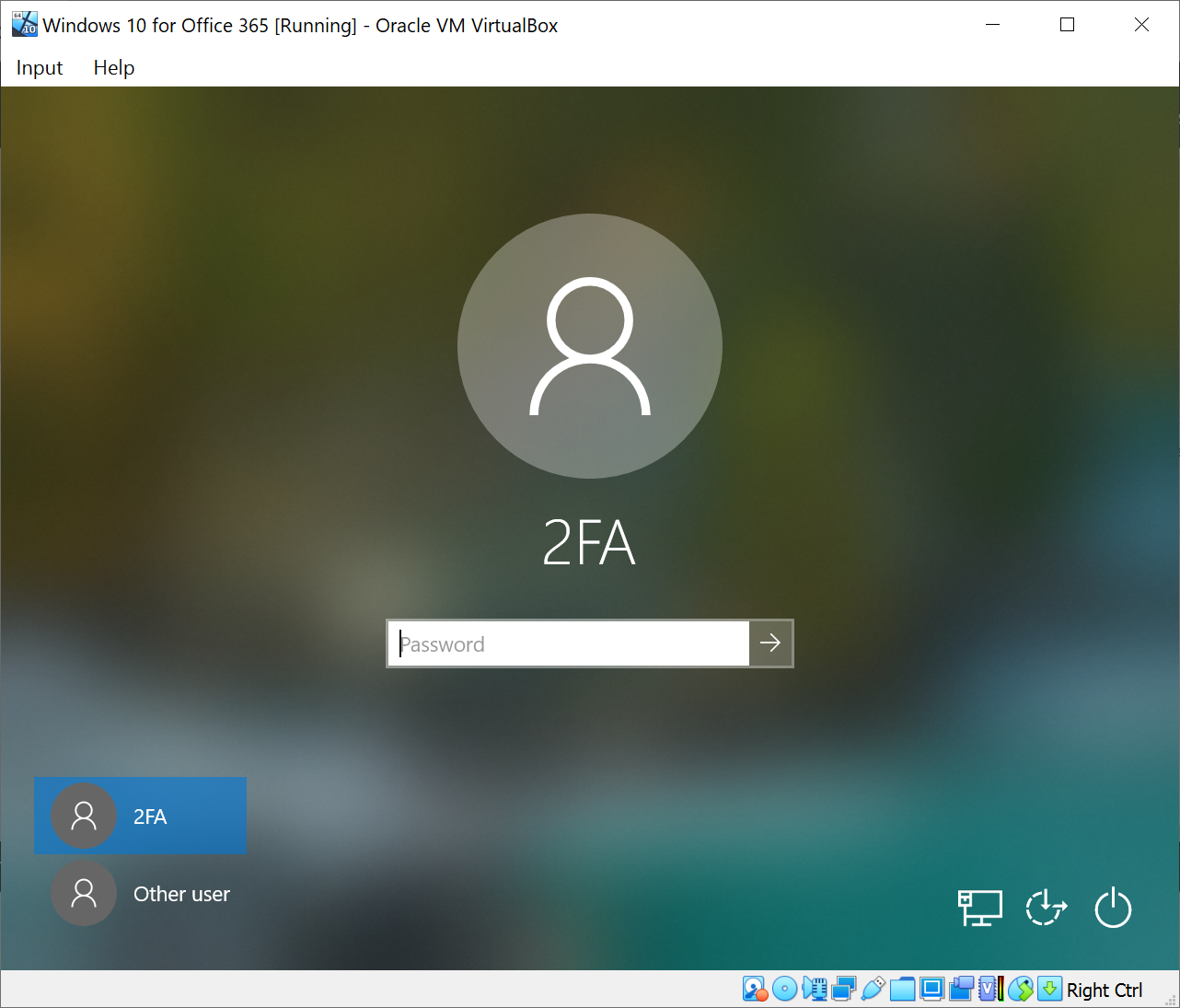
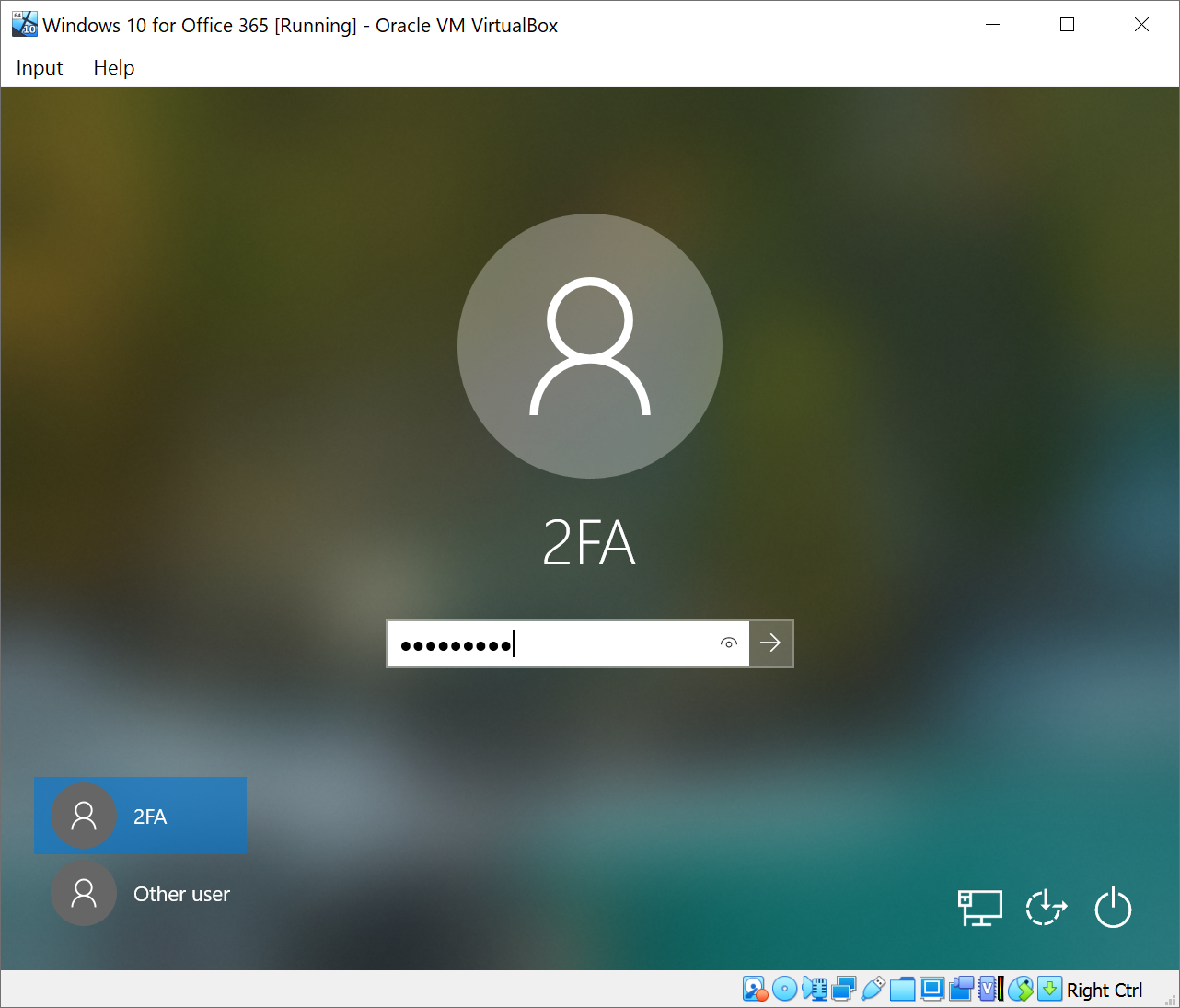
On the login window, enter your account password and press Enter to continue
If your account is MFA enabled, then the MFA window will be prompted
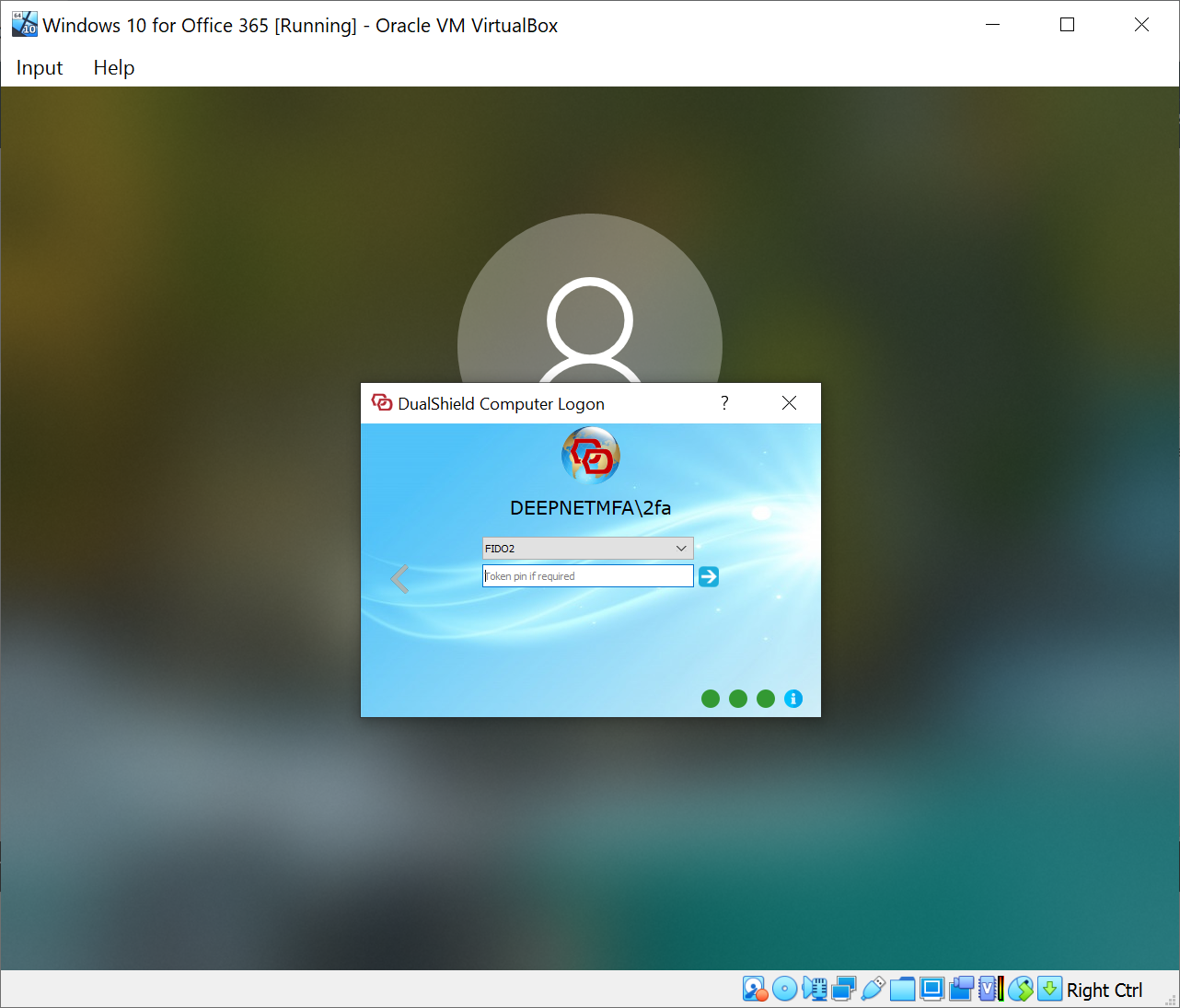
Select FIDO2 as the authentication method
Insert your FIDO2 key into the USB port of your PC or laptop
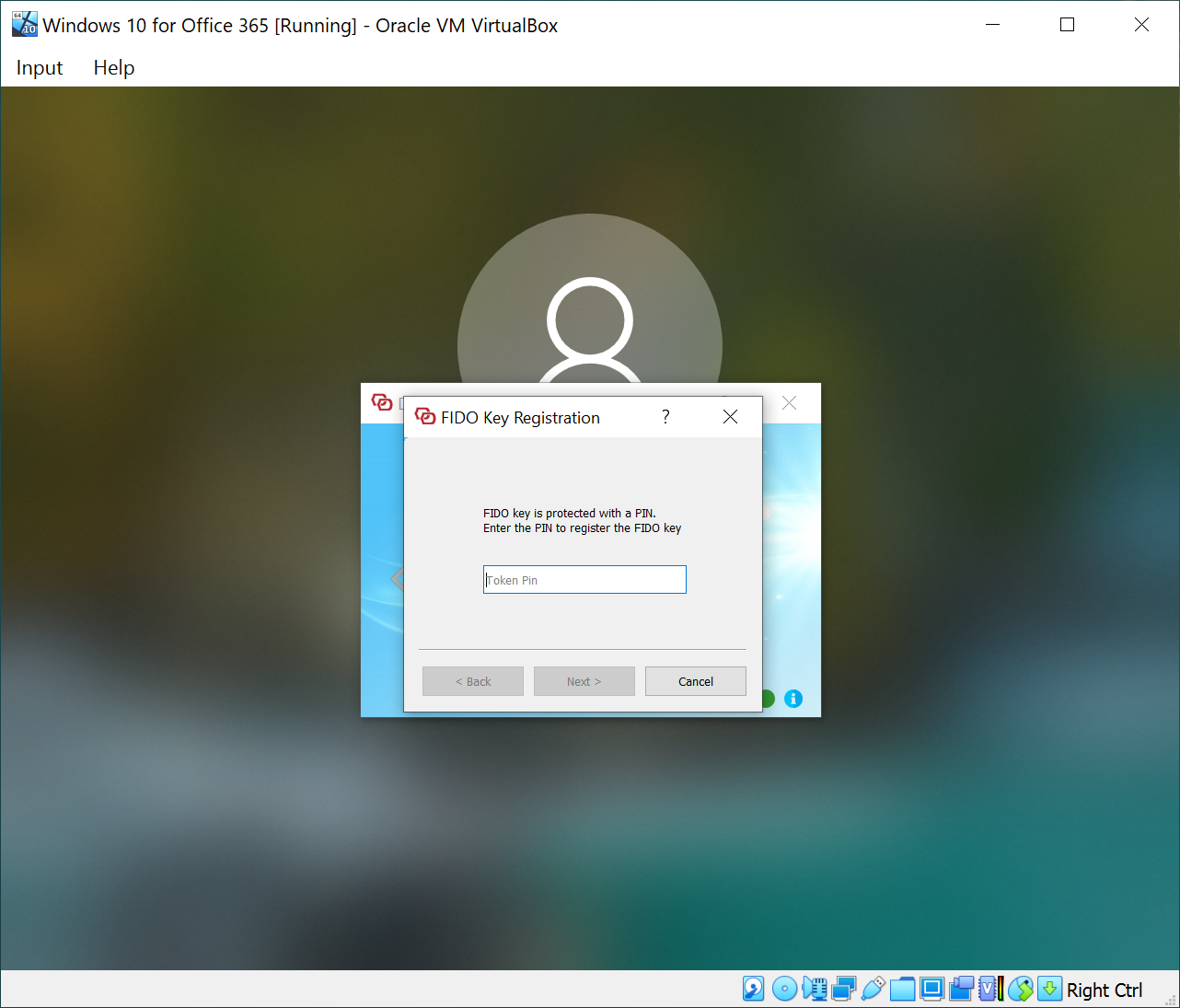
Commonly, FIDO2 key is protected with a PIN.
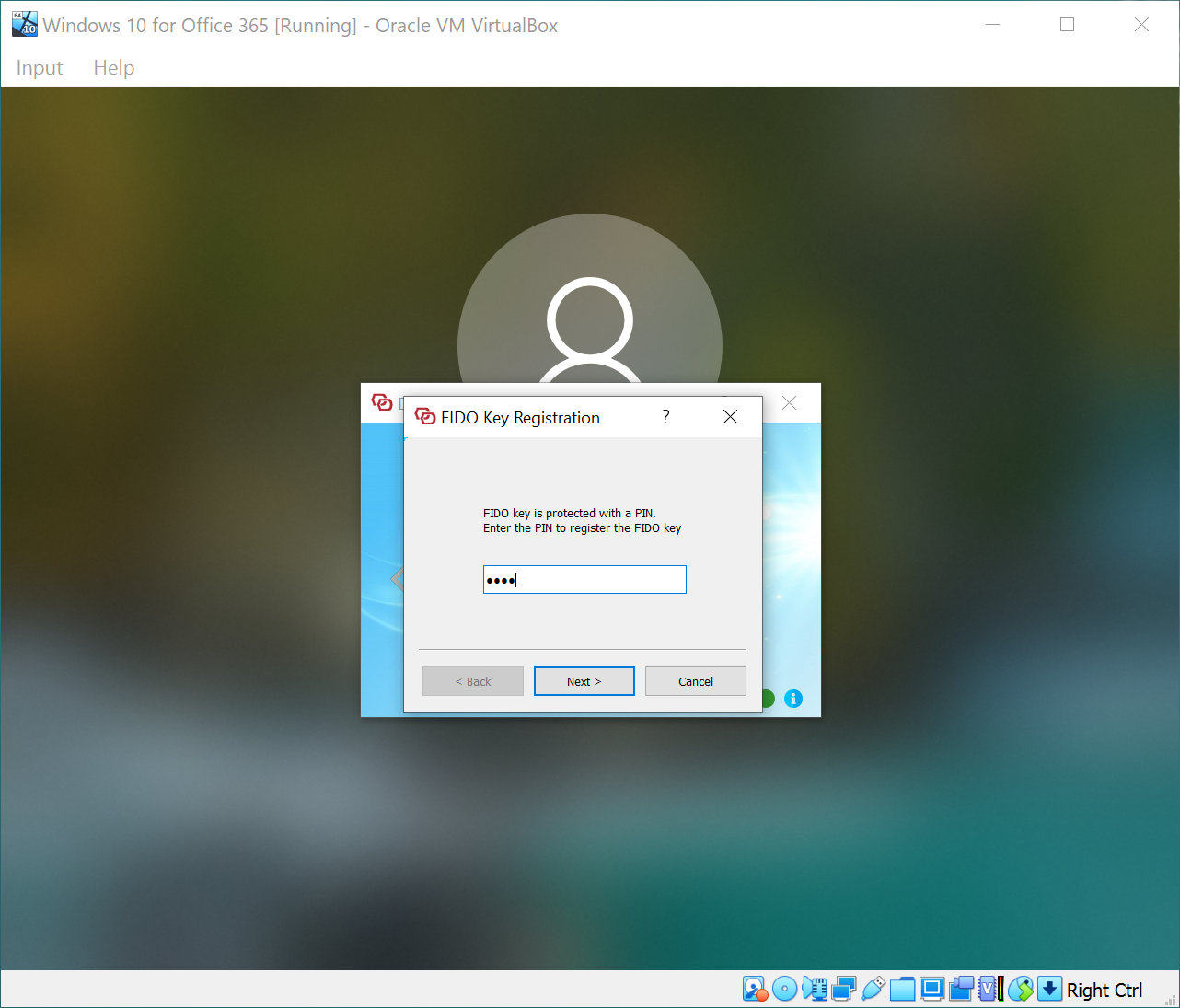
Enter the PIN of your FIDO2 key
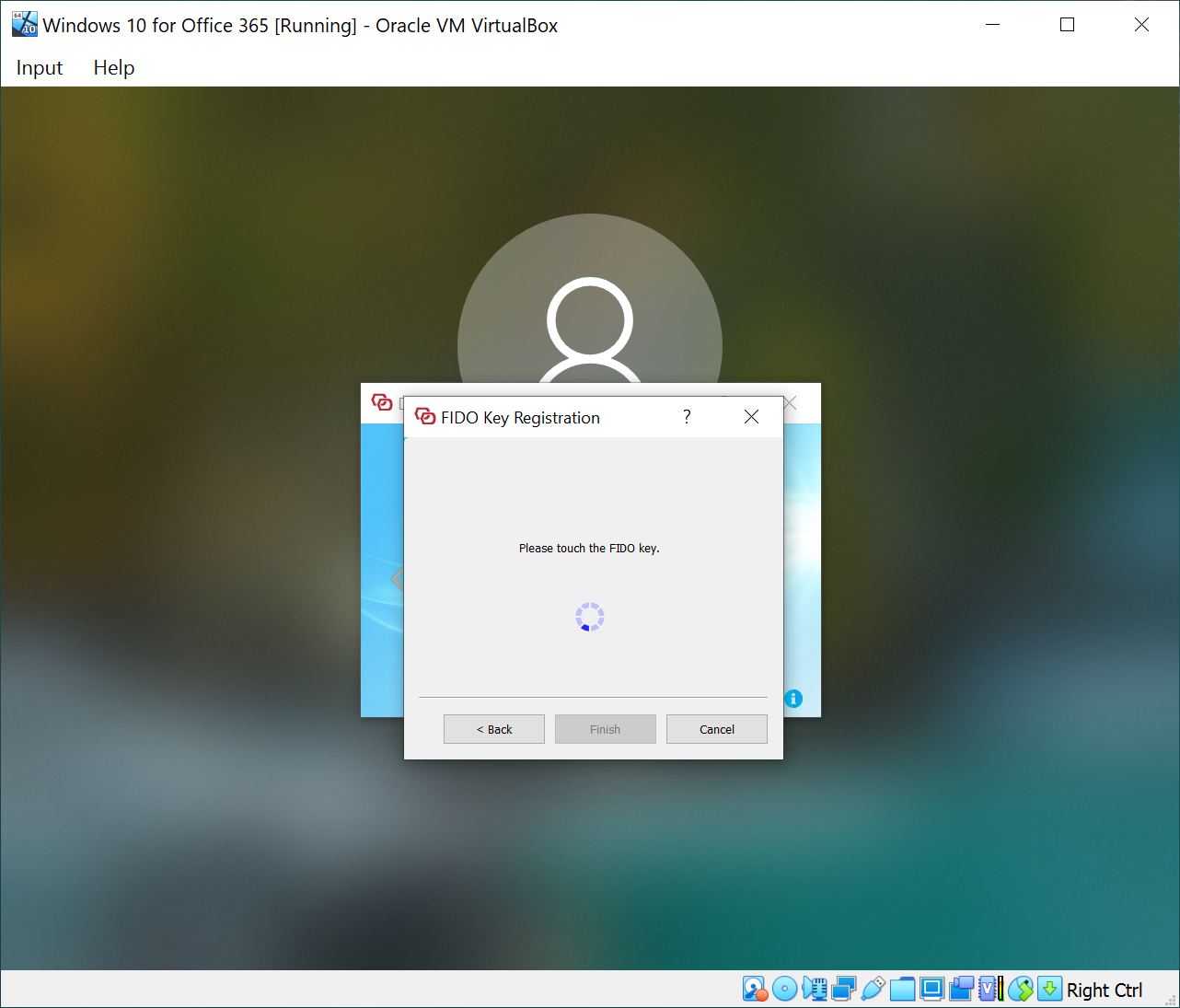
Now, you need to touch your FIDO2 key to continue
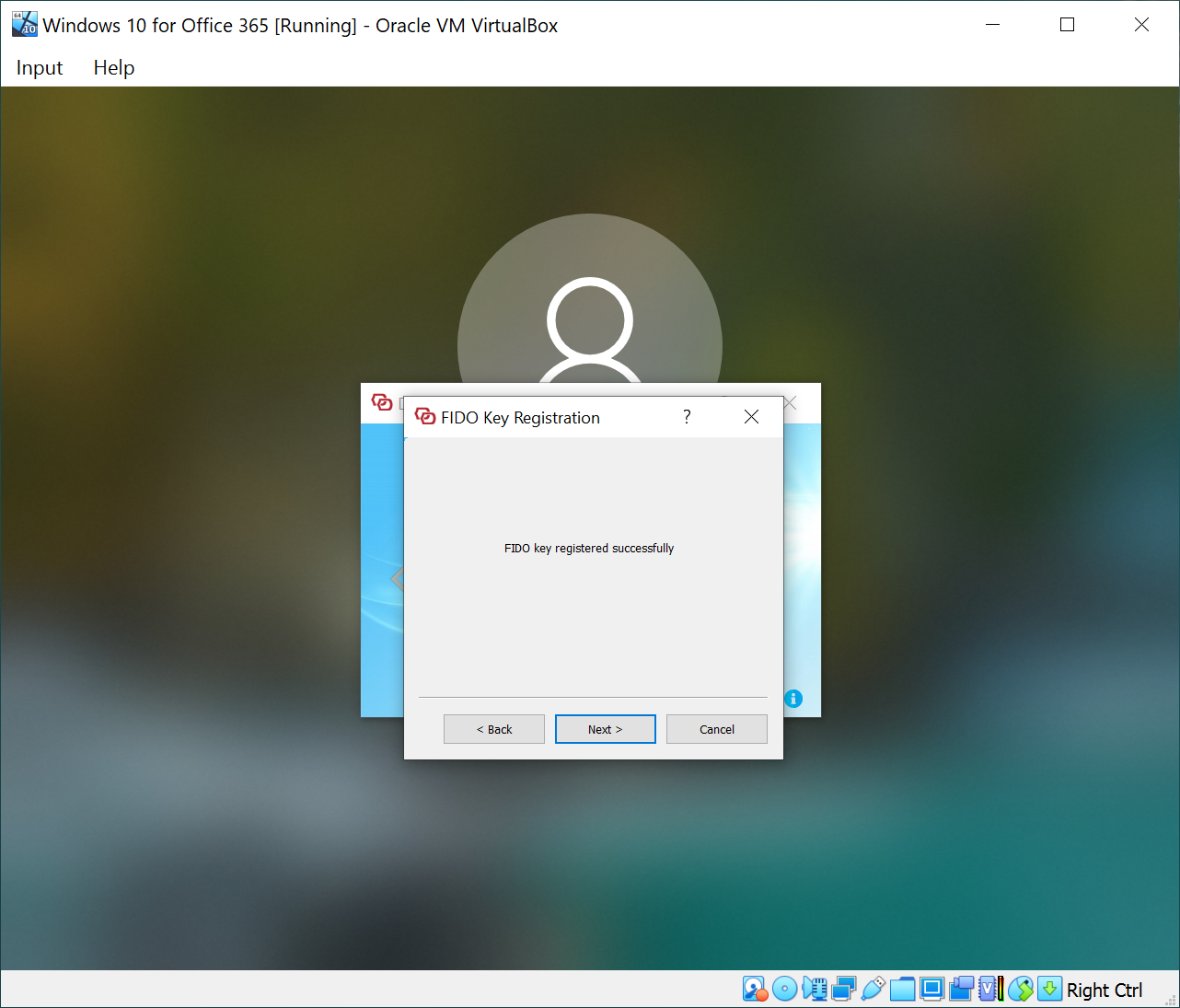
Your FIDO2 key has now been successfully registered
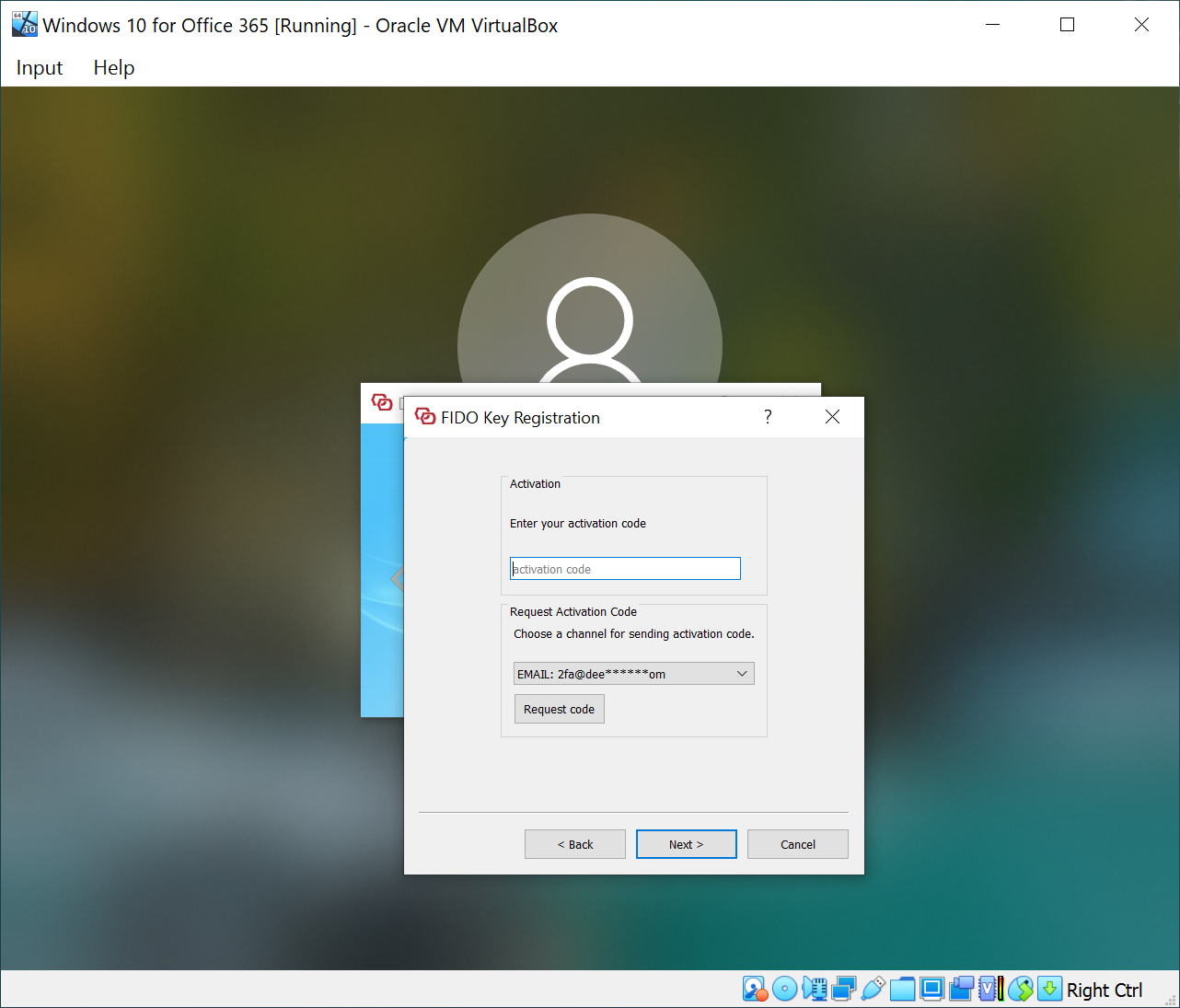
Optionally, if your FIDO2 policy is set to require activation, then you will be prompted to enter an activation code
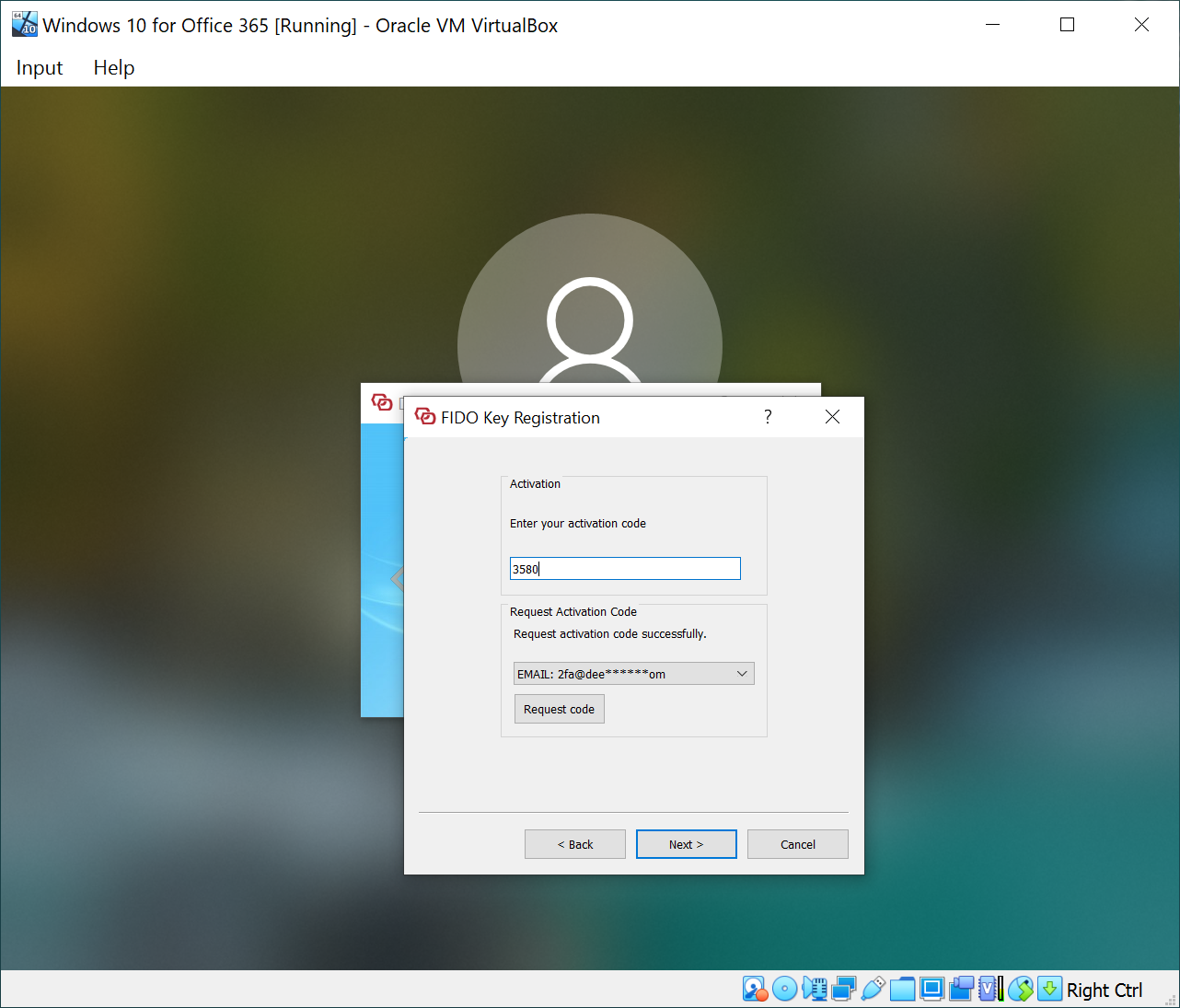
You can request an activation code to be sent to you by email or SMS
Enter the activation code that you have received to activate your FIDO2 key 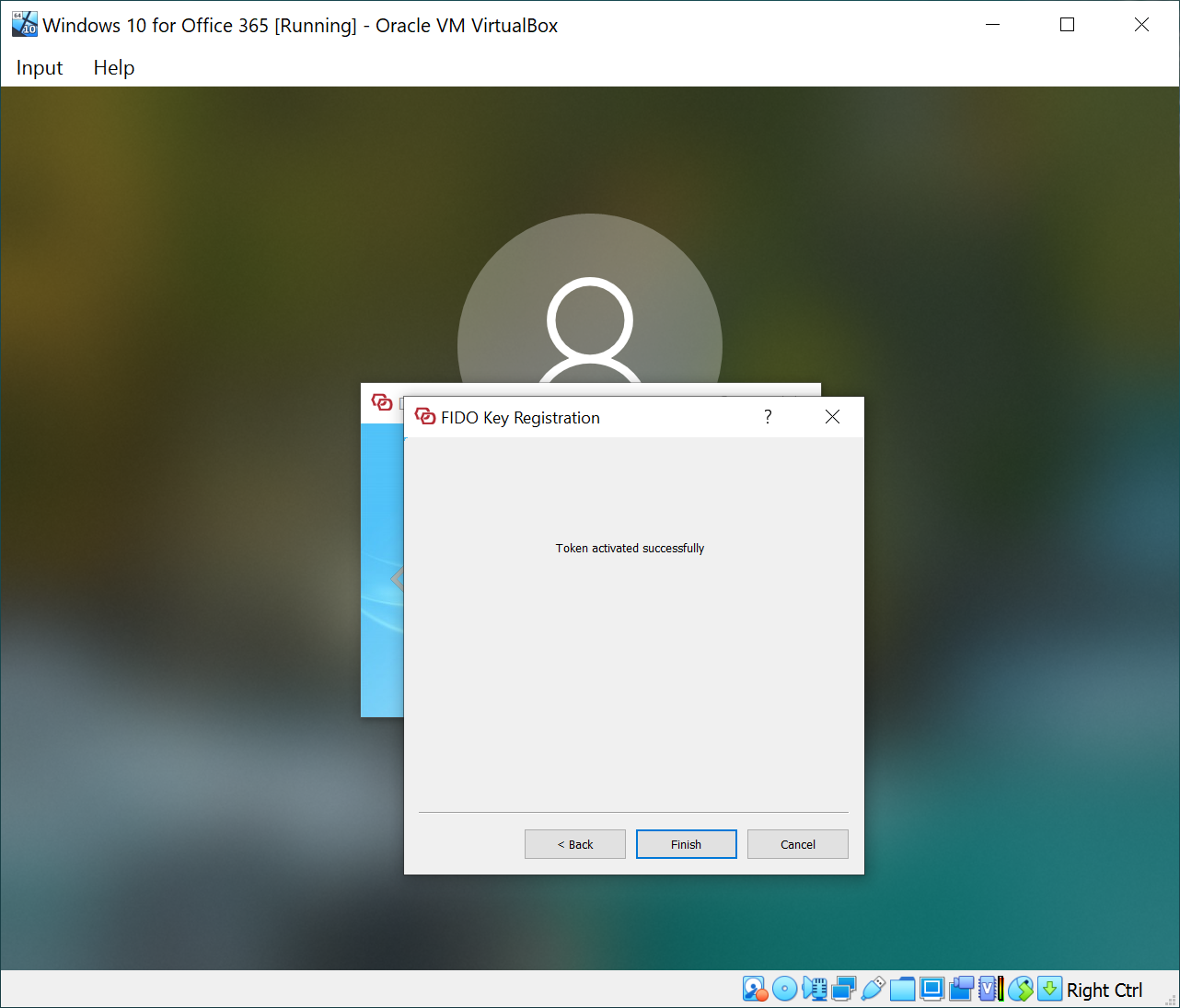 |