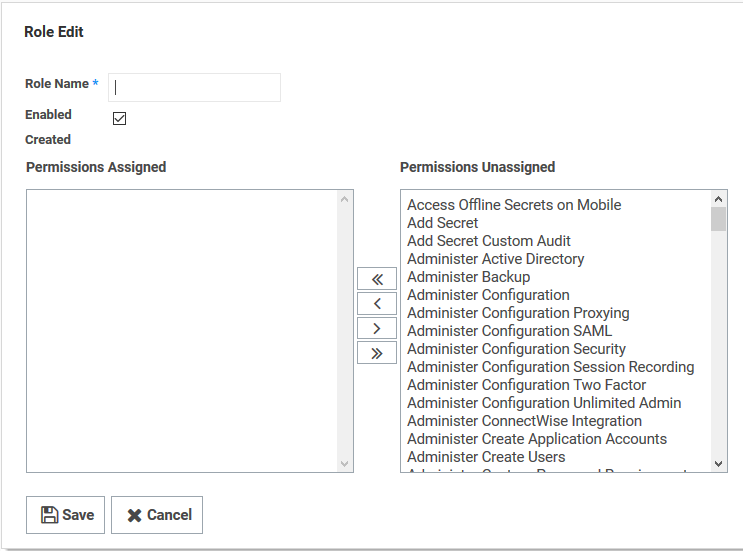
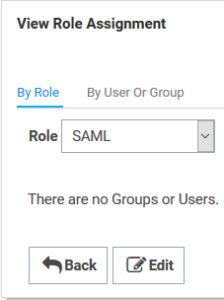
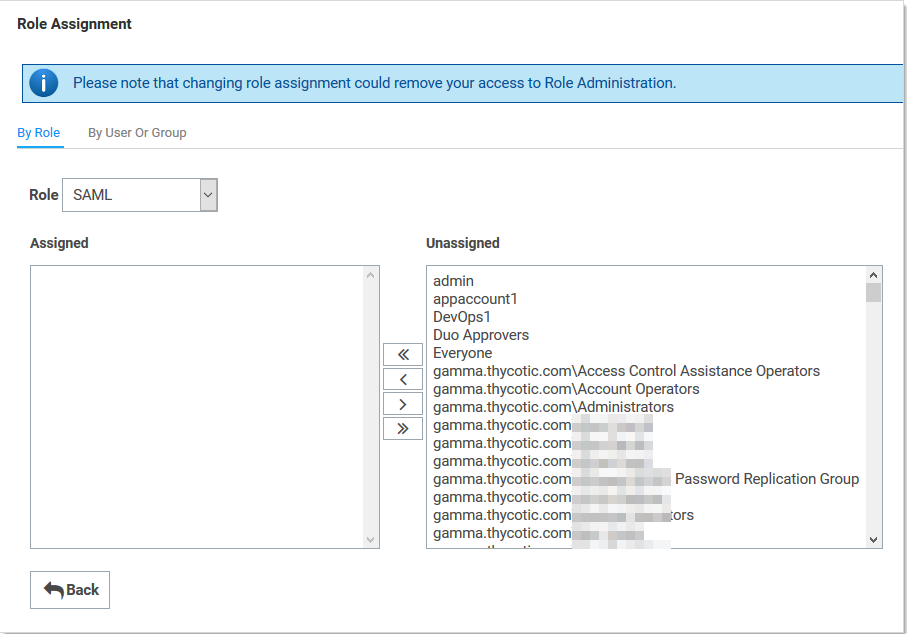
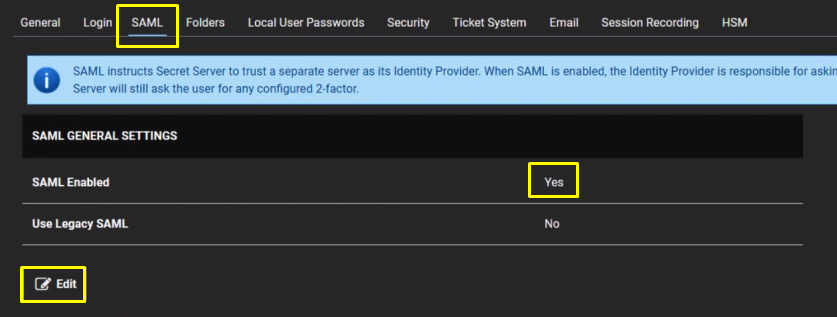
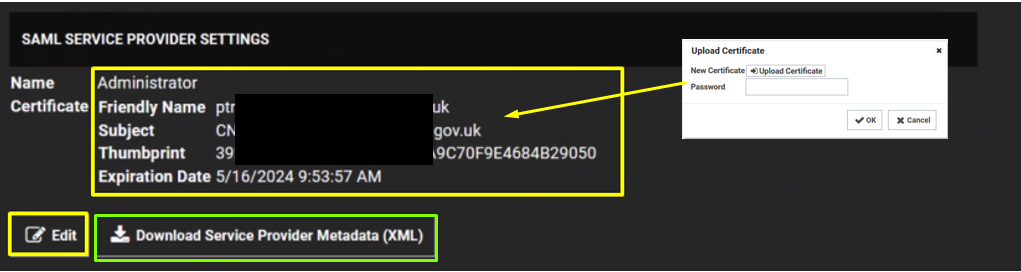
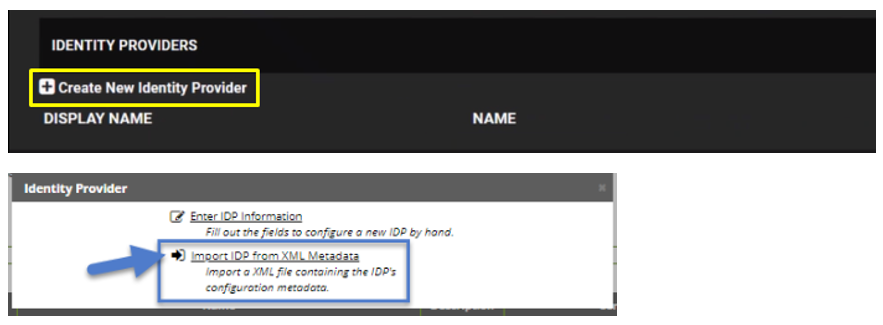
The “Administer Configuration SAML” role permission is required to use SAML to access Secret Server. To grant a user this permission from an administrator account: Go to Admin > Roles. The Roles page appears. Click the Create New button. The Role Edit page appears: Type the name, such as Click to select the Enabled check box. Click Administer Configuration SAML in the right side Permissions Unassigned list box. Click the < button to move the permission to the other side. Click the Save button. |
|