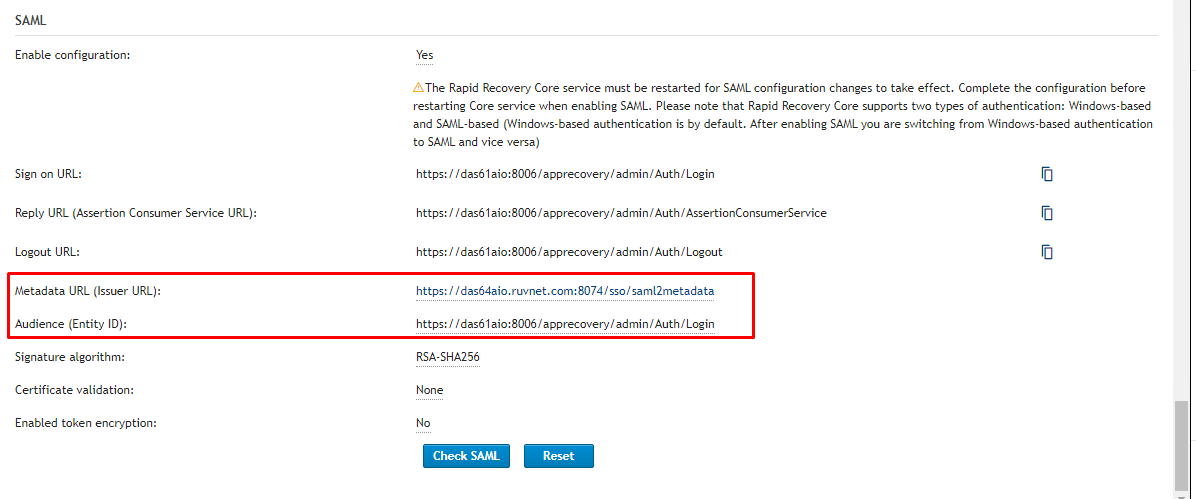
This is an important notice so proceed with extreme caution:
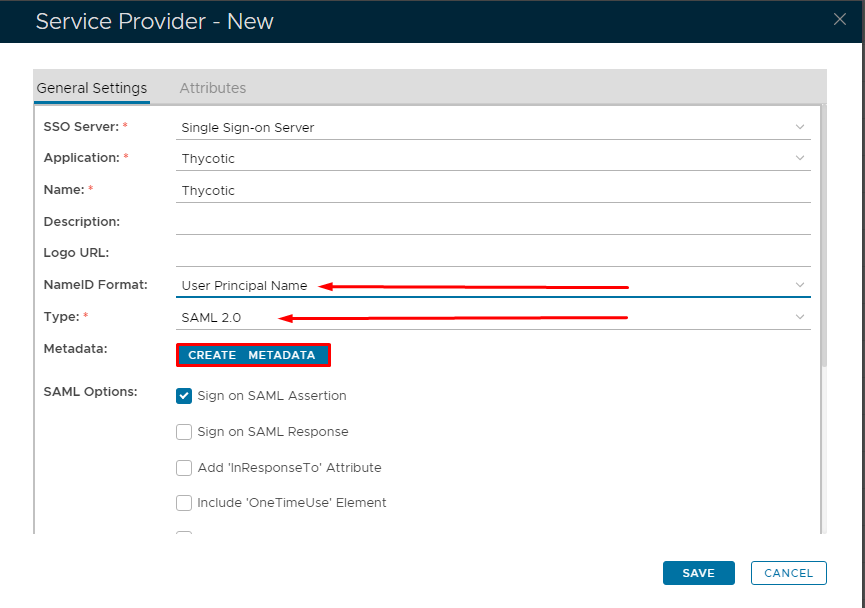
Fill in the details as per screenshot on right and make sure NameID Format is set to User Principle Name and you select SAML 2.0 as Type.
Click on Create Metadata
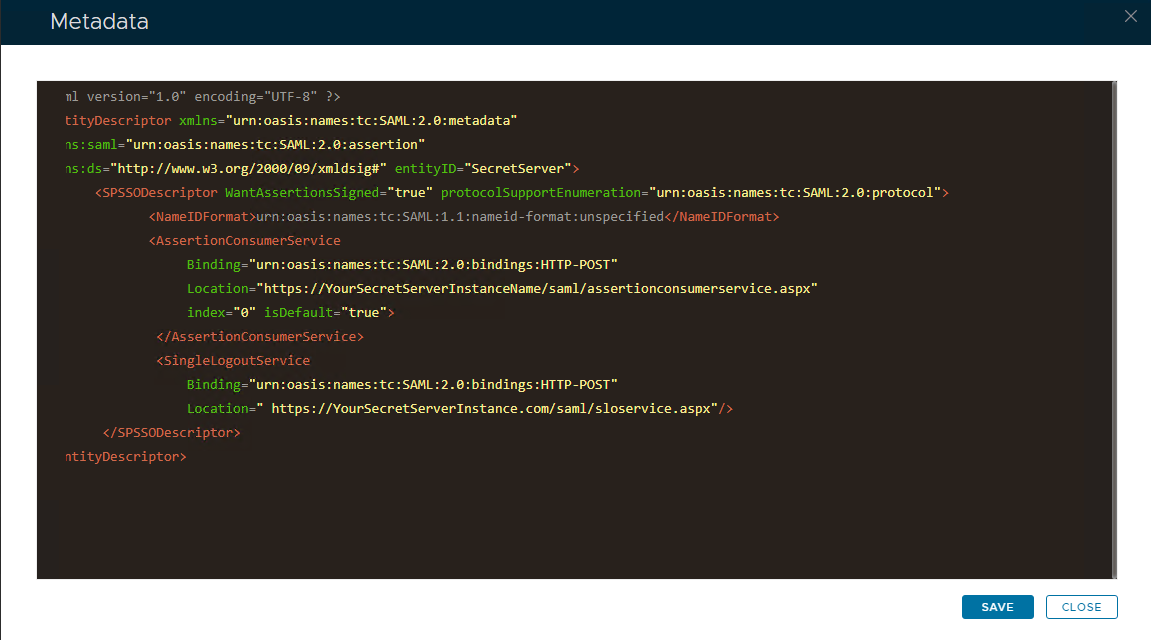
Open the Service Provider Metadata file you obtained in Secret Server Setup.
Copy and past the metadata into the Metadata dialog box,
Click Save