Prerequisite:
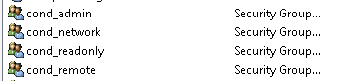
Create the following global security groups in AD |
|
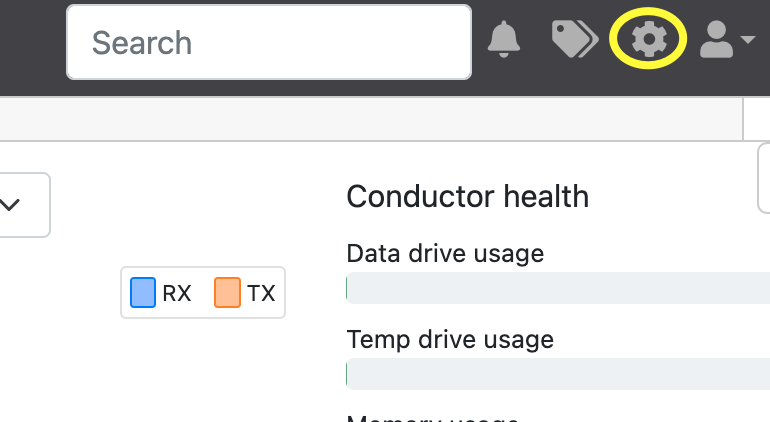
1) Log on to the Tempered Conductor Dashboard as Admin and click on the cogwheel on the top right-hand side to take you into settings. |
|
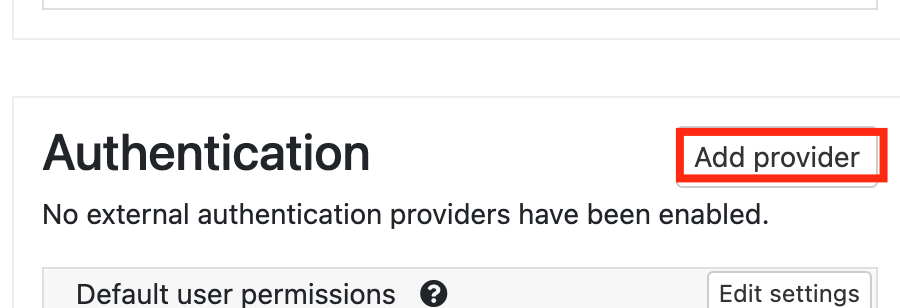
2) Scroll down to Authentication (on the right) and click on Add Providers
|
|
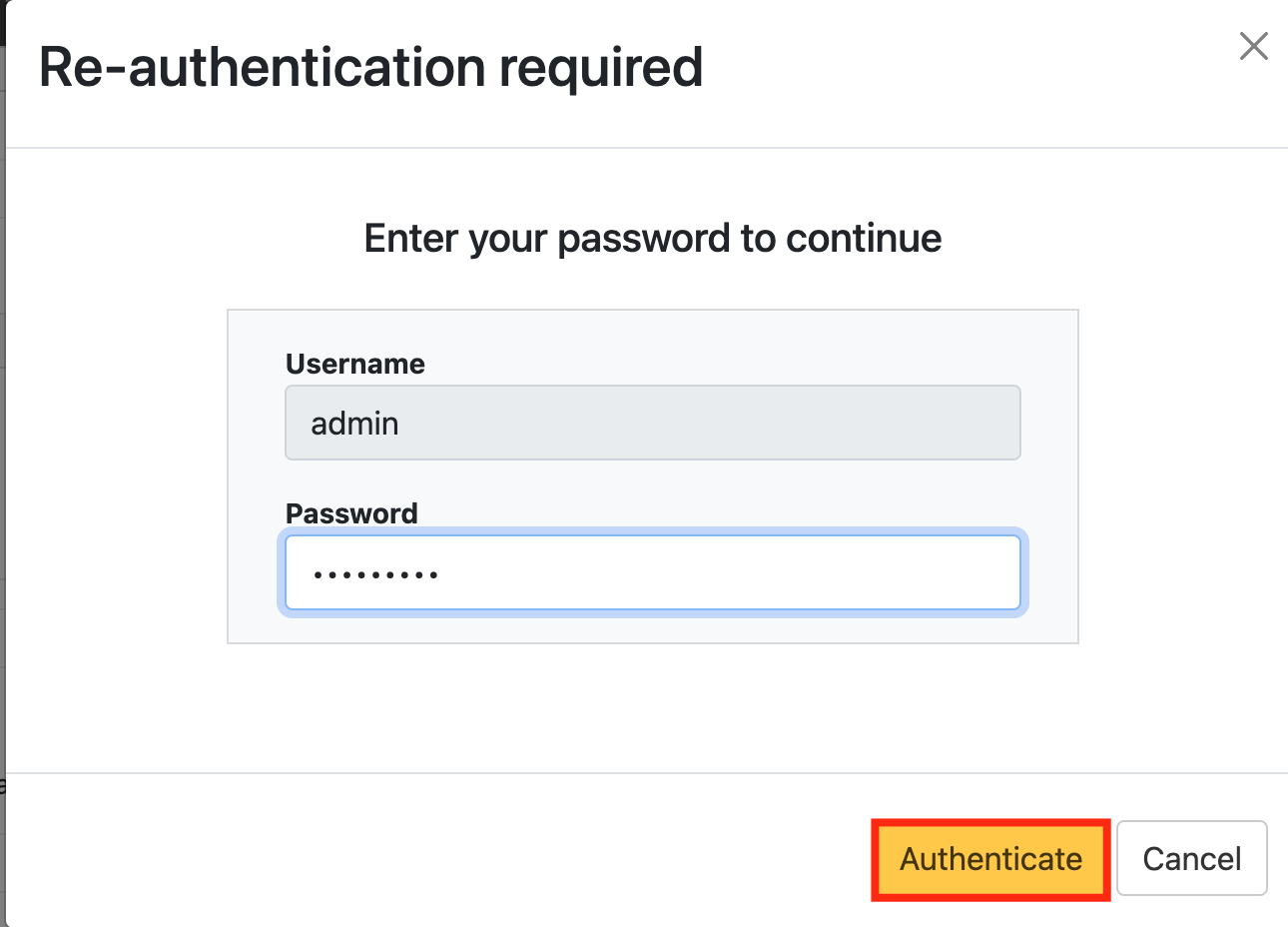
3) You will be asked to enter your admin credentials again. |
|
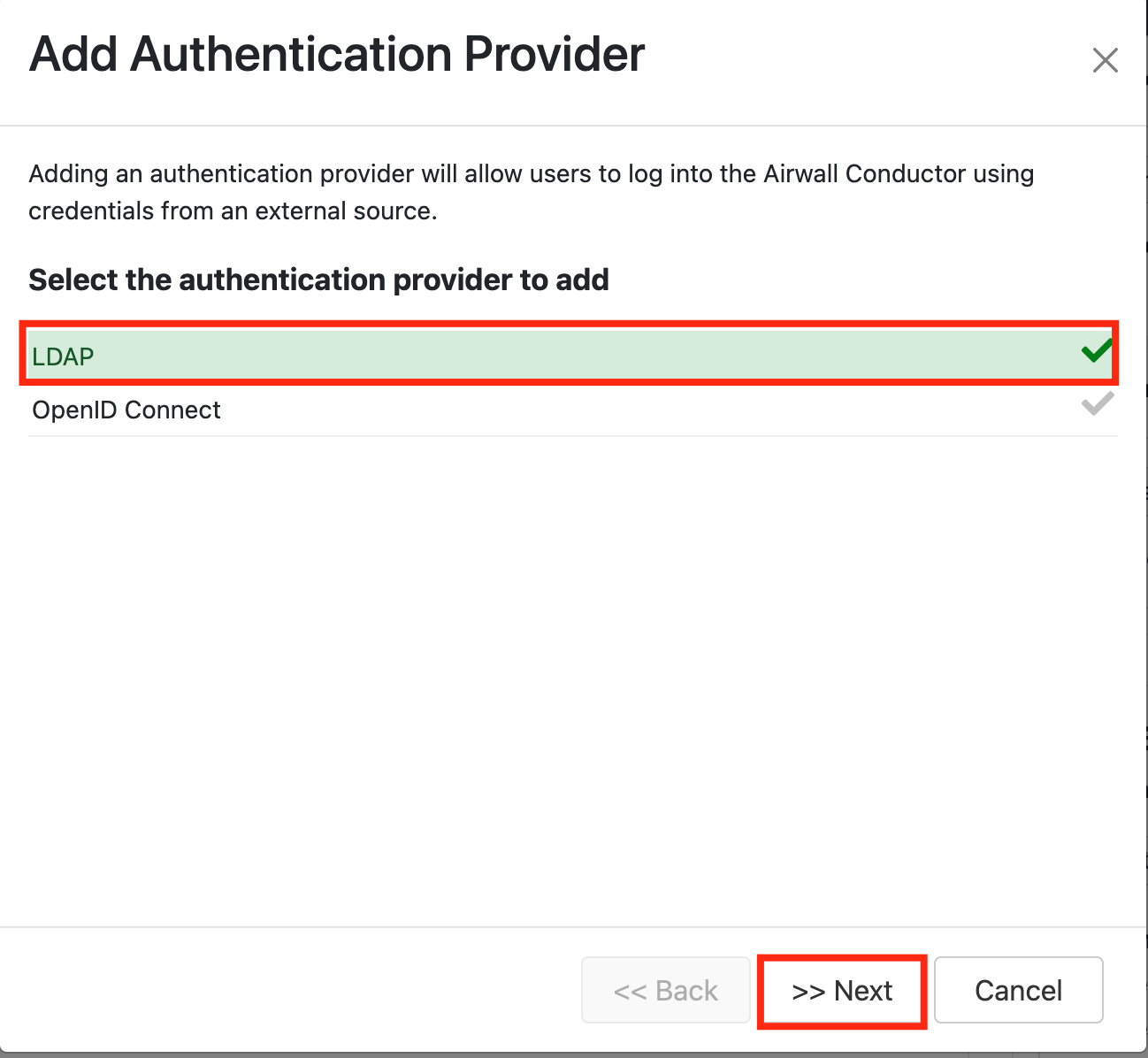
Under 'Add Authenticator Provider' Select LDAP |
|
Click Next.
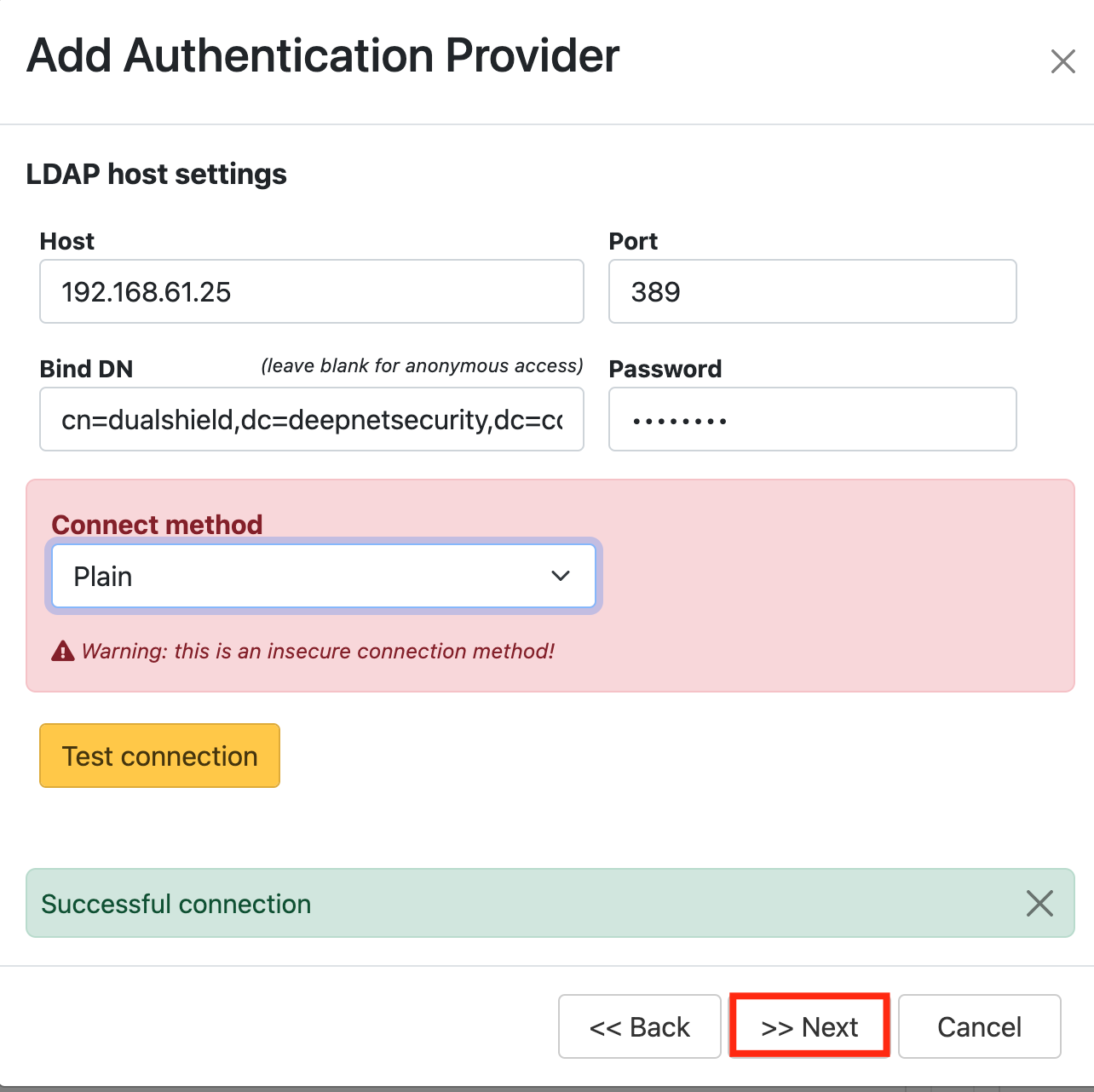
Authentication Provider settings: (* your own settings) | Attribute | Value |
|---|
| Host* | IP address of DualShield Server | | Port* | 389/686 | | Bind DN | cn=dualshield,dc=deepnetsecurity,dc=com | | Password | password | | Connection method* | Plain/SSL/TLS |
|
|
Test connection.
Click Next.
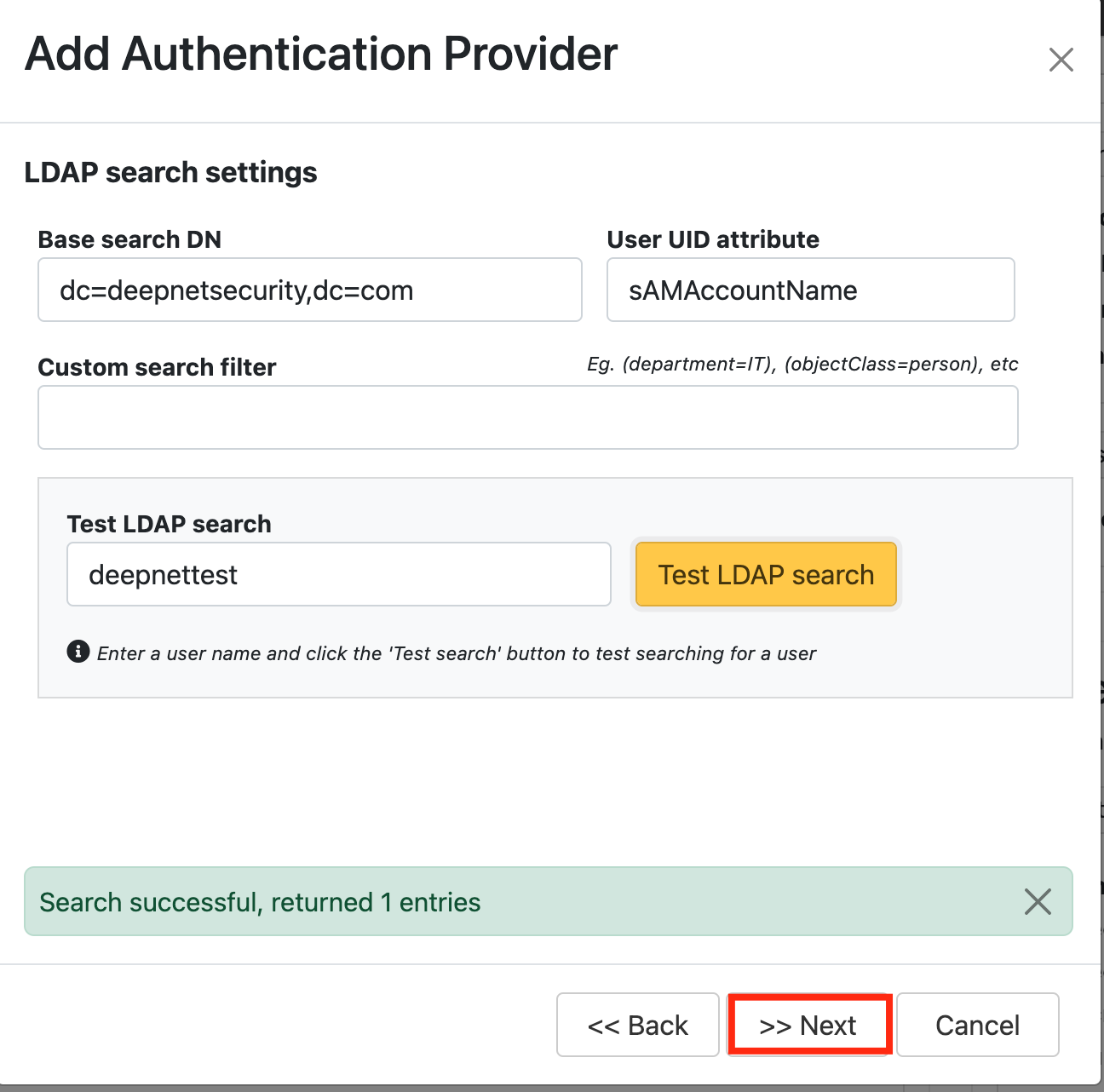
Authenticator Provider settings: | Attribute | Value |
|---|
| Base search DN | dc=deepnetsecurity,dc=com | | User UID Attribute | sAMAccountName (default) |
|
|
Type in an LDAP username and Test LDAP Search.
Click Next.
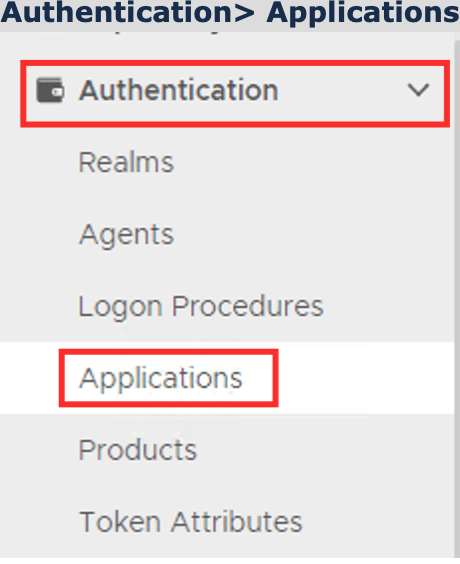
Authentication> Applications |
|
Click on  on the top right.
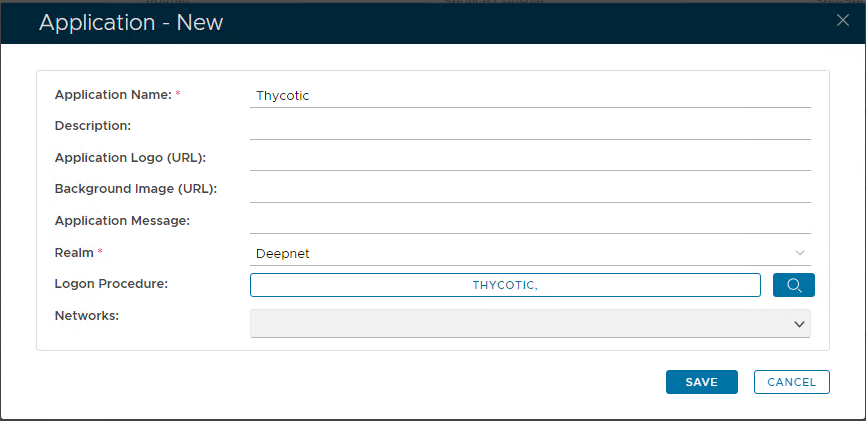
In the new Application window, please enter the following information: | Option | Value |
|---|
| Name: | Enter a friendly name | | Realm: | Select your Realm | | Logon Procedure: | Select the Logon Procedure you had created in the previous step |
Click: Save |
|
Bind the Application to an SSO Server Agent
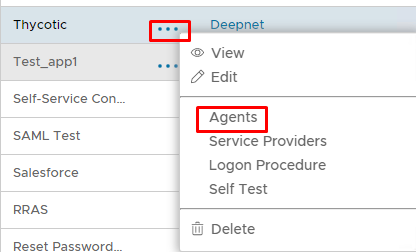
Select the drop down menu corresponding to the Application you will be using and click on Agents. |
|
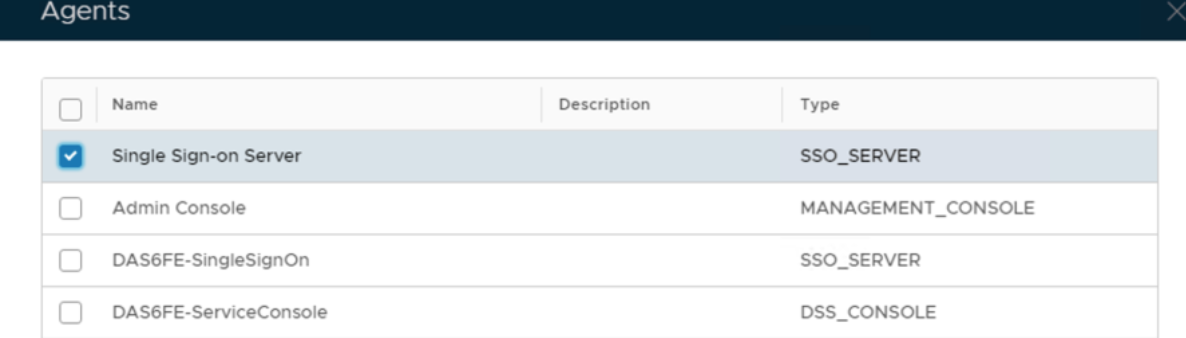
Tick the box of the SSO Server you will be using and click Save below. |
|