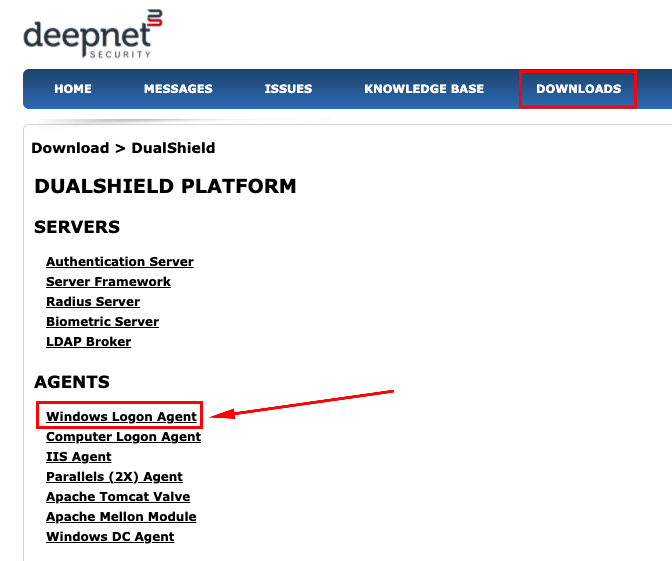
You will need to download the DualShield Windows Logon agent directly onto the Stand alone PC. You can download the software from http://support.deepnetsecurity.com/visit.asp?pg=download/dualshield. Make sure you have your license key to hand. |
|
|
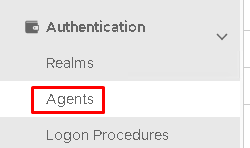
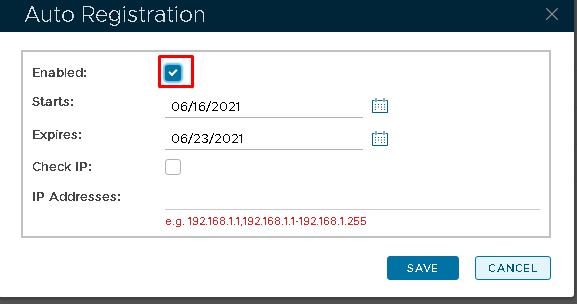
Note: Before you can install the agent onto the PC you have to enable Auto Registration on the DualShield Authentication Server
|
|
|
Please now use the following guide which details how to install the Windows Logon Agent onto your PC.
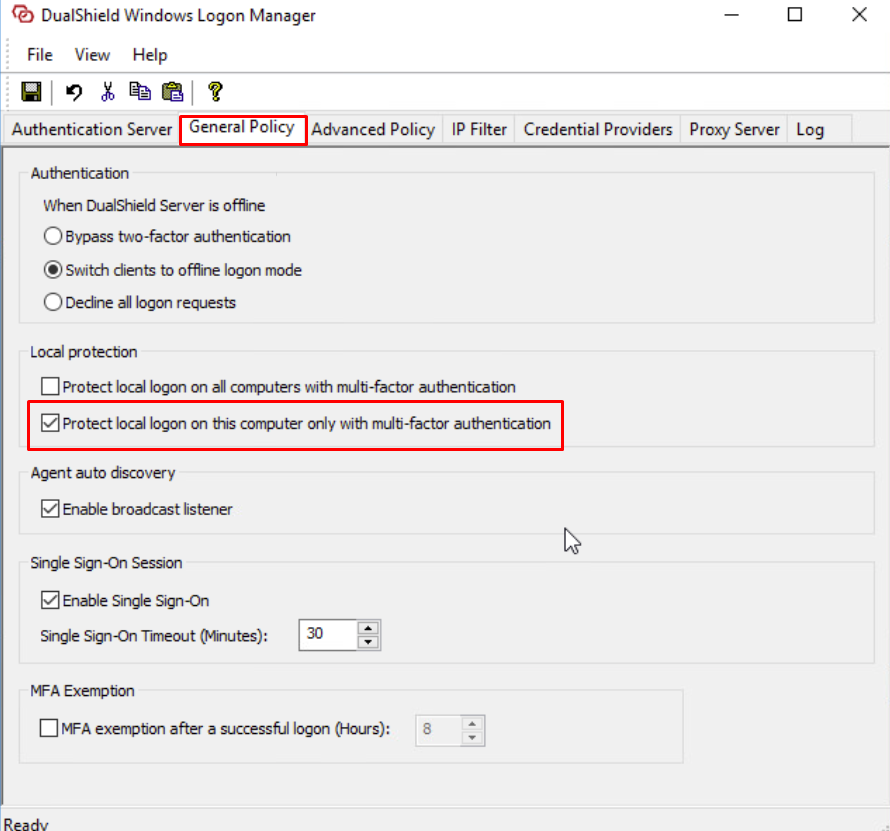
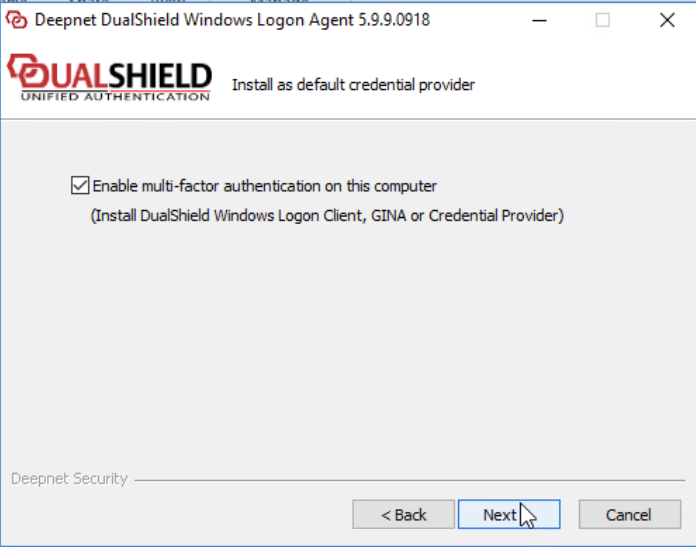
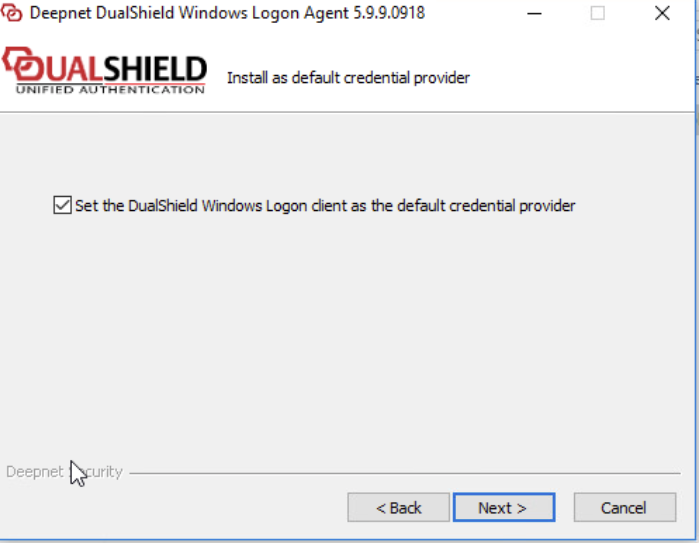
Please make sure you follow the preparation steps of creating a Logon Procedure and Application, which is mentioned at the beginning of the guide. Also during installation please make sure the following two options are enabled.
|
|
Click on the
|
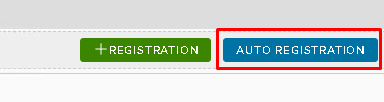
 in the top tool bar