Create a Web logon procedure
- Login to the DualShield Management Administration Console
- In the main menu, select “Authentication | > Logon Procedure”Procedures”
- Click the “Create” “+ CREATE” button on the toolbar, on the right
- Enter a recognisable “Name” and select “Web SSO” as the typeType
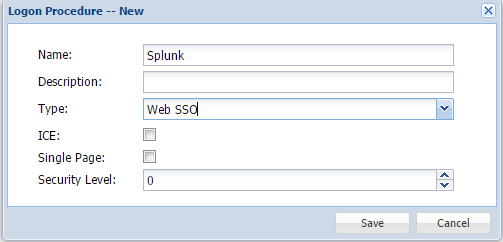 Image Removed
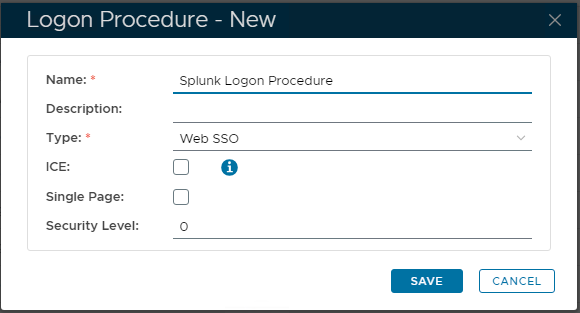 Image Added
- Click “Save”“SAVE”
- Click the Context Menu icon of the newly created logon procedureLogon Procedure, select “Logon Steps”
- In the popup windowswindow, click the “Create” “+ ADD” button on the toolbar
- Select the authentication method.
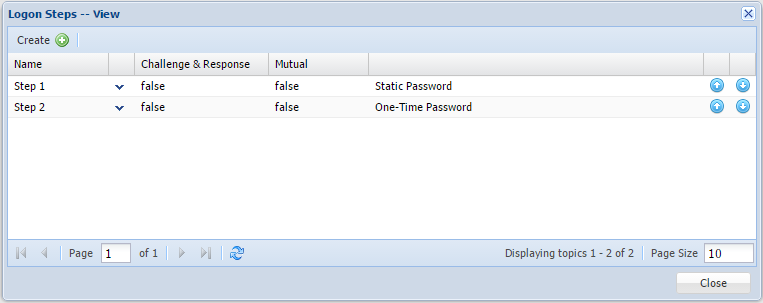 Image RemovedAdd the necessary Authentication methods here
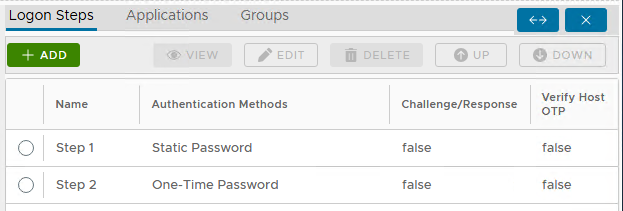 Image Added
Create a Web application
- In the main menu, select “Authentication | Application”> Applications”
- Click the “Create” “+ CREATE” button on the toolbar
- Enter a recognisable “Name”
- Select your internal “Realm”
- Select Add the newly created logon procedure
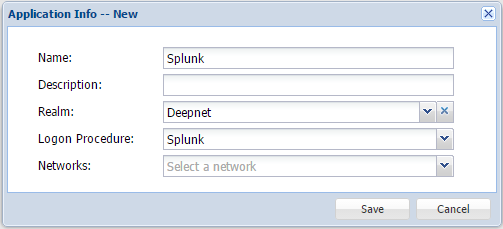 Image RemovedLogon Procedure (from the previous step)
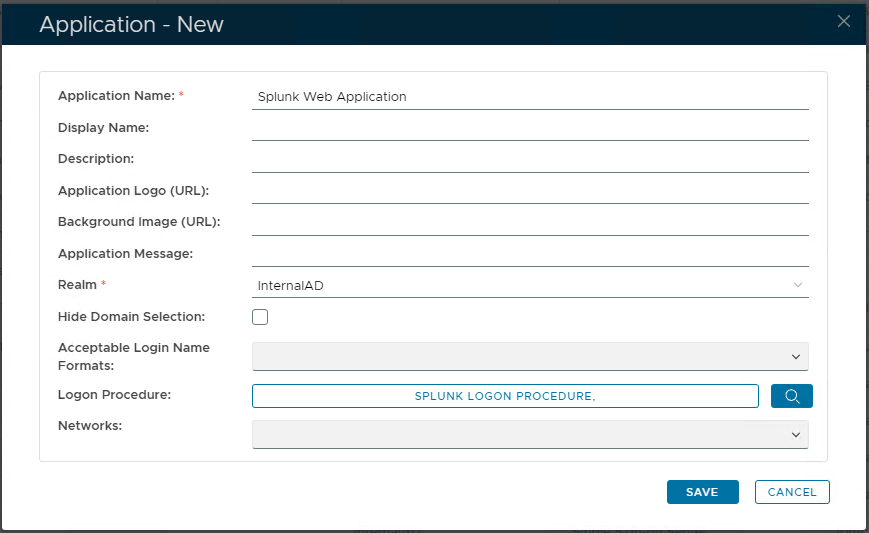 Image Added
- Click "Save"
- Click the context "..." menu of the newly created applicationApplication, then select "Agent"
- Select the SSO Server
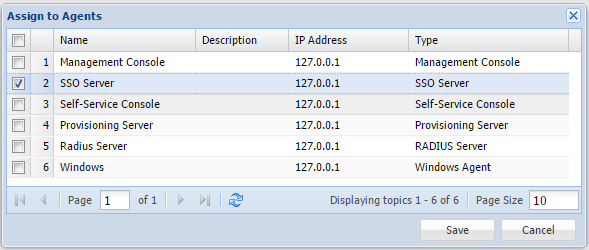 Image Removed"Single Sign-on Server (SSO Server)"
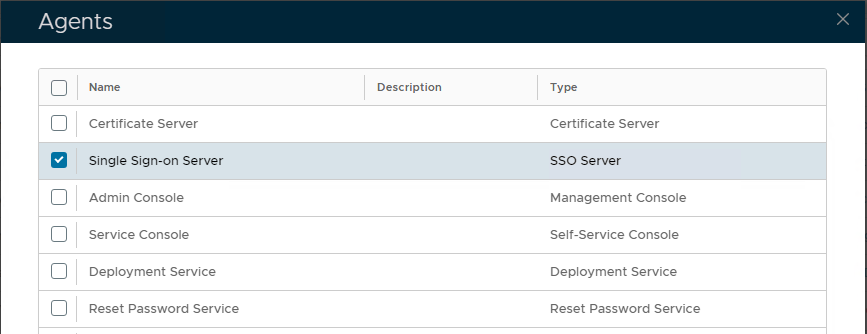 Image Added
- Click "Save"
- Click the context "..." menu of the newly created applicationApplication, select then select "Self Test"
 Image Removed
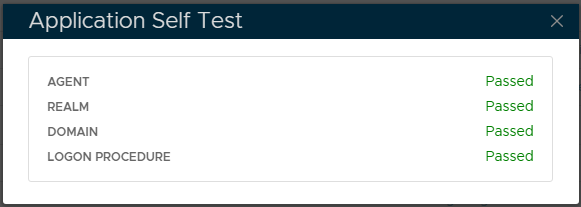 Image Added
- In the main menu, select navigate to " SSO | > SSO Servers"
- Click the context "..." Download IdP Metadata", and select the application created earlier.
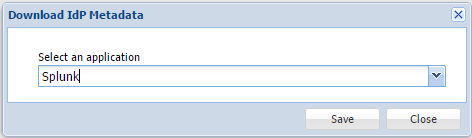 Image Removed
Create a Service Provider
- menu of "Single Sign-on Server (SSO Server") then select "Download Idp MetaData" .
Note the Name and location of the XML file, saved locally.
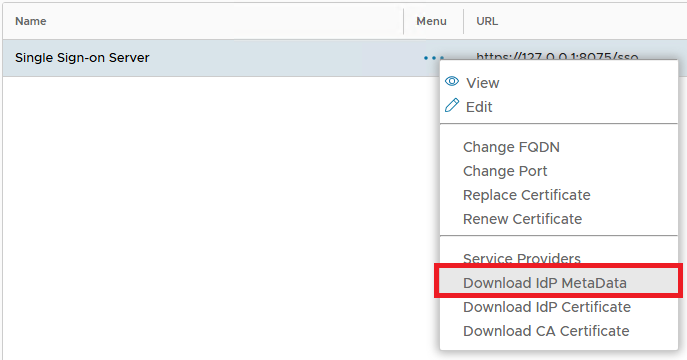 Image Added
service provider , firstly complete Splunk SAML configuration and download the - In the main menu, select " SSO | Service Providers"
- Click "Create"
- Enter "Name", Select Type as "SAML 2.0"
- Copy the content of Service Provider Metadata (SPMetadata.xml) into the "Metadata" field.
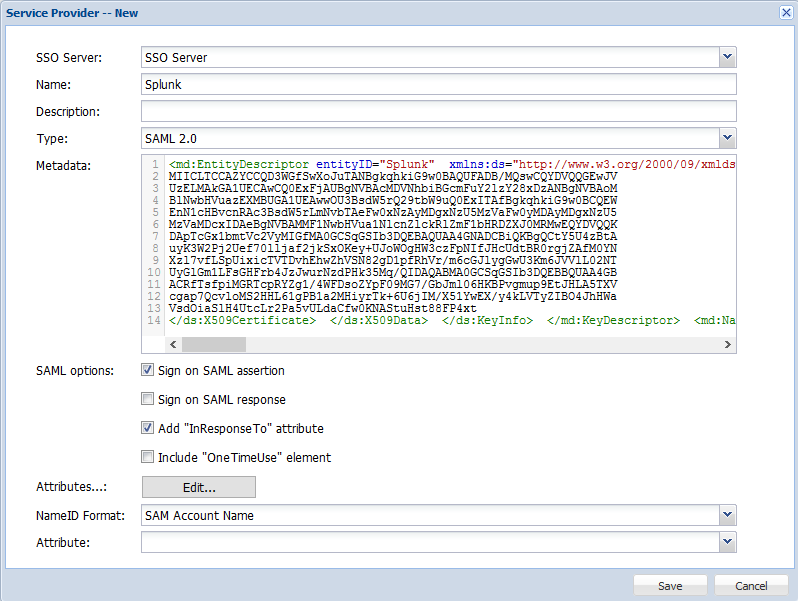
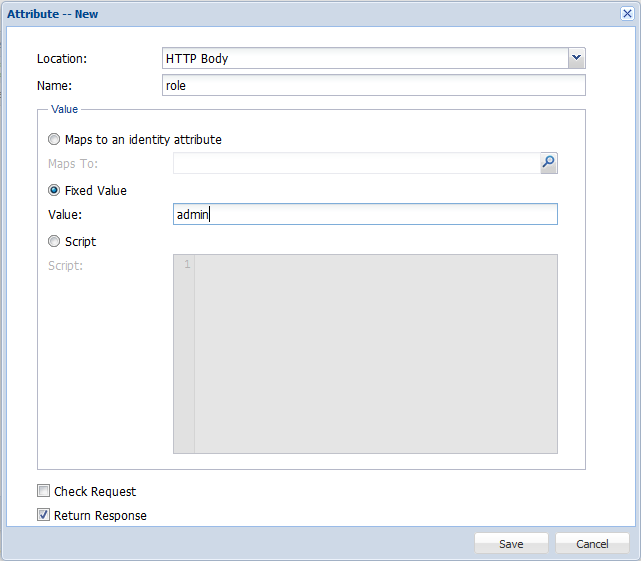
- Click Edit for Attribute and create a role attribute map to a fix value that match the name of the Splunk group for instance: admin
- Select "User Principle Name" on NameID Fromat drop down list.

{"serverDuration": 60, "requestCorrelationId": "0f58ca6e17b021e5"}