...
In the DualShield Administration Console, edit the Logon Procedure for your Juniper VPN application.
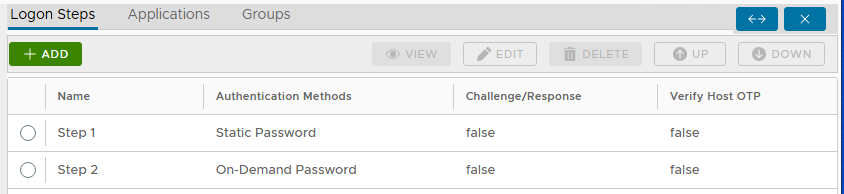
You will need to define Two Logon Steps: The first step requires users to enter their "Static Password" (AD password), which will also trigger the DualShield Server to send the user’s "On-Demand password". Hence the second Second step will then ask prompt users to enter their on-demand password"On-Demand Password".
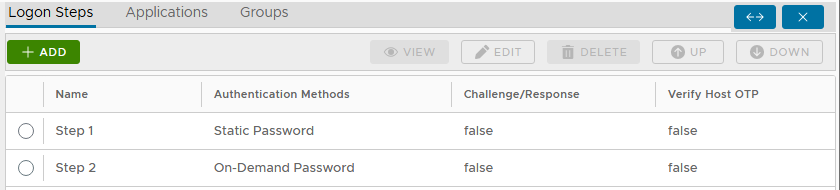
Configure Juniper
...
- Select "Auth Server" and select the DualShield Radius Server entry you have created, scroll down to the "Custom Radius Rules":
- Select "New Radius Rule", and populate the form below:
- Click "Save Changes"
- Use the DualShield Radius Server as the only authentication Server in the User Realm
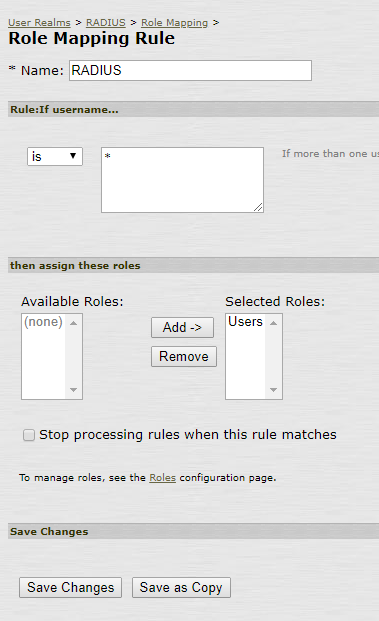
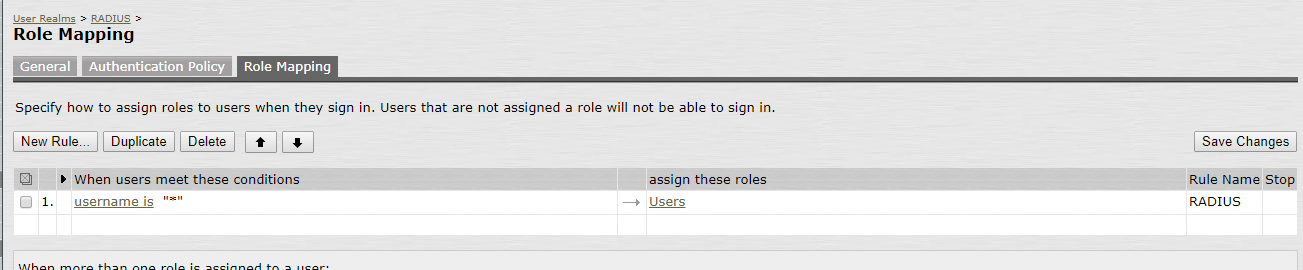
- Set up a Role Mapping Rule
- Select "Auth Server" and select the DualShield Radius Server entry you have created, scroll down to the "Custom Radius Rules":
f. Under Signing In → Sign-in Policies create a new Signing URL:
...