Configure DualShield
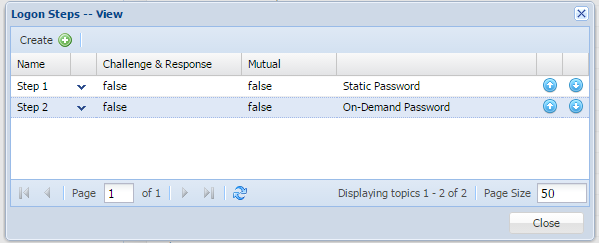
In the DualShield Management Console, edit the logon procedure for your Cisco ASA application. Set the "On-Demand Password" as the authentication method:

Configure Cisco ASA
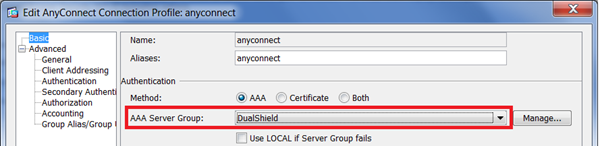
Select the Primary Authentication Server: DualShield

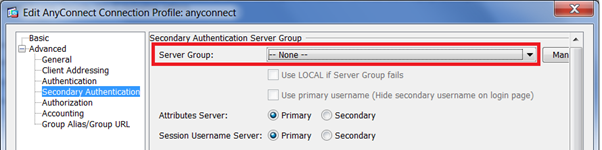
Select the Secondary Authentication Server: None

Test Logon

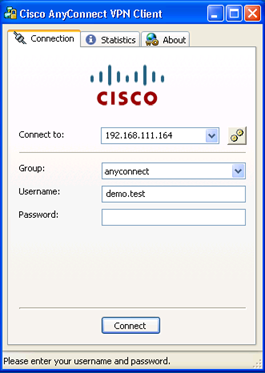
Enter the user's logoin name and static password (AD password), and click "Connect"
DualShield Authentication Server will verify user's password
If the second authenticator is an on-demand password, DualShield Authentication Server will automatically send out a one-time password to user via SMS or email message.
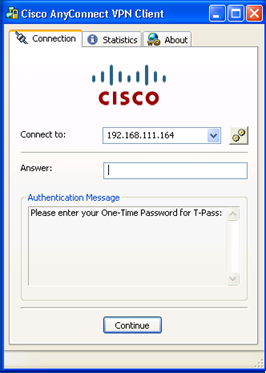
Cisco Anyconnect client will prompt the user to enter the one-time password::