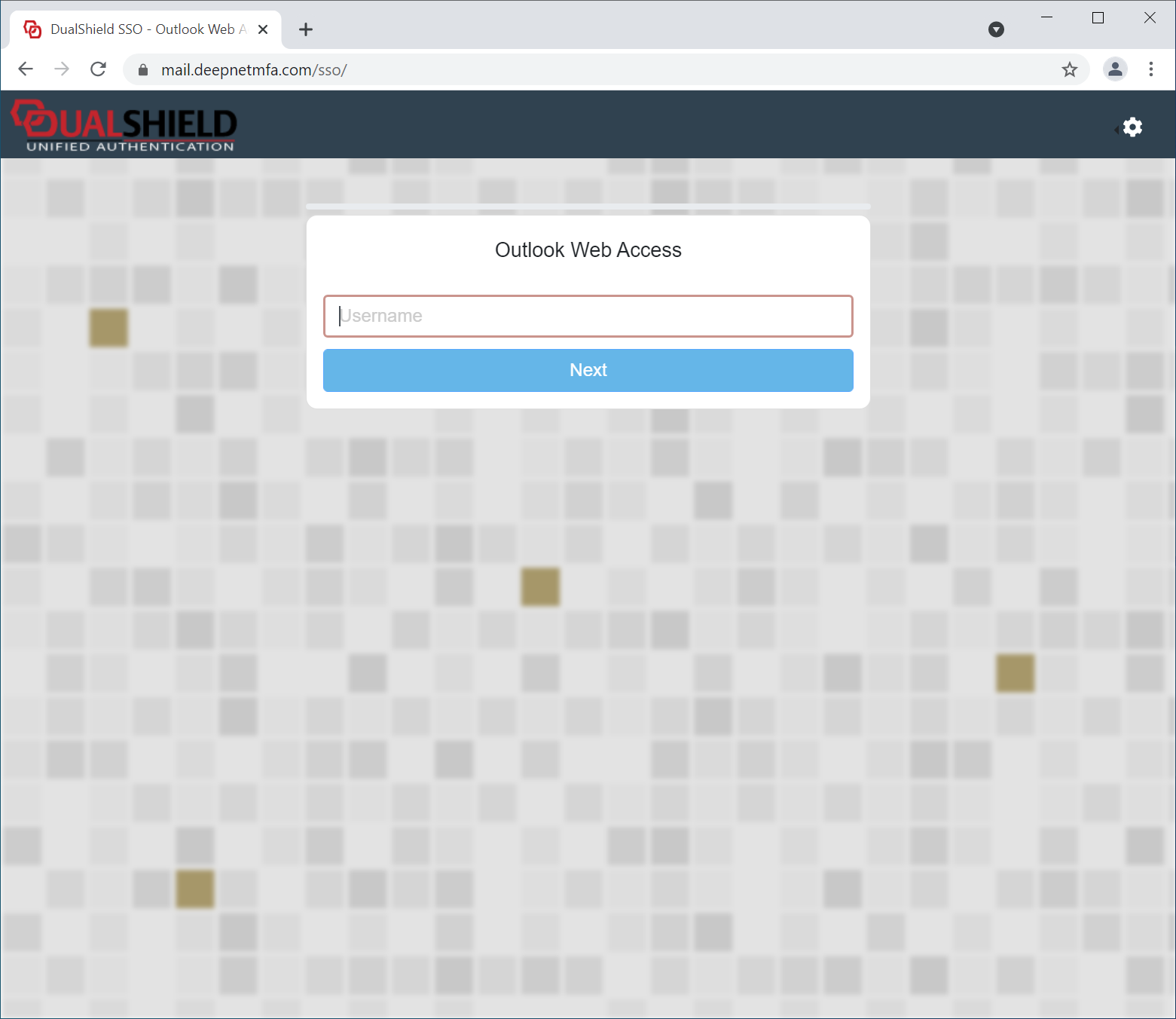
In the DualShield platform, all web consoles and portals, including the Admin Console and Self-Service Portals, use the SSO server for user authentication. The SSO user interface can be customised with your own branding images and text.
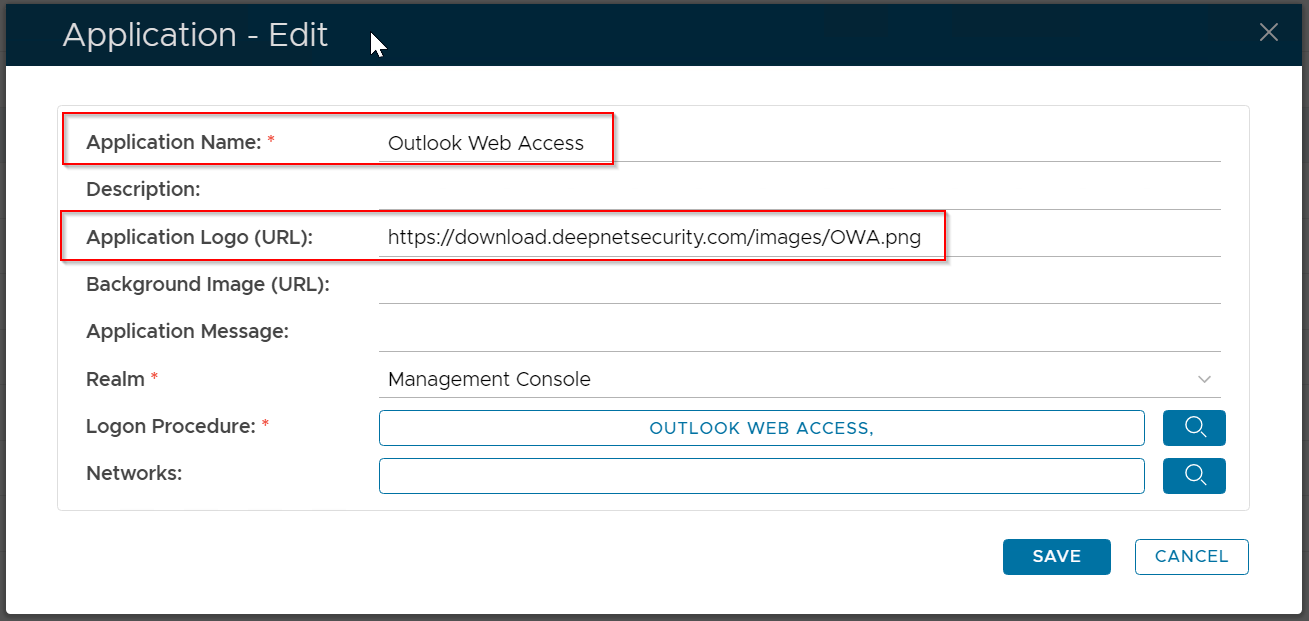
To customise the UI, navigate to "Customisation | User Interface"
...
| Field | Description | Example |
|---|---|---|
| Name | Enter a descriptive name | Outlook Web Interface |
| Customisation Type |
| SSO Server |
| Agents | select the agents on which the applications are published | Single Sign-On Server |
| Applications | select the applications to be customised | Outlook Web Interface |

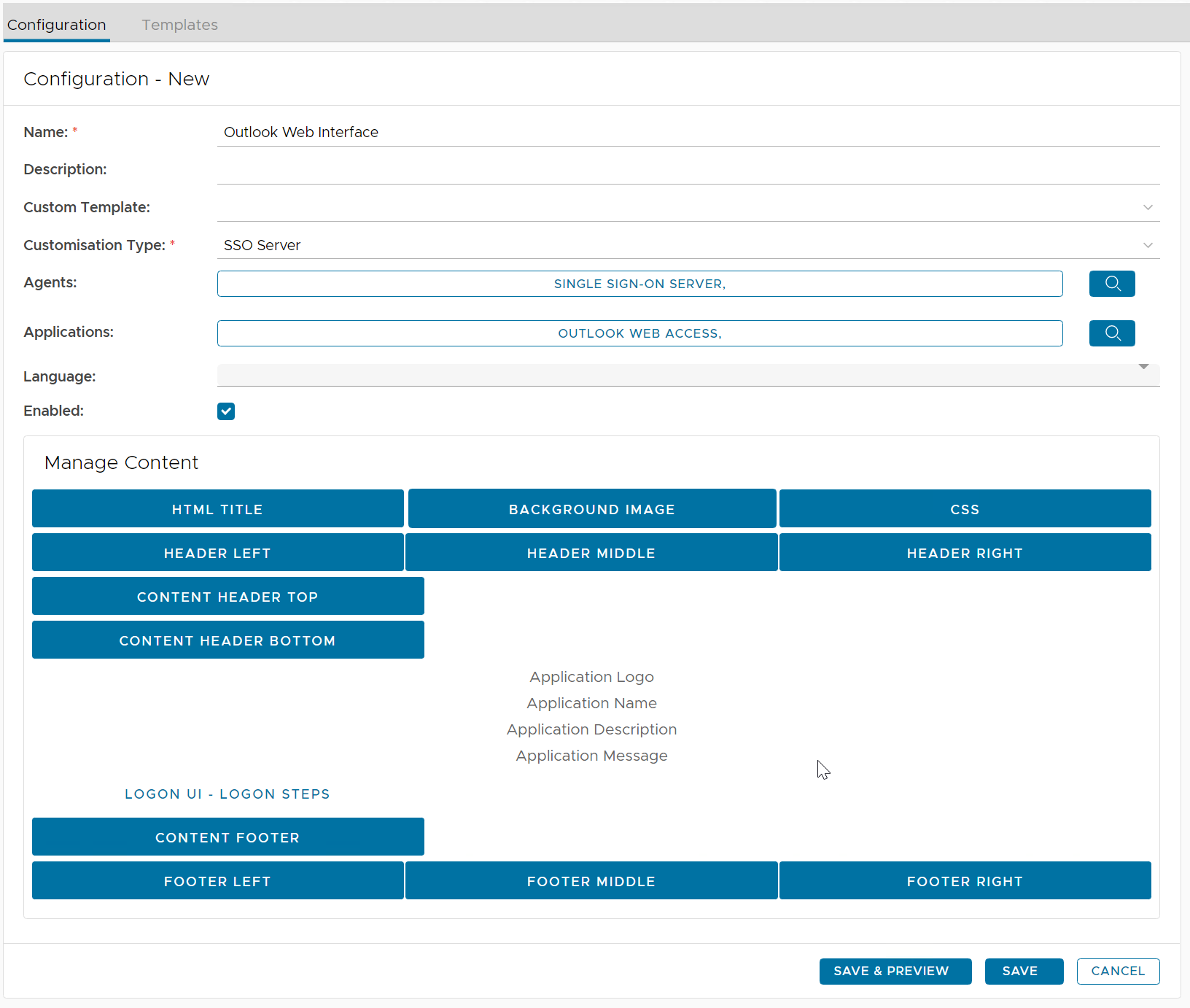
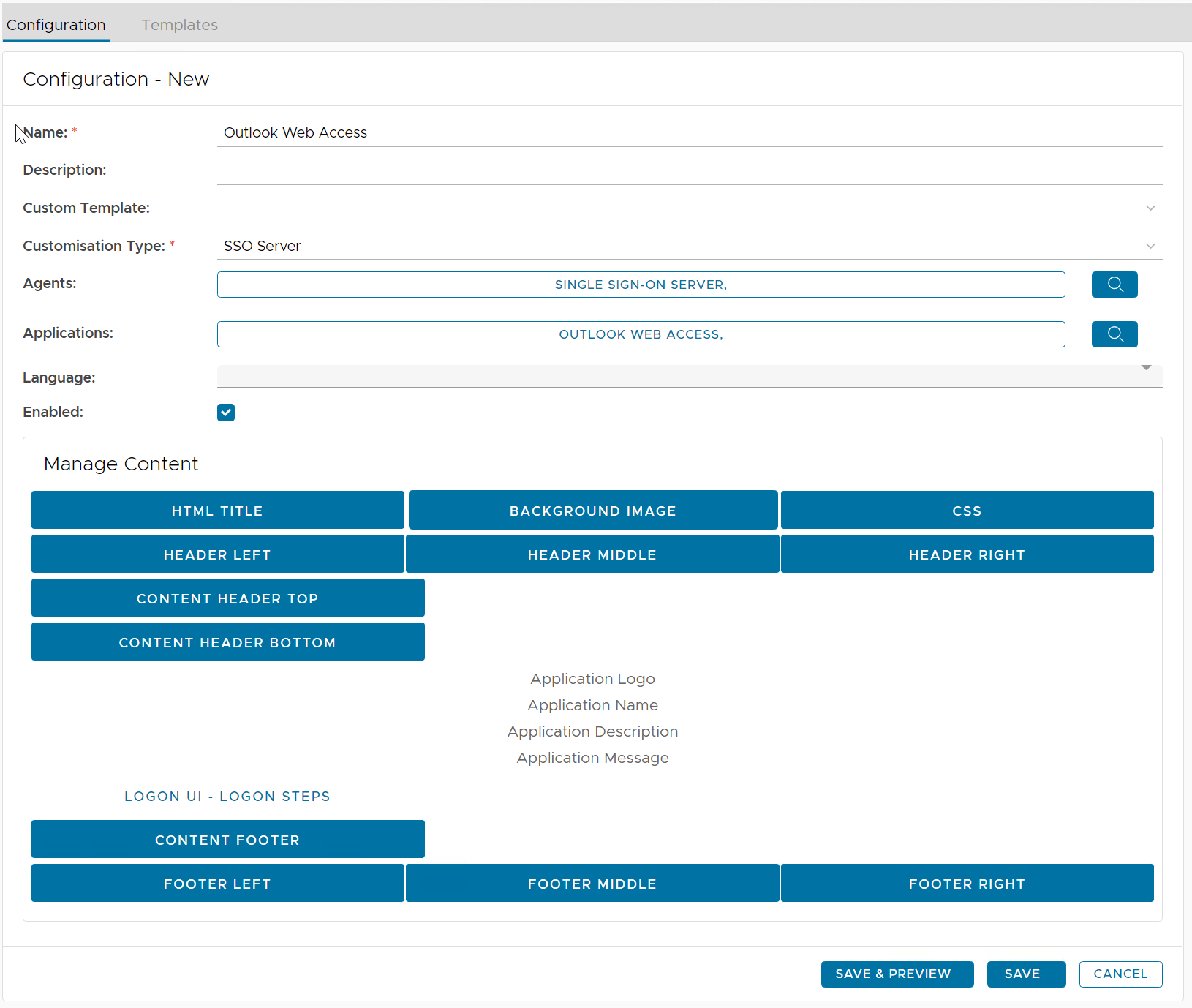
Now, you can customise customize any element in the body content.
...
First, untick "Keep this field empty". Then, enter your HTML Title, e.g. Outlook Web Access