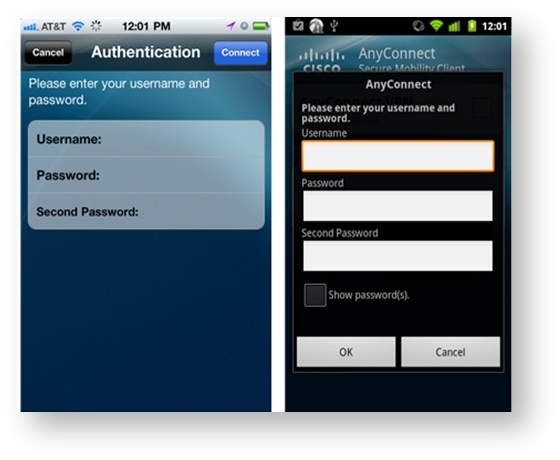
...
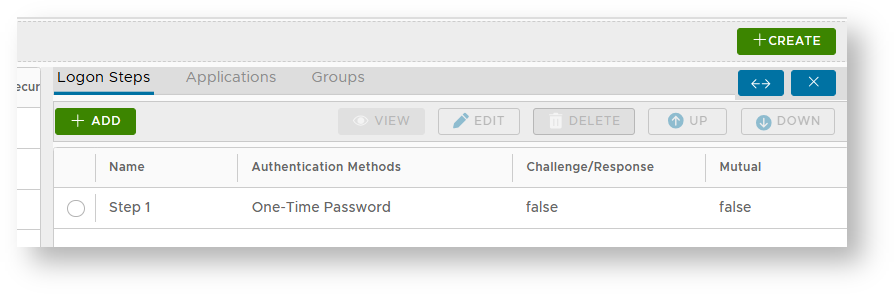
In the DualShield Management Console, edit the logon procedure for your Cisco ASA application. Set the "One-Time Password" as the authentication method:

Configure Cisco ASA
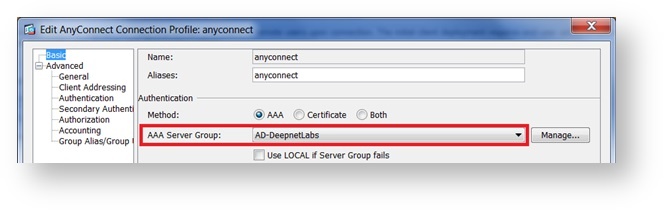
Select the Primary Authentication Server: AD

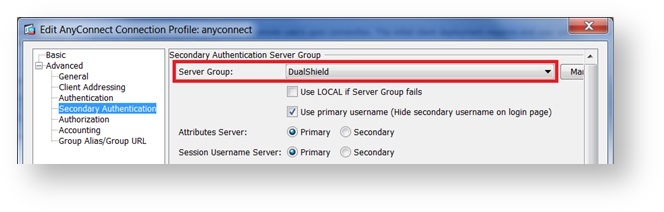
Select the Secondary Authentication Server: DualShield

Test Logon
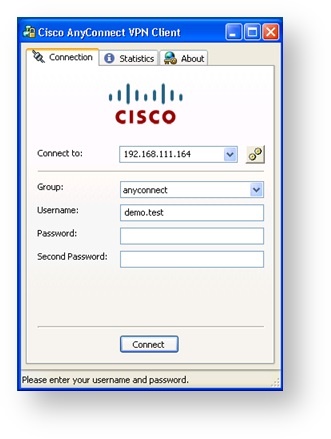
AnyConnect Desktop Client
- Enter User's Login name
- Password: AD Password
- Second Password: One-Time Password

AnyConnect Mobile Client