- Open Network and Connection Settings
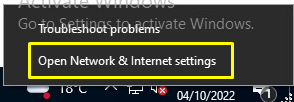
- From the settings, screen click on VPN and Add a VPN Connection
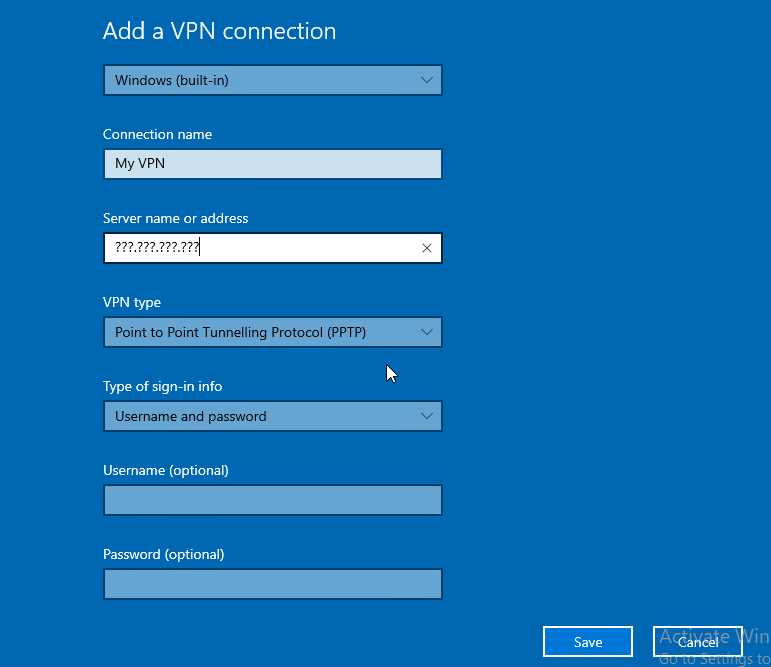
3. Create a new connection specifying your RRAS Server's external IP address and the VPN Type as PPTP
4. Save
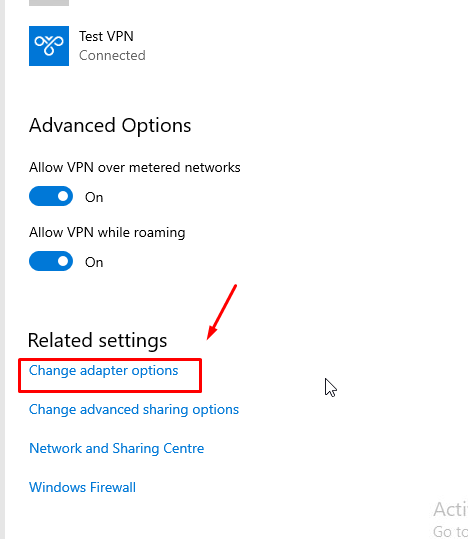
5. Click on Change Adapter settings
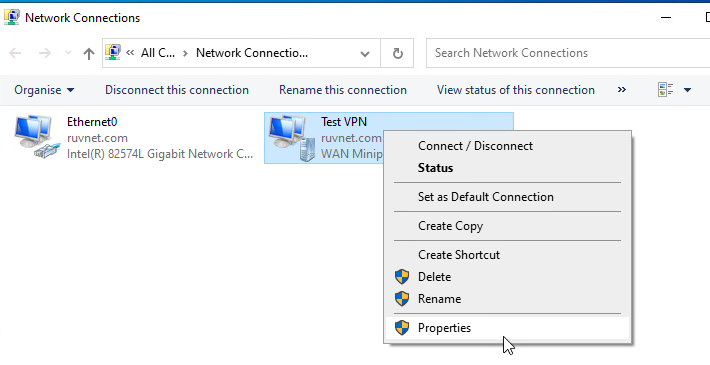
6. Go into properties of your new created WAN Miniport
7. Under the security tab, Allow the protocols that match the Authentication methods used in RRAS and NPS network policy.
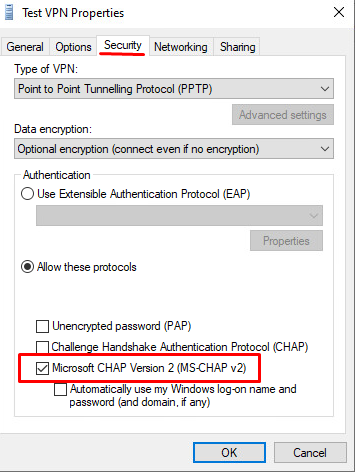
Click OK
...