Download the DualShield IdP Certificate
Log into DualShield Management Console, tab
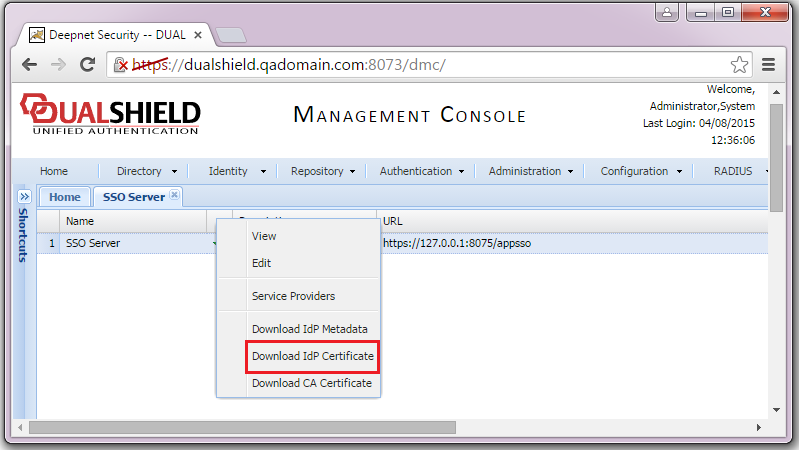
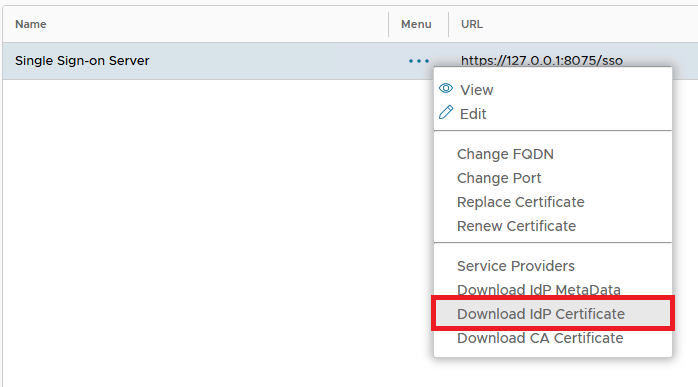
Log in to the DualShield Administration Console, Navigate to "SSO | SSO Servers".
Select the context "..." , click menu of 'Single Sign-on Server' then select, "Download IdP Certificate" and save to a local file, e.g. DualShieldIdP.crt.. A CRT file will be saved to the local machine:
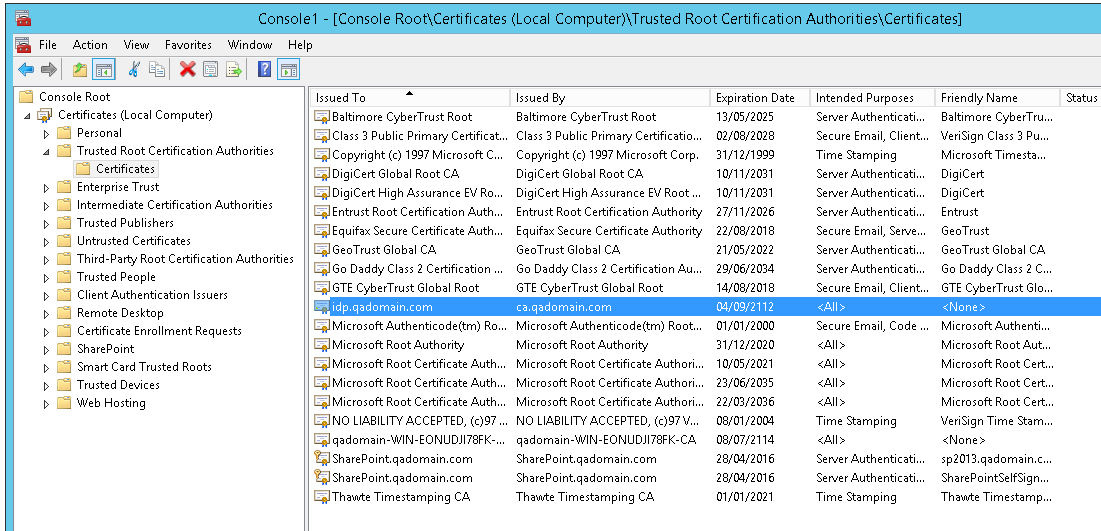
Note: If the IdP certificate Certificate is a selfSelf-signed Signed certificate, then you need to import this Certificate in to the certificate into SharePoint machine account.
Download the DualShield CA Certificate
...