...
Install the DualShield SSO Server CA certificate
Log into the DualShield Authentication server, in in to DualShield Administration Console. In the main menu, select “SSO”
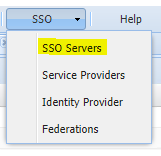
navigate to “SSO | SSO Servers”
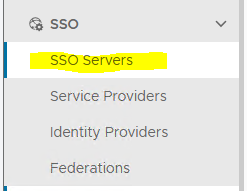
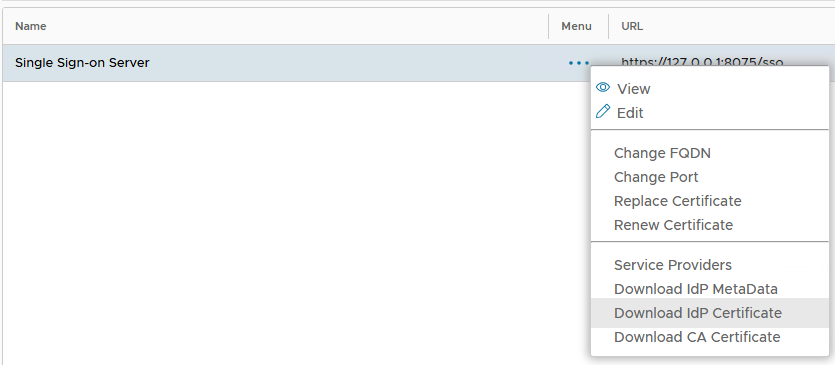
2. Select the primary "Single Sign-on Server", click the context "..." menu and 2. Click the SSO Server context menu, select “Download IdP Certificate” and save the file.
...
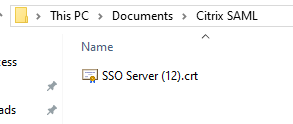
The Signing Certificate CRT file will be saved to the local computer:
3. Log in to the NetScaler VPX web console, select Navigate to “Traffic Management | SSL | Certificates | CA Certificates”, click . Click “Install”
4. Enter the “Certificate-Key Pair Name”
5. Upload the DualShield SSO server Server certificate from the local store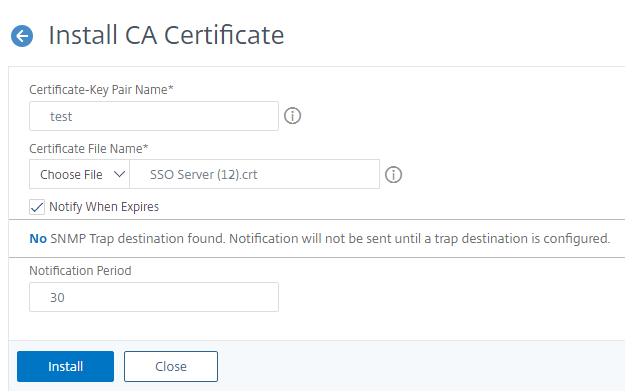
Create SAML Authentication server*
...