Introduction
On windows based PC's, laptops and tablets the time is normally obtained from a quartz crystal based clock that is maintained by a lithium ion battery on the motherboard of your computer.
In general you can expect time drift of 2 or more seconds per day (compared to about 1 second every 3 days from a typical hardware token), but can be greatly improved if the PC is automatically synchronised with an external source (either an internet time server or the clock on the local domain controller).
Correcting the time on a windows computer
There are many possible solutions to identifying and correcting the clock on your local computer, but one of the simplest is by using the service provided by time.is
After opening a browser window to the Time.IS web page you will be presented with a clear indication of any drift between you computers clock and the remote time server;
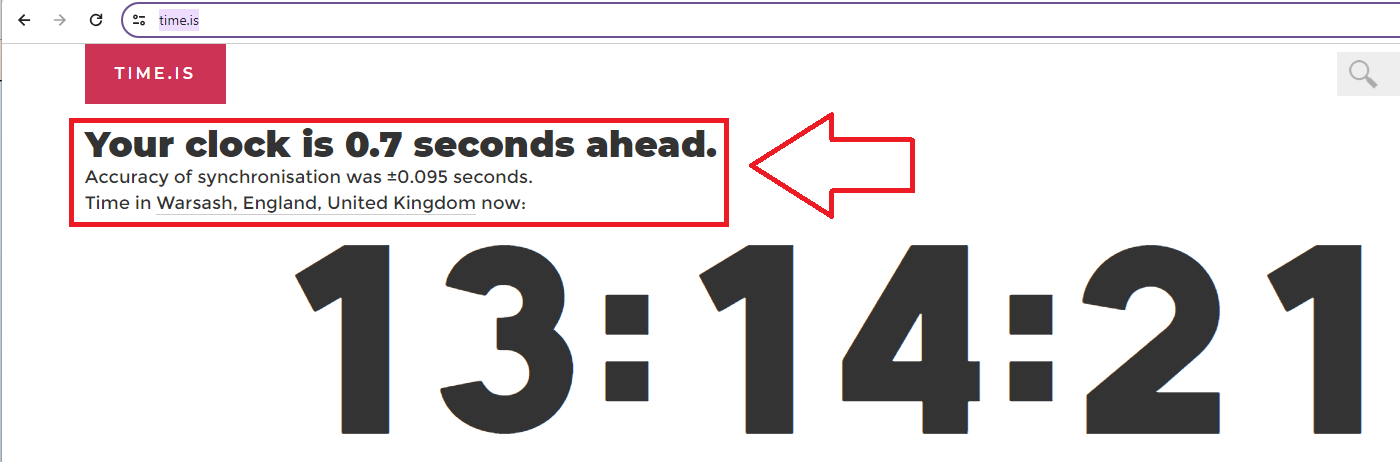
As can be seen in the above example the test computer was less that 1 second out when compared with the remote time server.
If significant time drift is detected, you would be advised to configure your computer to automatically update the clock using and external time server.
Automatically correcting the clock using an external time server
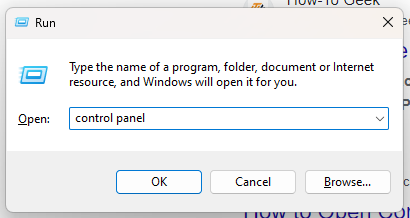
Launch the control panel by (press  , type "control panel" then click
  )
)
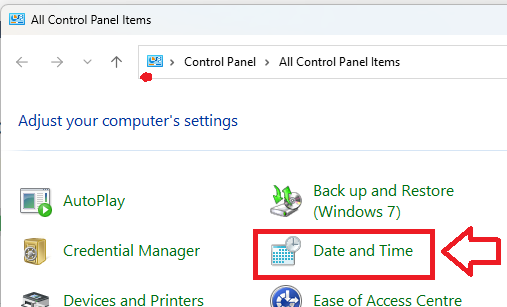
From the control panel click on the  icon
icon
Select the "Date and Time" tab to display the date and time, then compare this time with the time shown from the external time server;
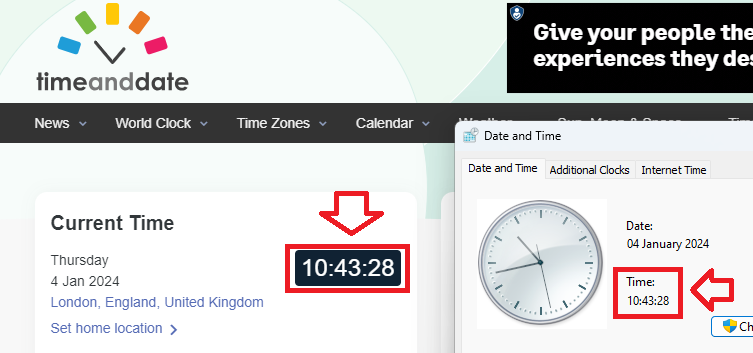
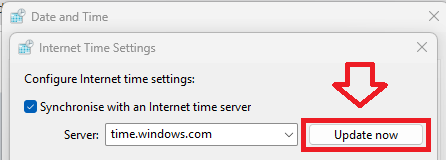
Ideally the two times should be within a second or two of each other but if there is significant drift you can correct the time by either using the  button, or by selecting the "Internet Time" tab, and synchronising with an internet time server (example below);