On the computer you want to access a remote computer, type the following cmdlet into PowerShell (replacing "COMPUTER" with the name or IP address of the remote computer),
Test-WsMan COMPUTER
This cmdlet tests whether the WinRM service is running on the remote computer.

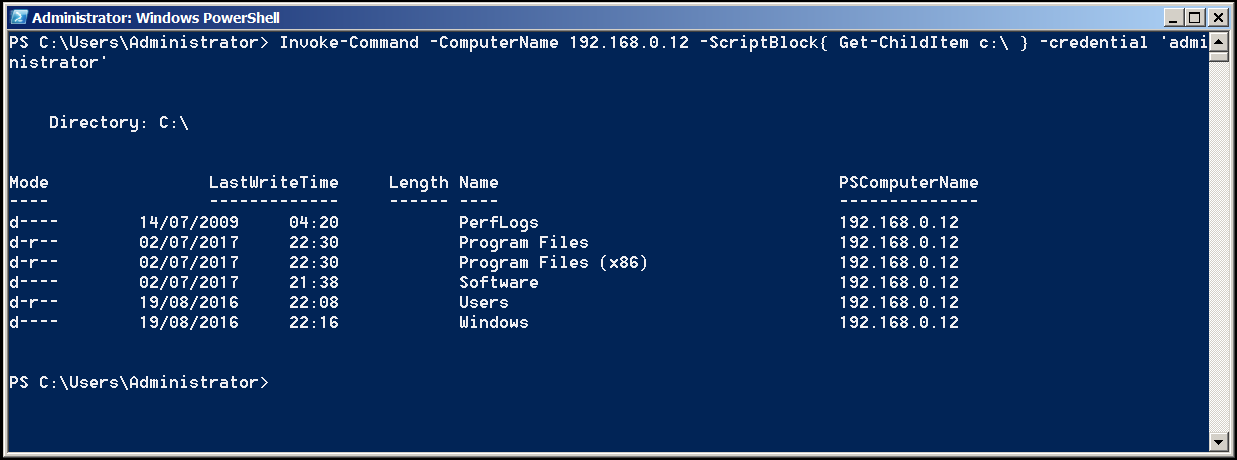
The script below reads the contents of the C:\ directory on a remote computer
Invoke-Command -ComputerName COMPUTER -ScriptBlock { Get-ChildItem C:\ } -credential USERNAME