SafeID Enrollment Assistant is an online tool that helps you assign tokens to users
To use the tool, visit https://www.deepnetsecurity.com/tools/tokens-enrolment-for-entra/
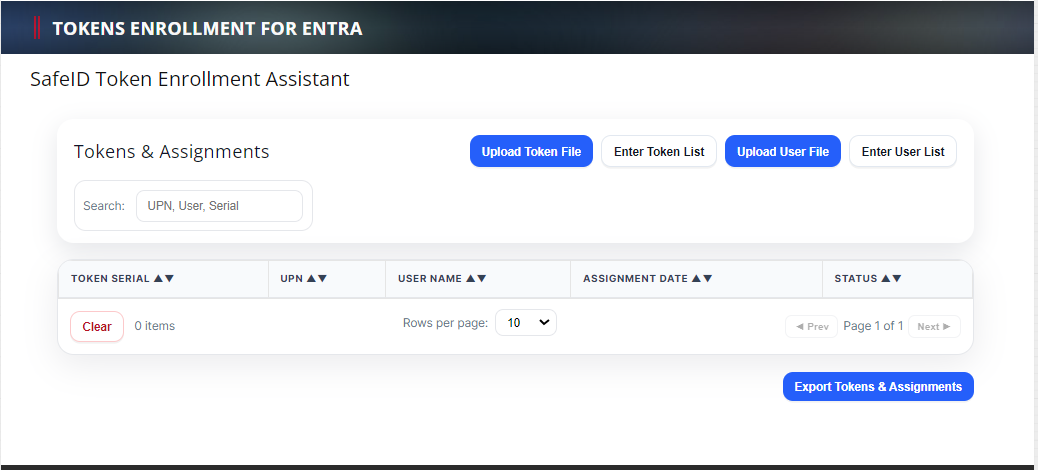
Follow the steps below:
1 - Upload Token File
Click the "Upload Token File" to upload the token secret file that you have received. (If you have not received the seed file of your tokens then click here to make a request, or contacting your reseller or Deepnet Security).
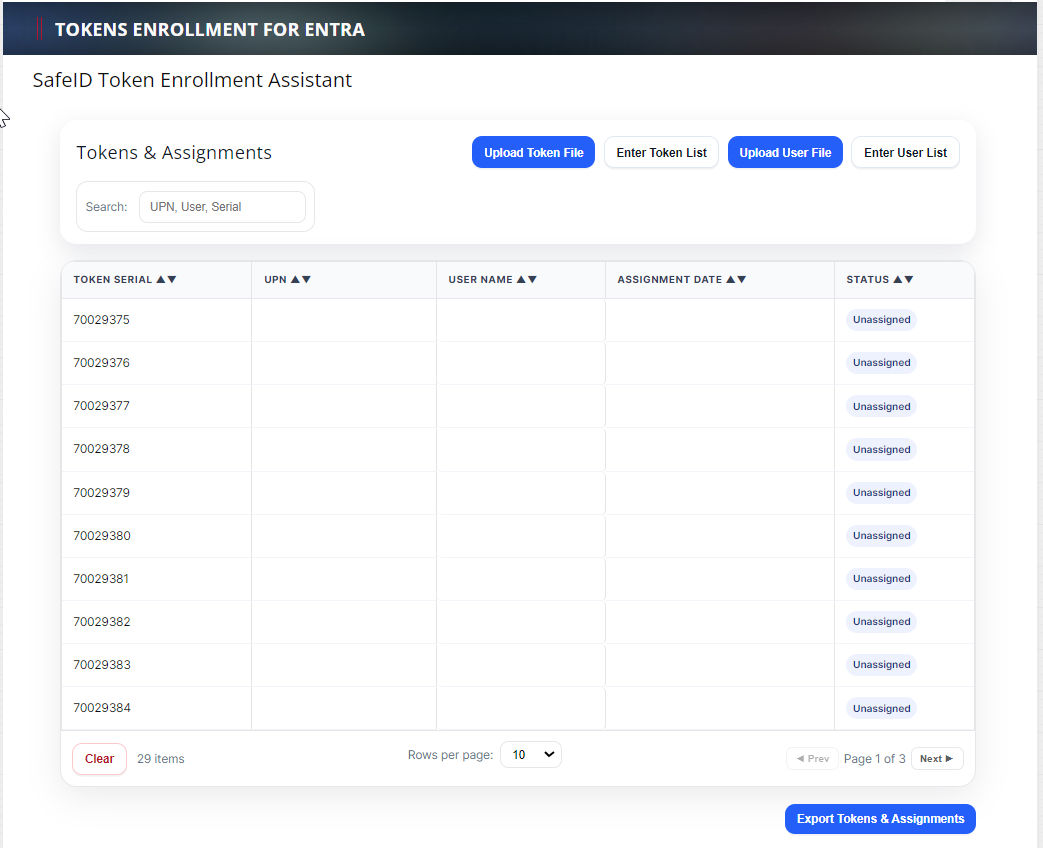
2 - Upload User File
A user file is a simple text file that includes a list of UPNs (one UPN per line). Below is an example:
user1@acme.com
user2@acme.com
user3@acme.com
Optionally, you can also include user names in the file
user1@acme.com,John Smith
user2@acme.com,Joe Bloggs
user3@acme.com,James Bond
Click the "Upload User File" to upload