DualShield 6 provides a new generation of all self-service consoles, including
- Service Console
- Reset Password
- Unlock Account
- Emegency Access
However, in order to install the new genegation consoles on the frontend server, you must carry out an upgrade by new installation. In the new installation process, you still have the options to install the legacy consoles, if they are still required.
Step 1 - Remove current DualShield installation
The first step to upgrade a DualShield frontend server is to completely uninstall the current DualShield installation on the machine.
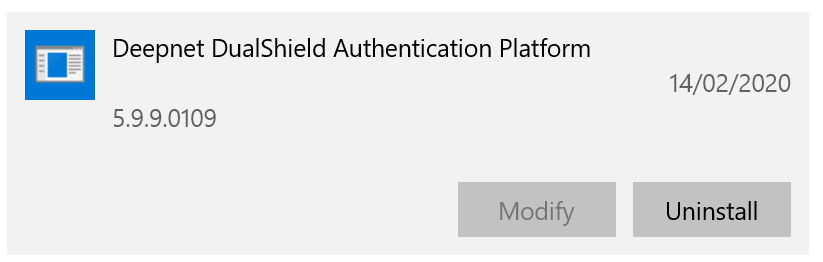
You uninstall DualShield from the Windows App & Features list:
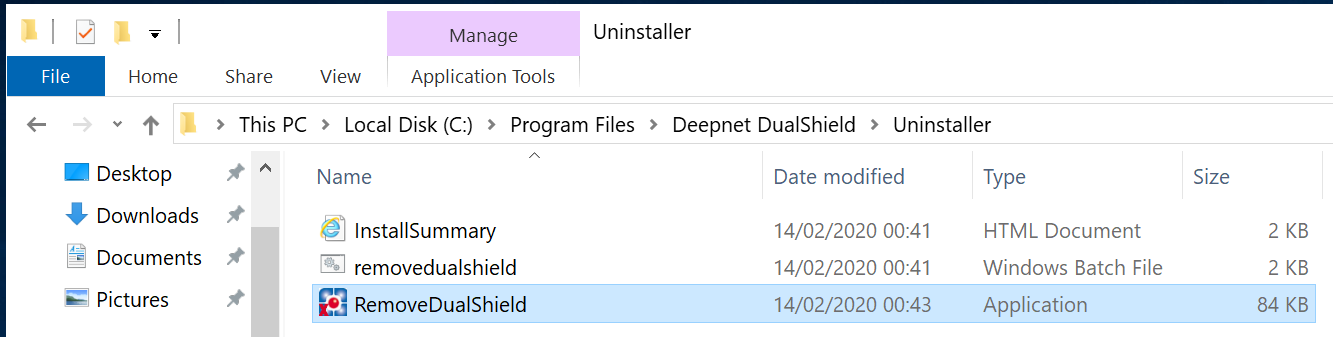
Or, execute "RemoveDualShield.exe" from the Windows Explorer:
Step 2 - Enable Agent Auto Registration
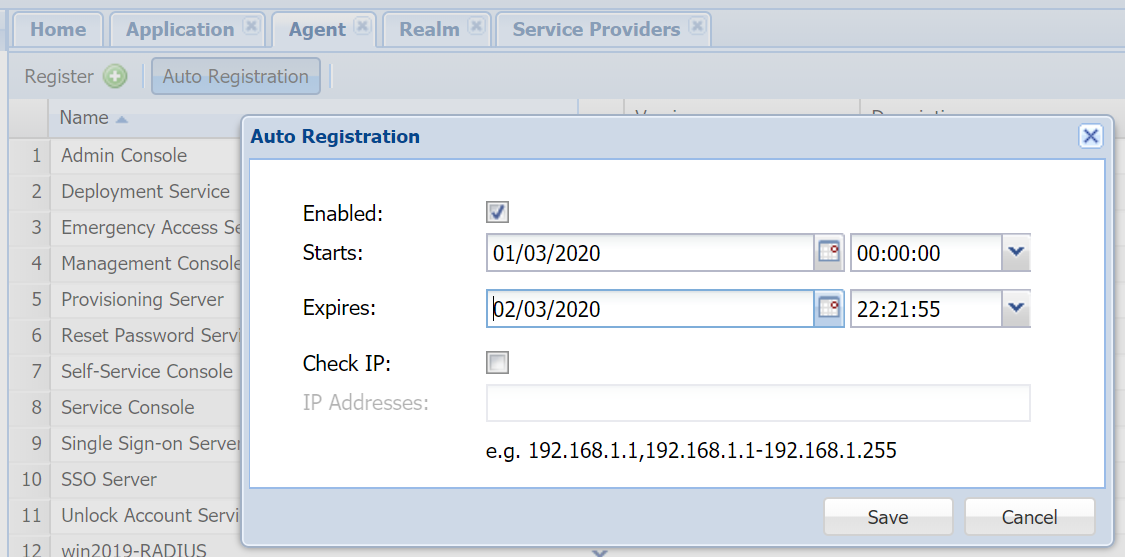
Installing a DualShield fronend server is like instaling a DualShield agent, it requires Agent Auto Registration to be enabled.
Step 3 - Perform a fresh new, frontend installation
Execute "DualShieldSetup64-6.0.0.xxxx-signed.exe" (where xxxx is the build number) to start a fresh new installation:
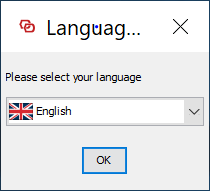
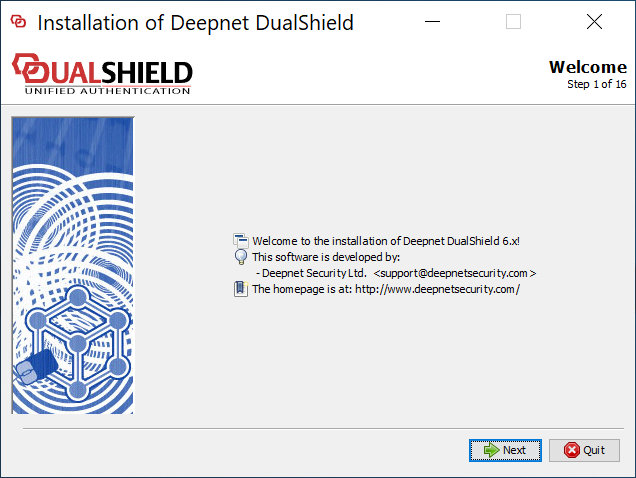
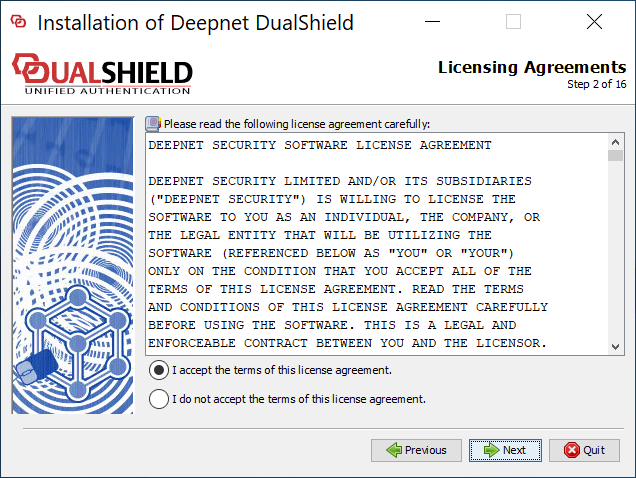
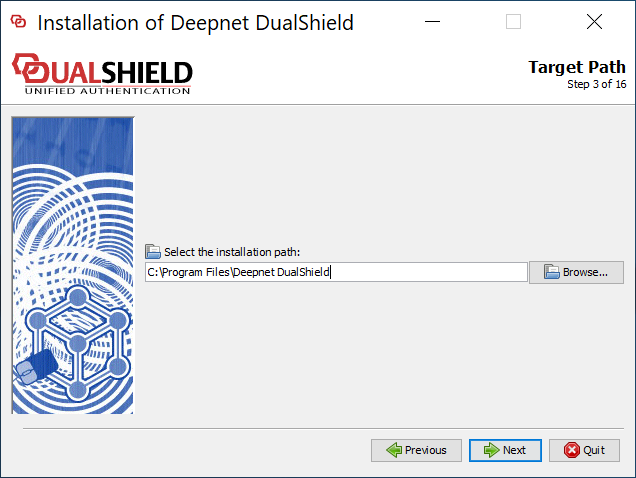
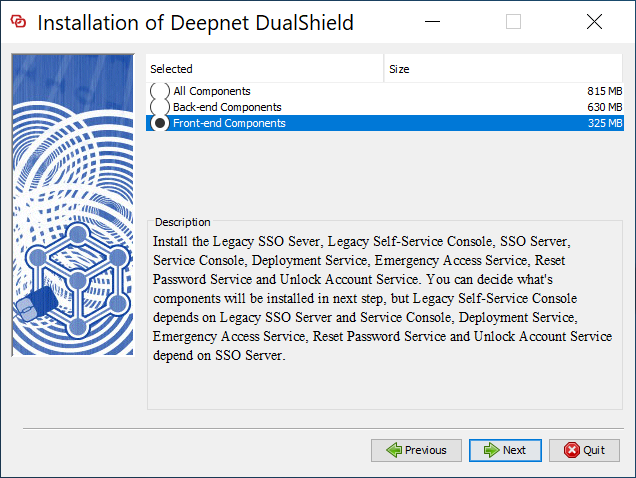
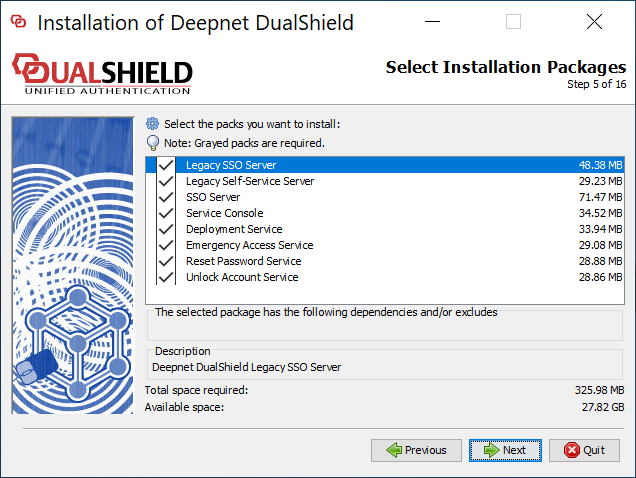
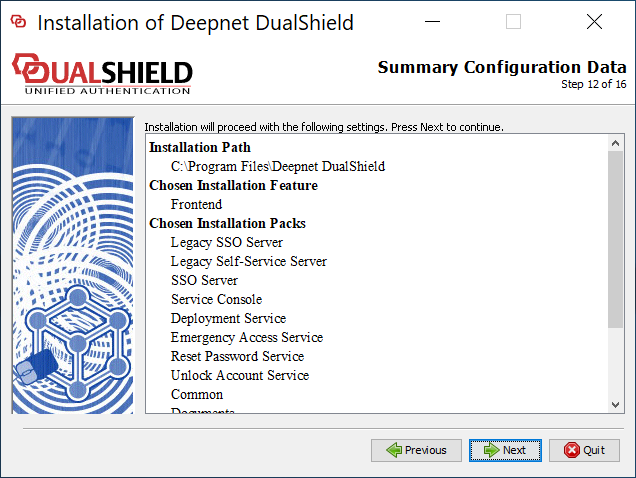
If you want to keep the legacy components, make sure that you select the following
- Legacy SSO Server
- Legacy Self-Service Server
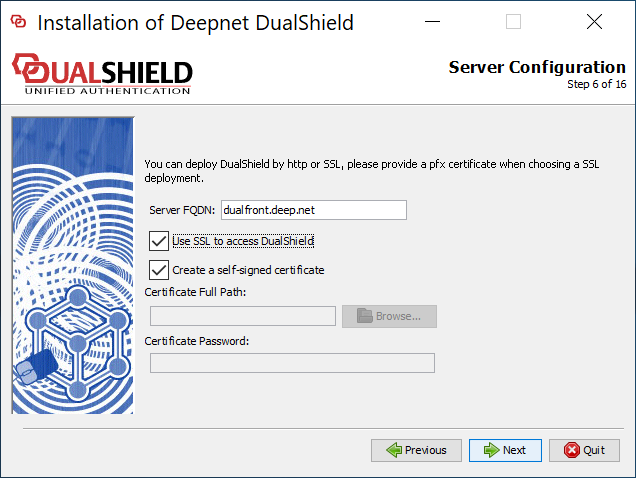
Make sure that Server FQDN is correct. If you do not want to change your DualShield frontend's FQDN then it must be the same as it currently is.
It is recommended that you provide a commercial SSL certificate for your DualShield frontend server as it is meant to be accesses from the Internet.
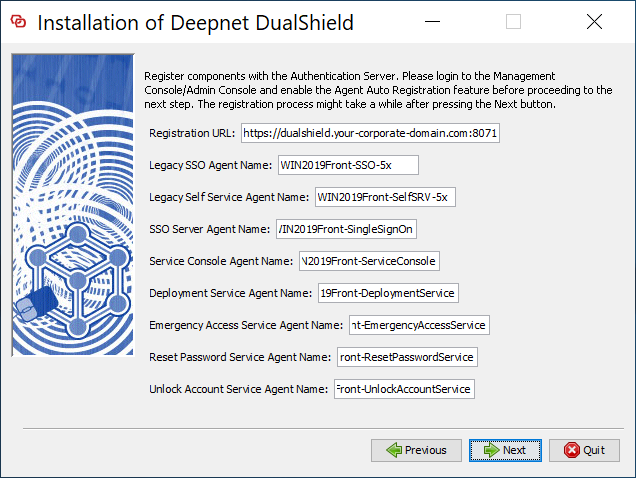
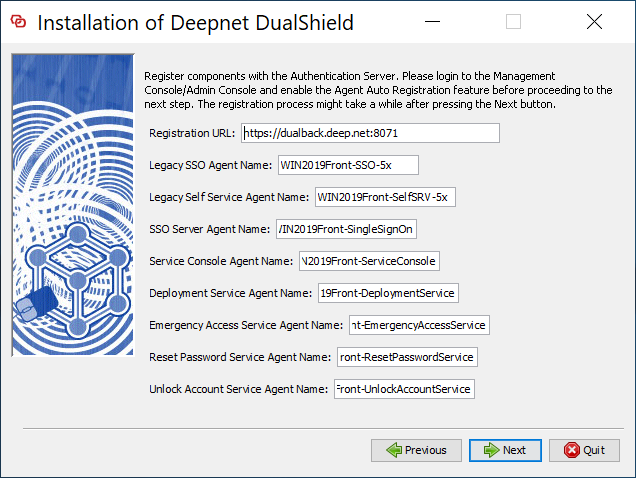
change "dualshield.your-corporate-doamin.com" to the FQDN of your DualShield backend server, e.g. "dualback.deep.net"
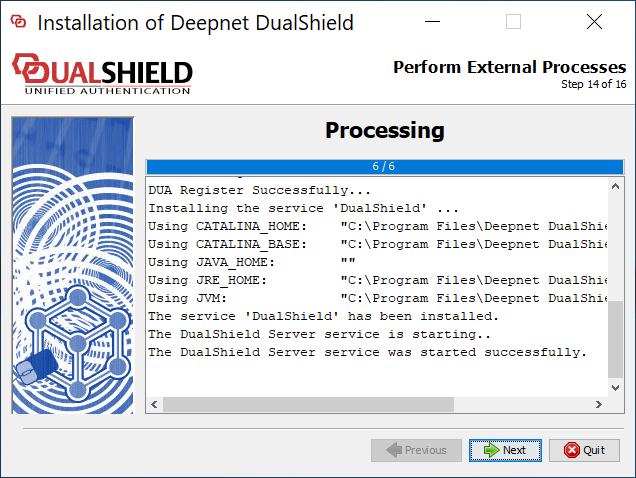
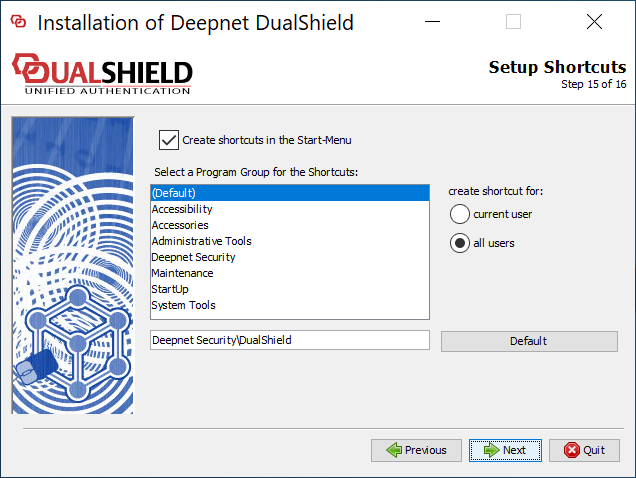
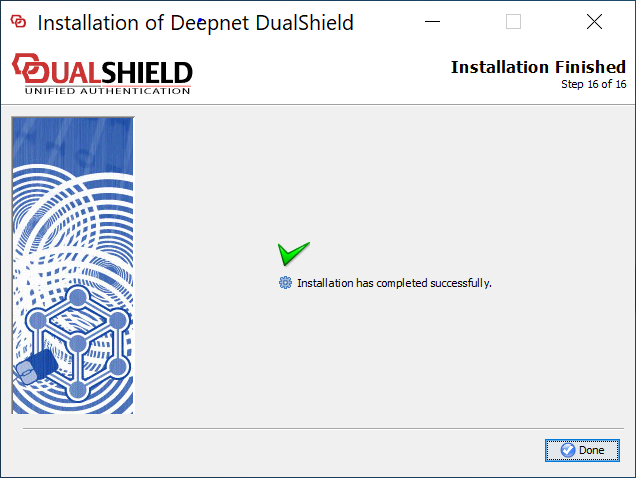
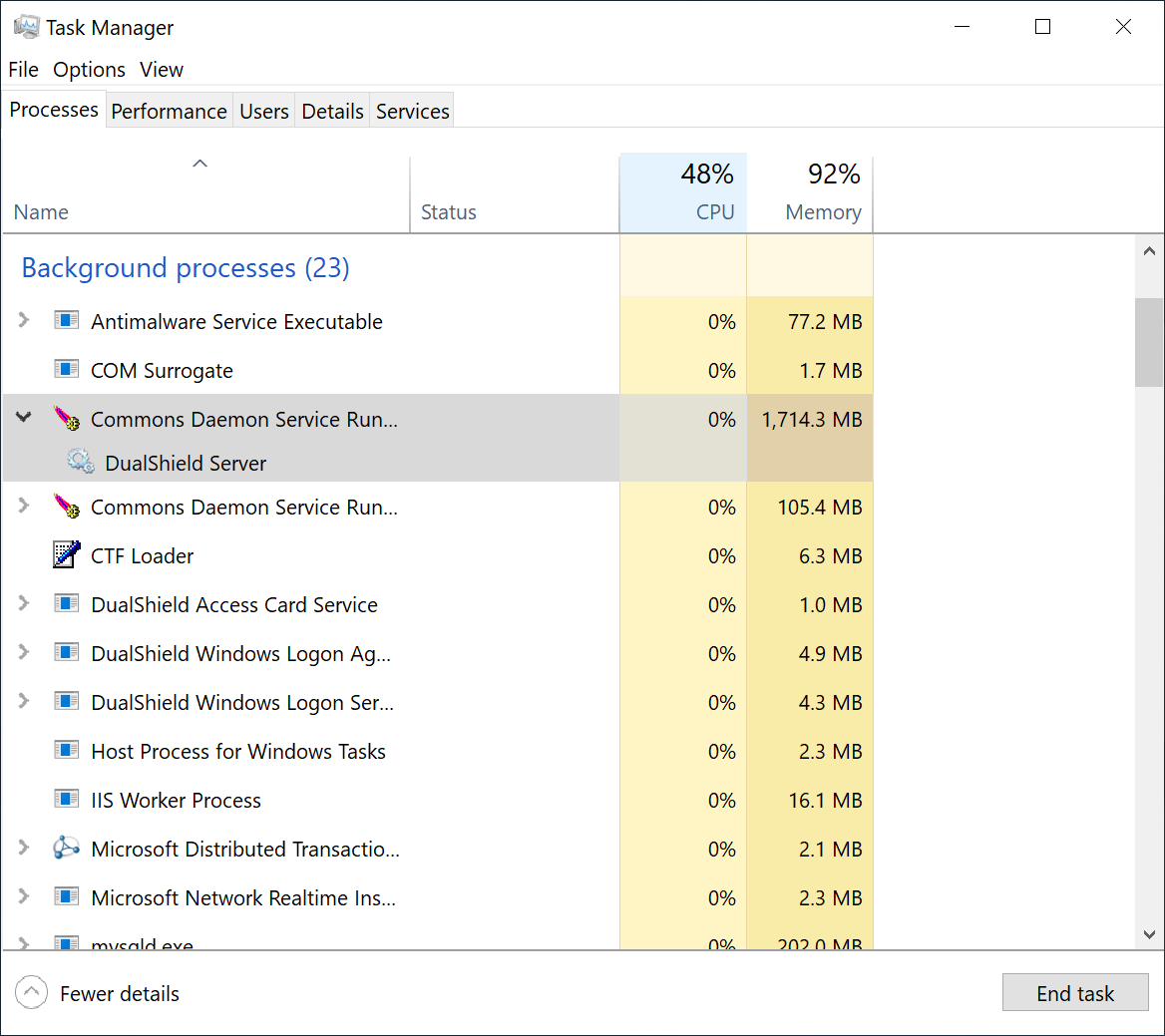
To wait for the DualShield server to be fully loaded and monitor the its initialisation progress, launch the Windows Task Manager and check the process called DualShield Server which is often a sub-process of Commons Daemon Service Runner, as shown below:
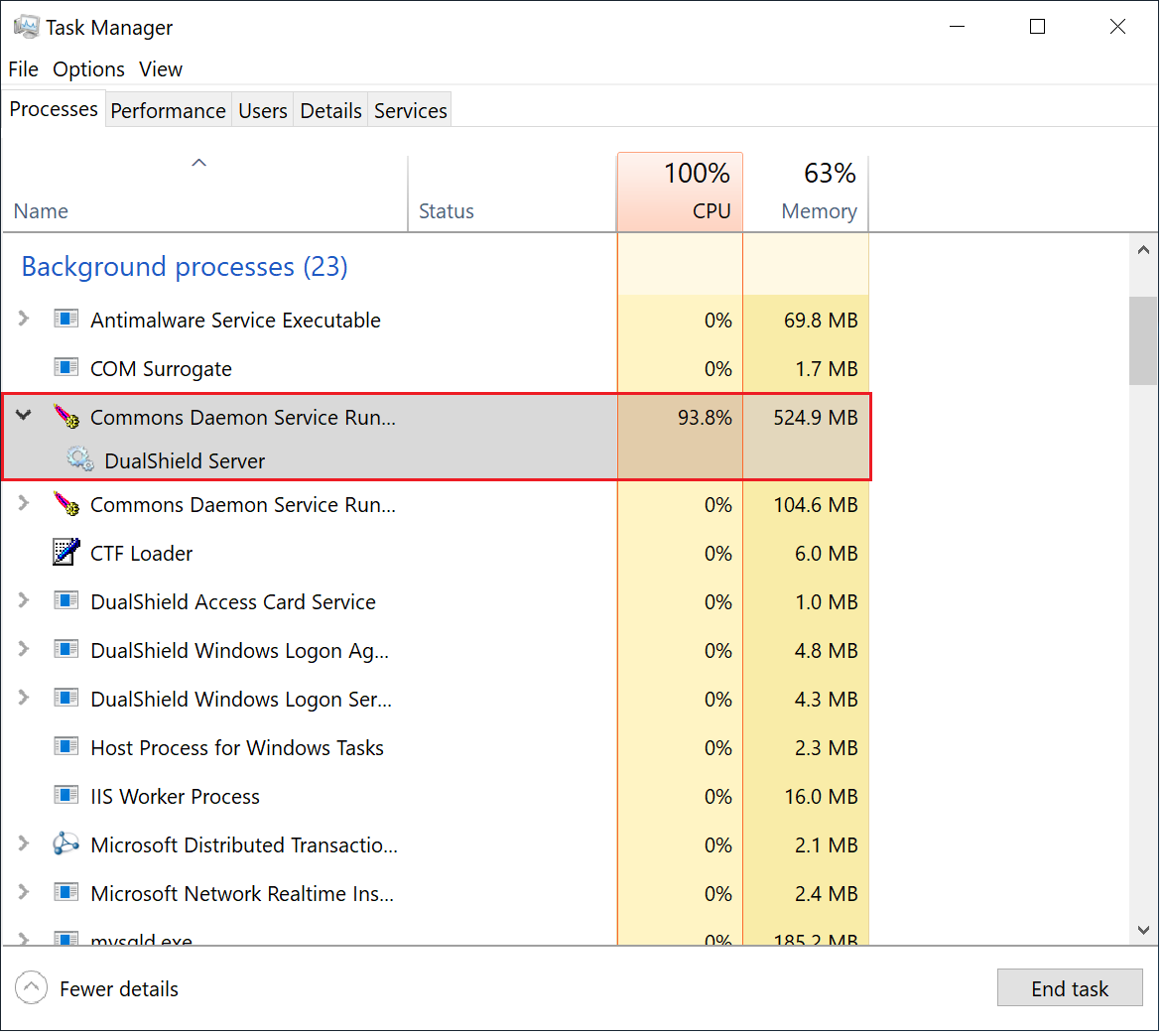
During the initialisation process, the CPU usage of the DualShield Server process will go up and down, and the Memory consumption will continue to increase.
When the CPU usage drops to zero or slightly above zero, and the memory consumption reaches close to 1.8GB for the backend or 550MB for the frontend, that's the indication that DualShield is fully loaded and ready for operation.