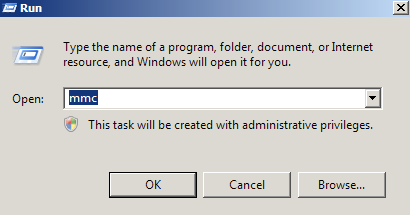
Open the MMC (Start > Run > MMC)
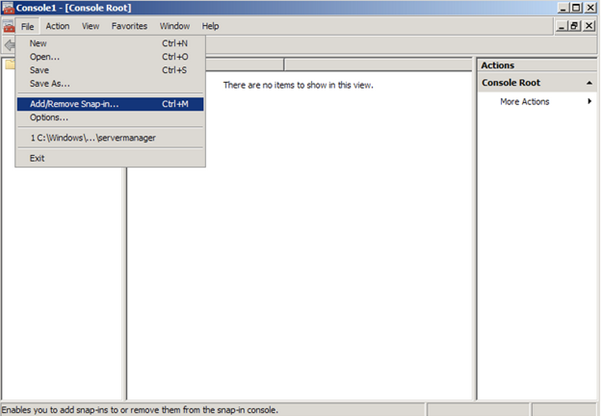
Go to File > Add/Remove Snap In
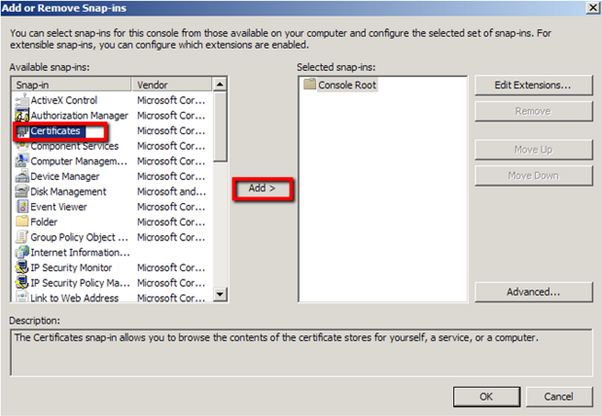
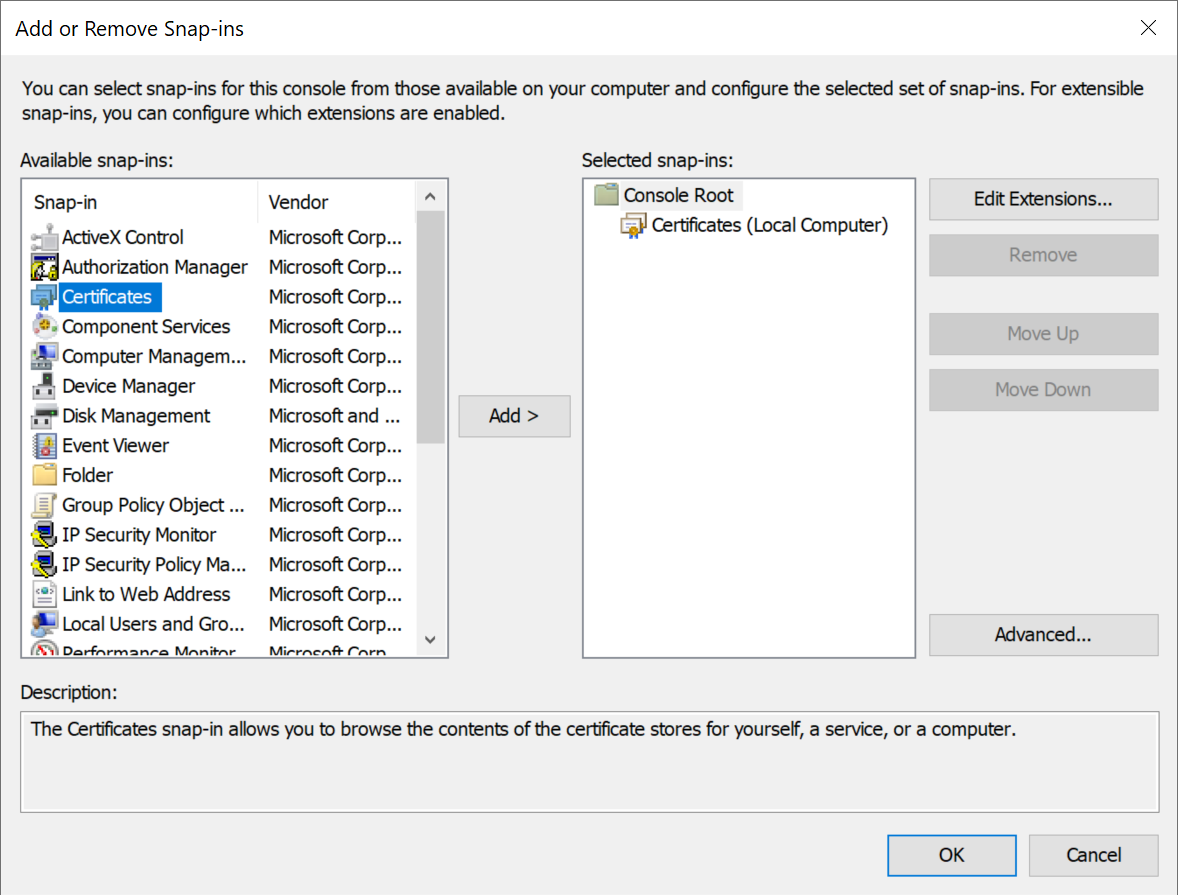
Click on Certificates and click on Add >
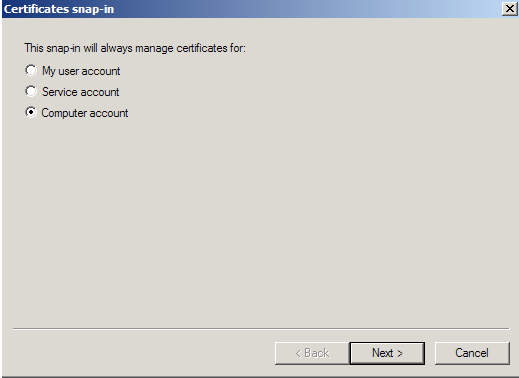
Select Computer account
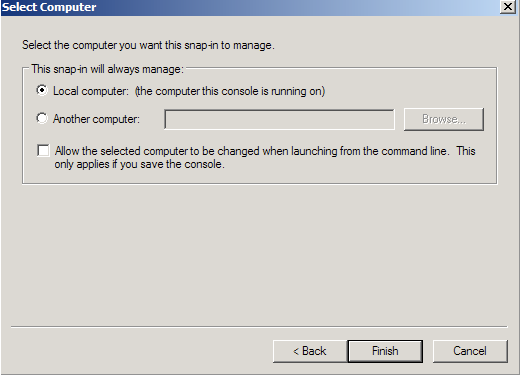
Select Local Computer, the click Finish
Click OK to exit the Snap-In window.
Open the MMC (Start > Run > MMC)
Go to File > Add/Remove Snap In
Click on Certificates and click on Add >
Select Computer account
Select Local Computer, the click Finish
Click OK to exit the Snap-In window.