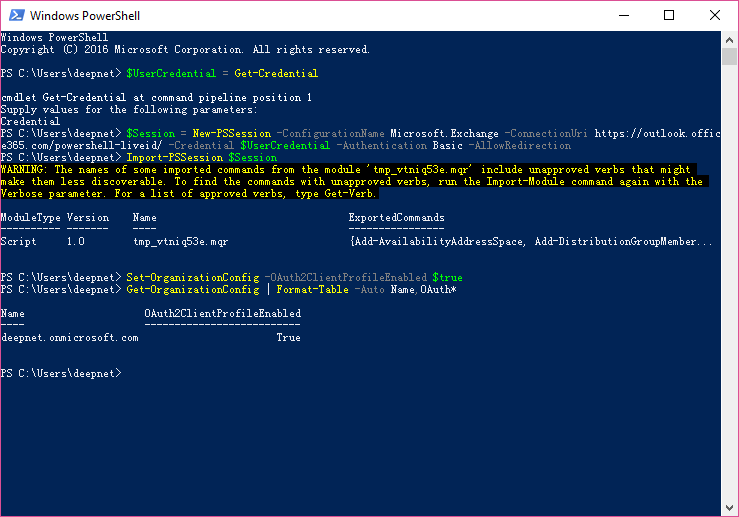
Connect to Exchange Online PowerShell as shown below
Run the following command in Exchange Online PowerShell:
Set-OrganizationConfig -OAuth2ClientProfileEnabled $true
To verify that the change was successful, run the following command in Exchange Online PowerShell:
Get-OrganizationConfig | Format-Table -Auto Name,OAuth*
Overview
Content Tools