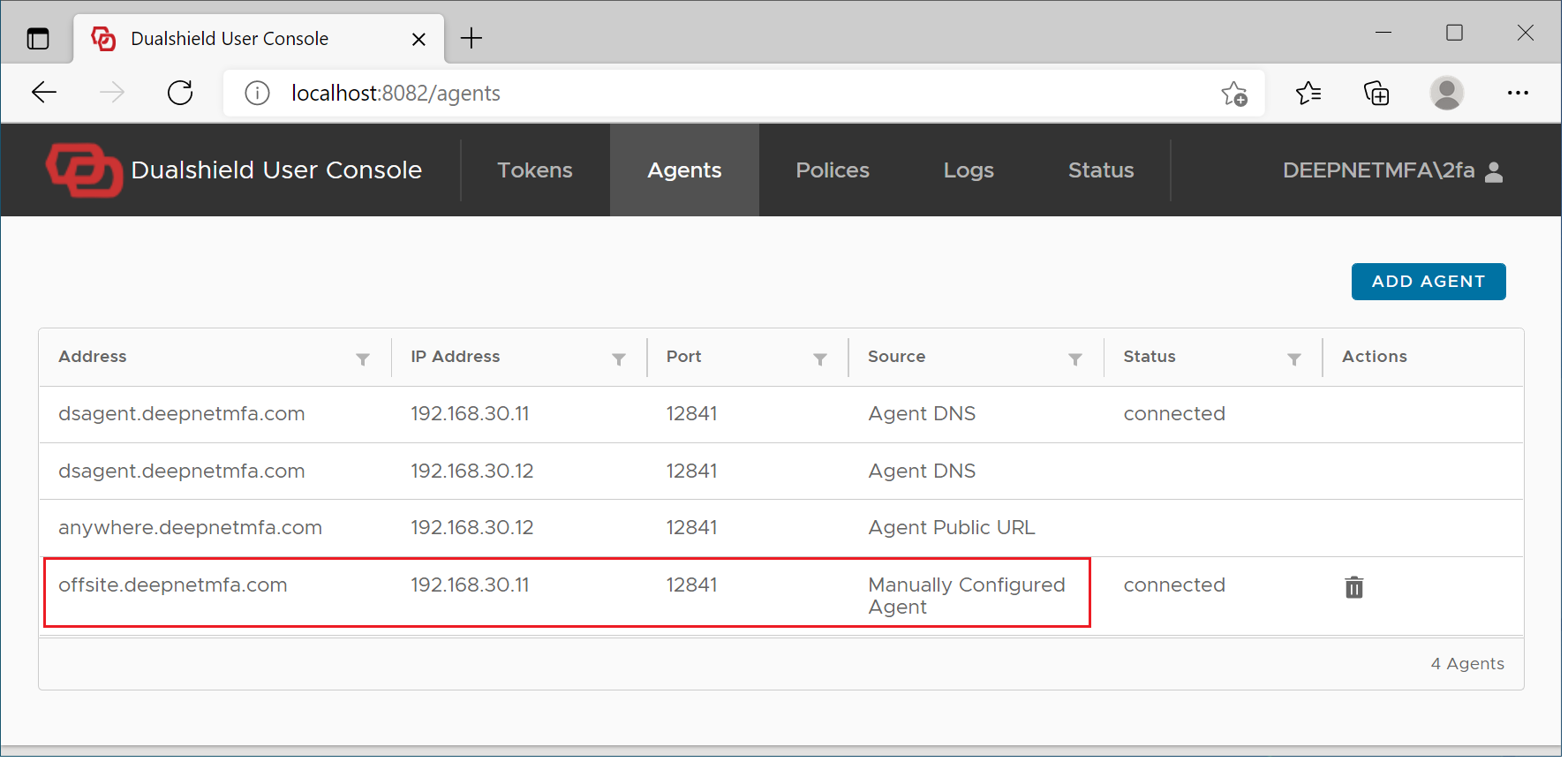
Every time a user logs their computer into the domain network with MFA, the computer will sync with the MFA server and download the latest policies and settings including the Public URL of the logon agents. In other words, the public URL of the logon agents is automatically downloaded to the user's computer, as long as the user has carried out a successful online login on the computer.
If for some reason the public URL of the logon agents has not been downloaded to the user's computer automatically, then the user can also add manually the logon agent's public URL using the User Console.
Visit the User Console at http://localhost:8082
Select "Agents"
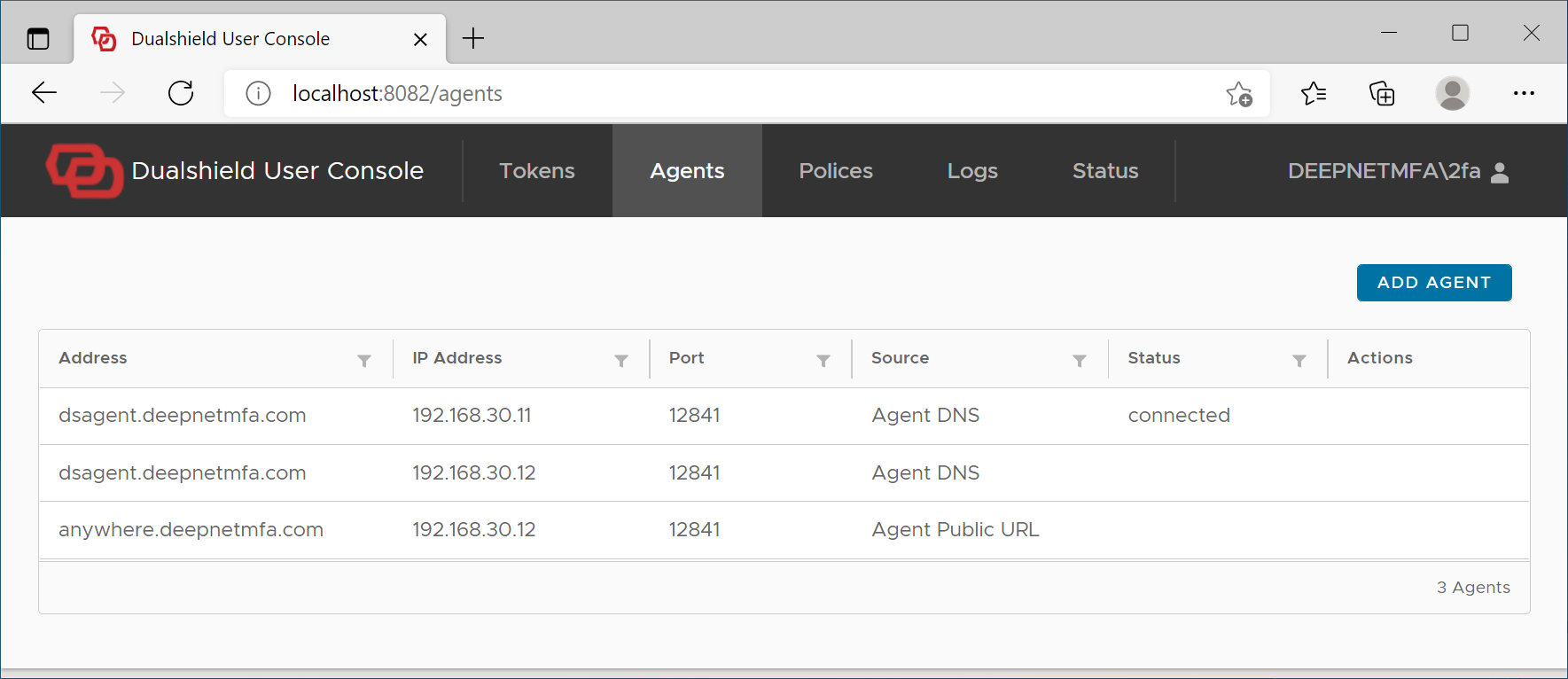
Click "Add Agent" button
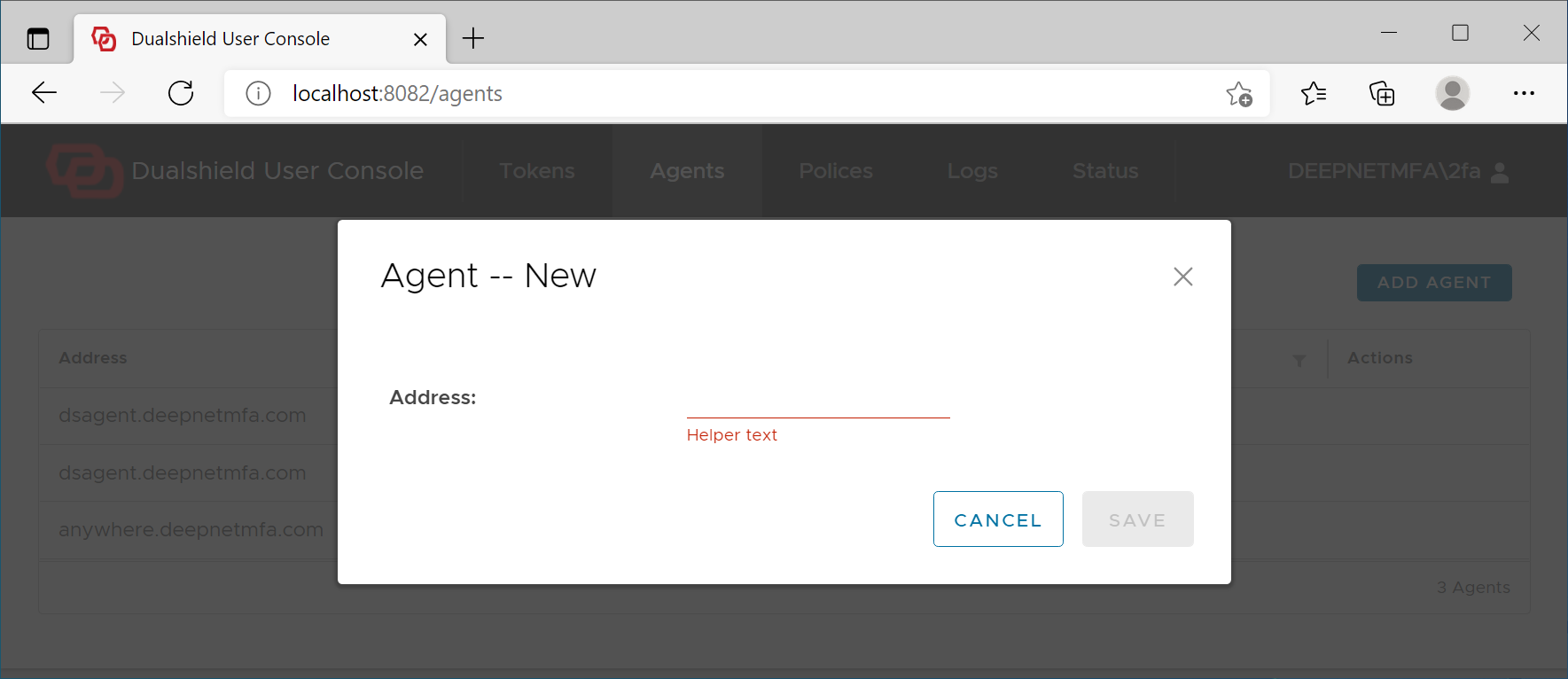
Add the Agent's address
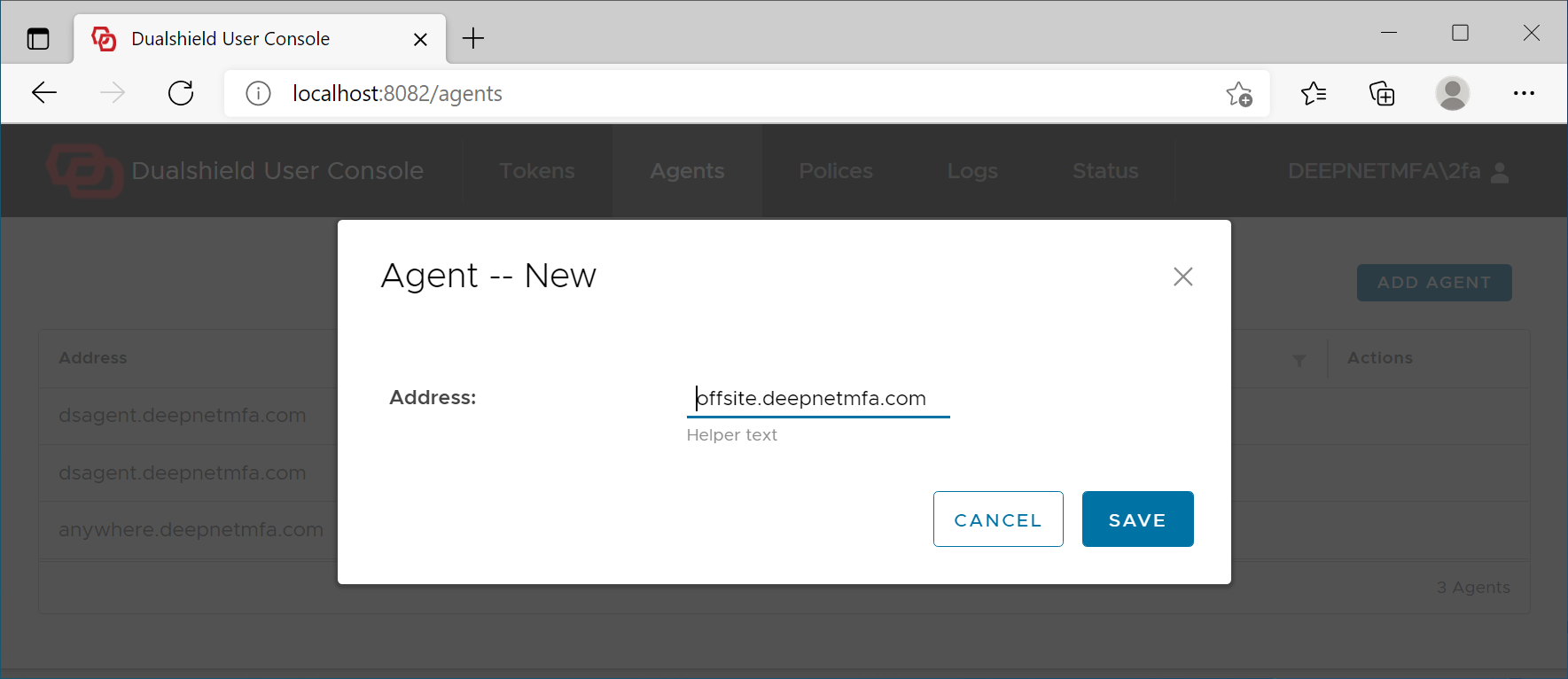
Click Save
If the Agent's address is correct, then it will be added to the logon client