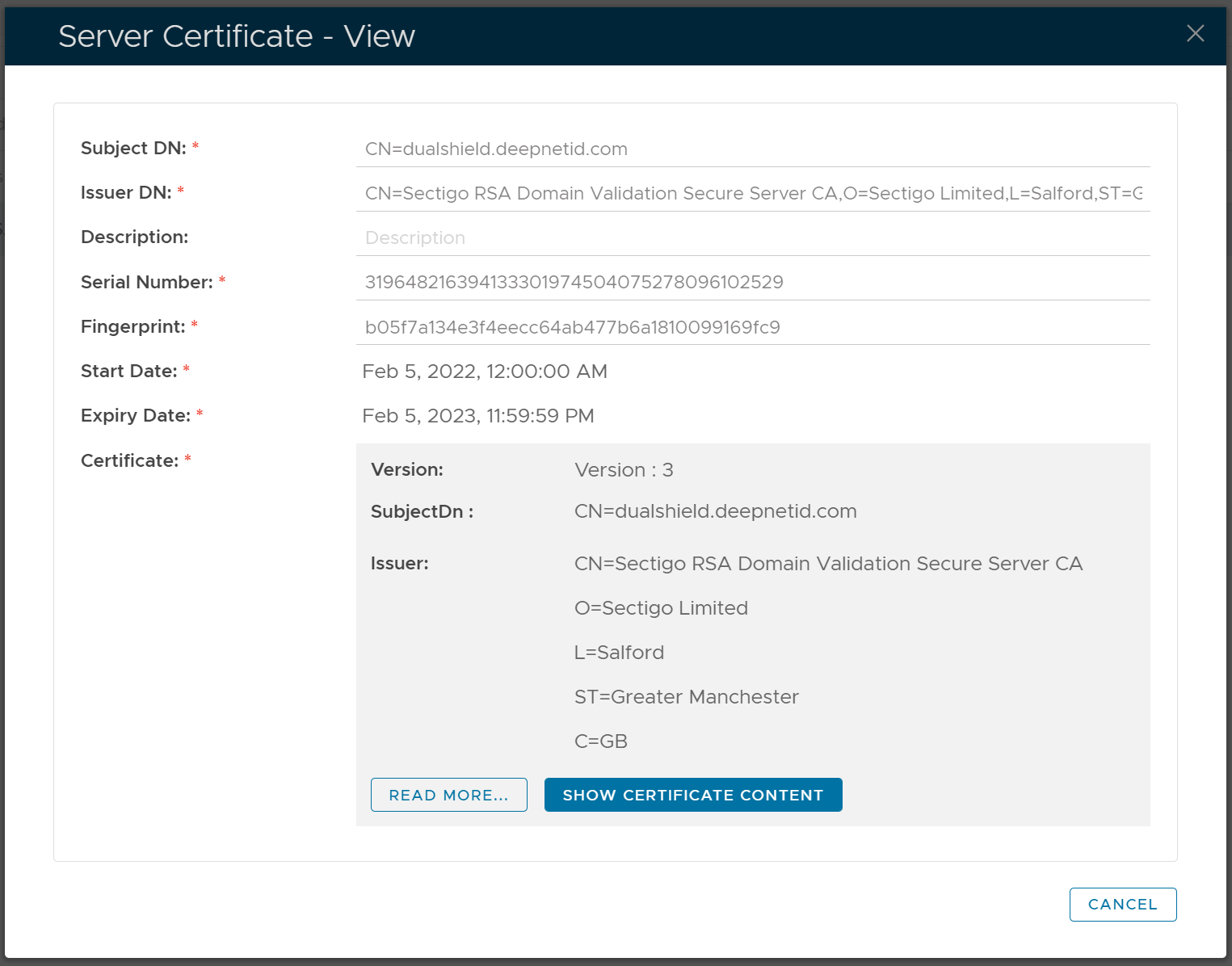
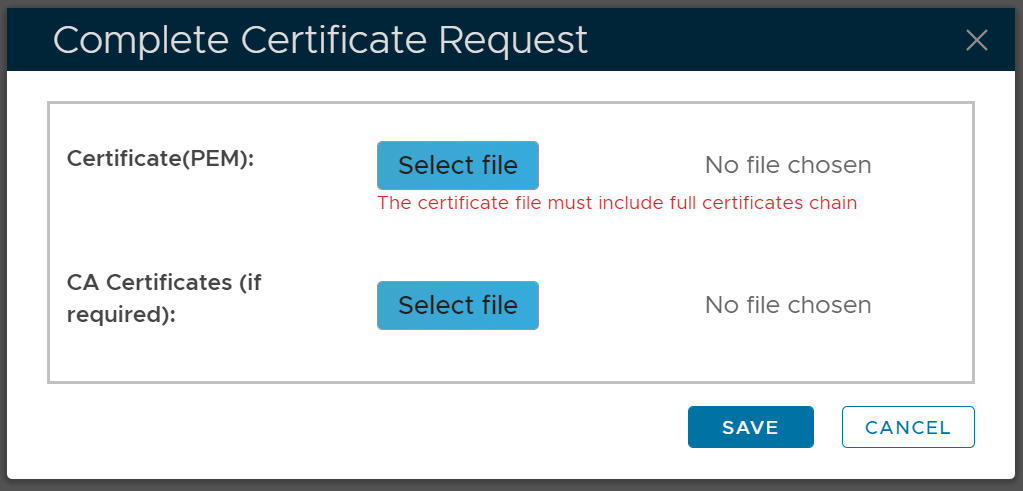
To apply for a new SSL certificate, follow the steps below
Generate a Certificate Signing Request
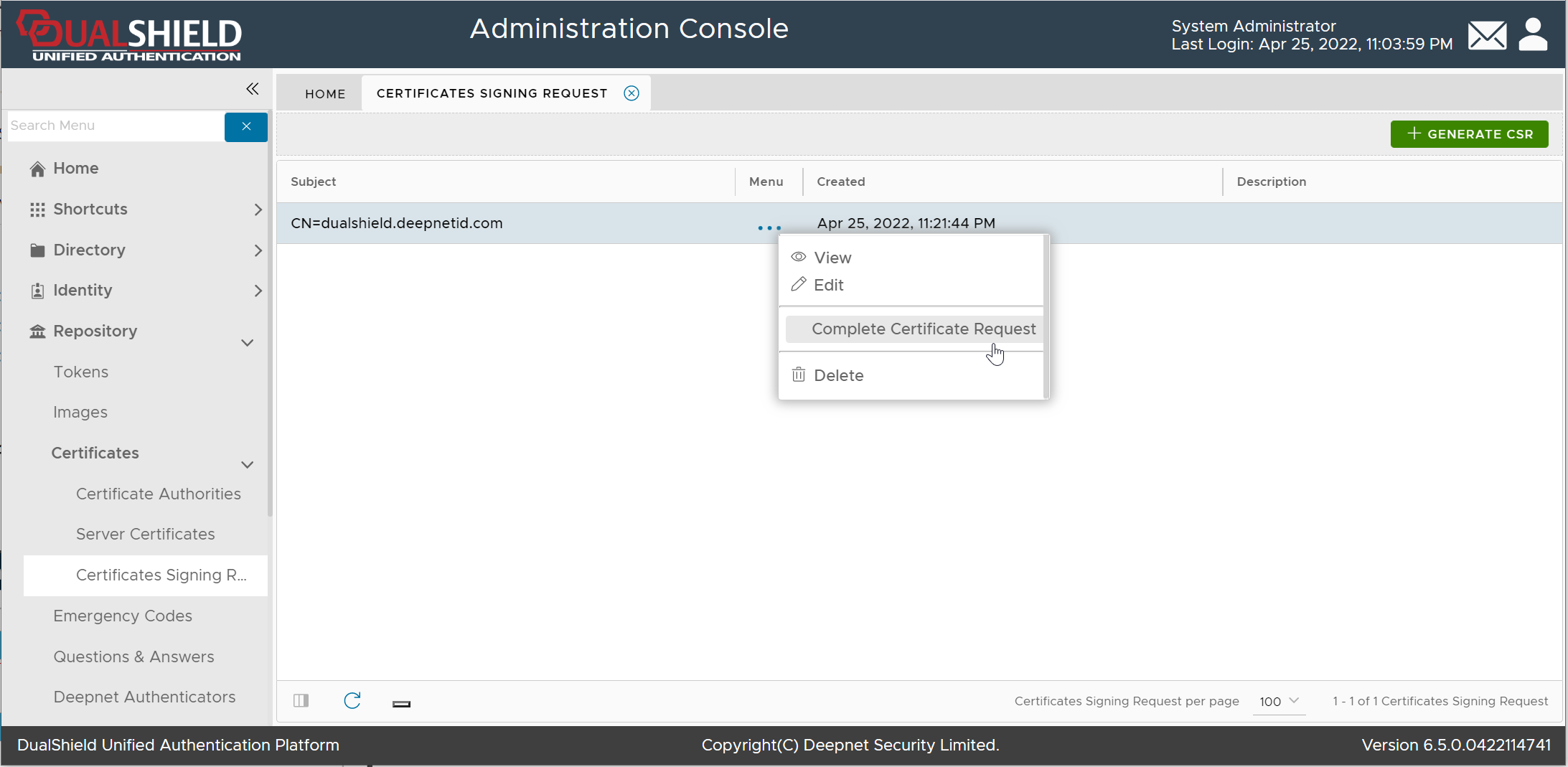
Navigate to Repository | Certificates | Certificate Signing Request"
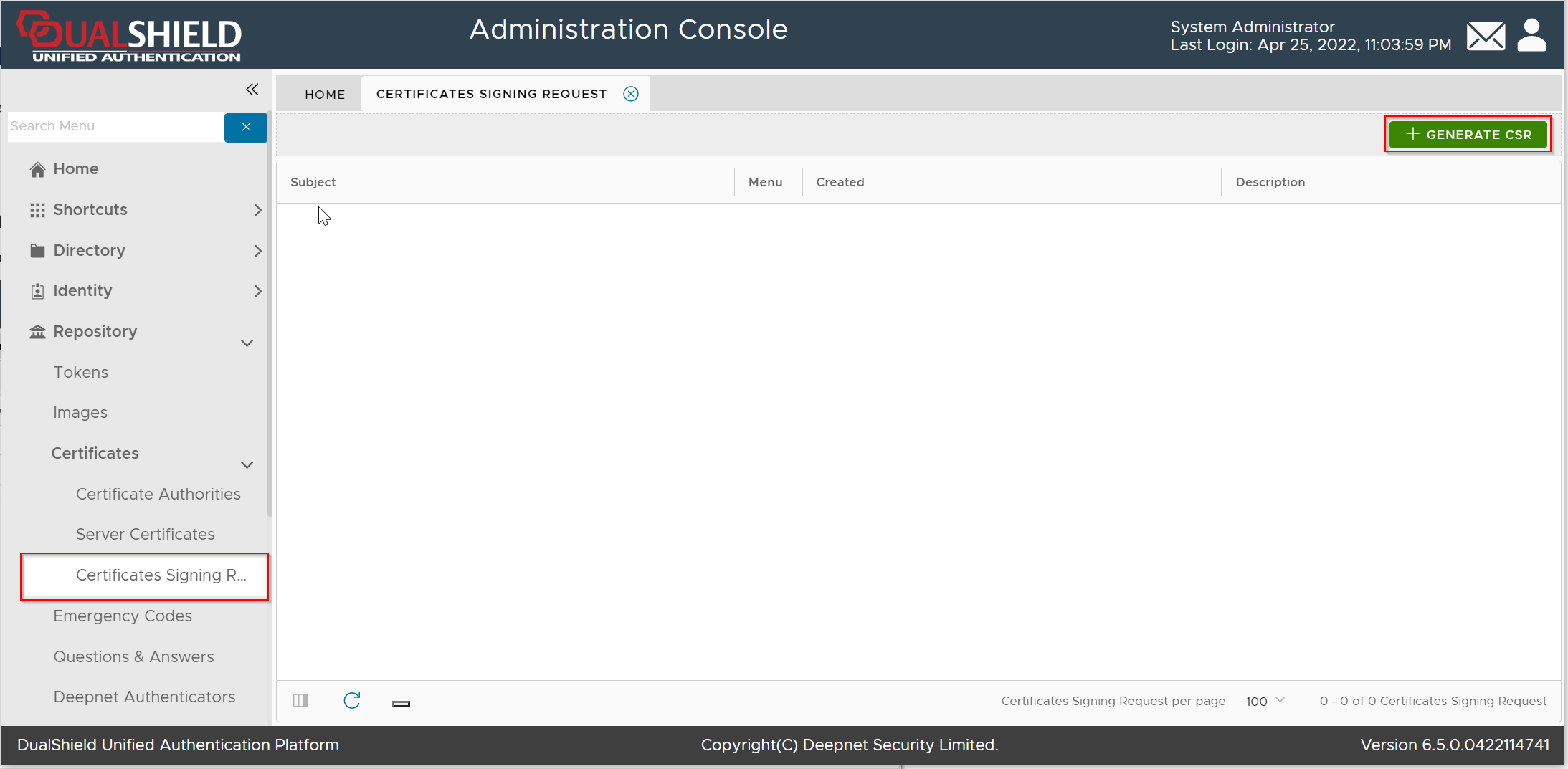
Click the "Generate CSR" button
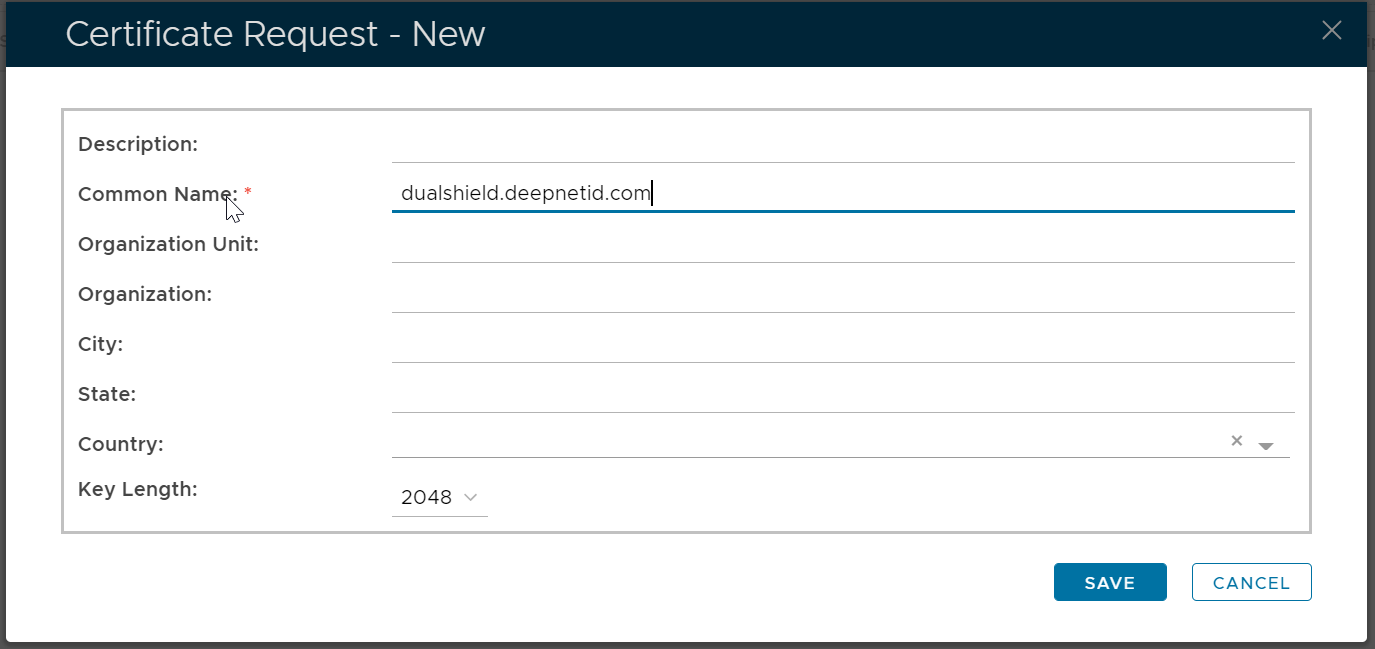
Fill in the CSR form, click Save
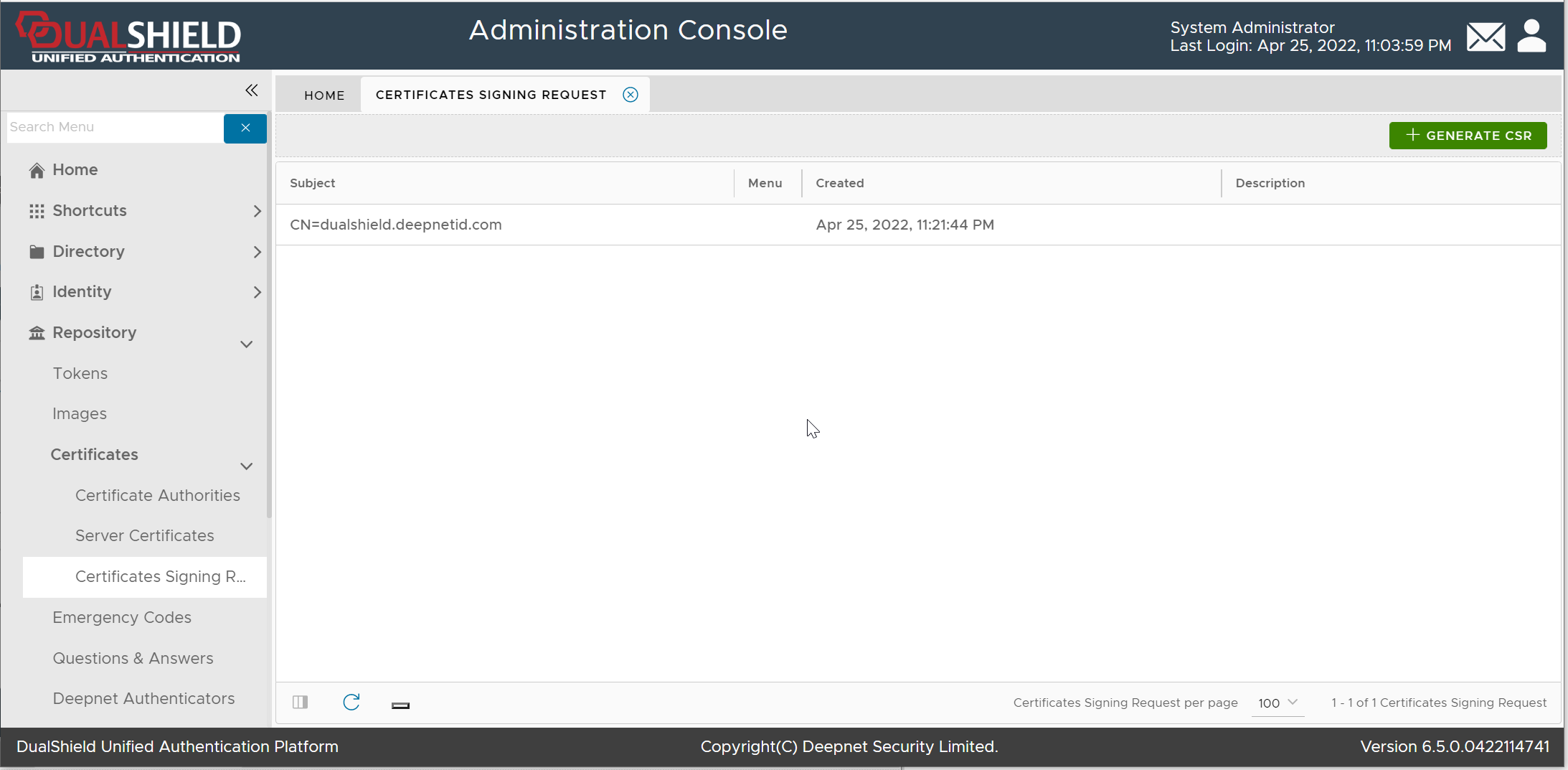
Submit the Certificate Signing Request
Now, you need to submit the Certificate Signing Request (CSR) to a Certificate Authority, e.g. GoDaddy, to be signed.
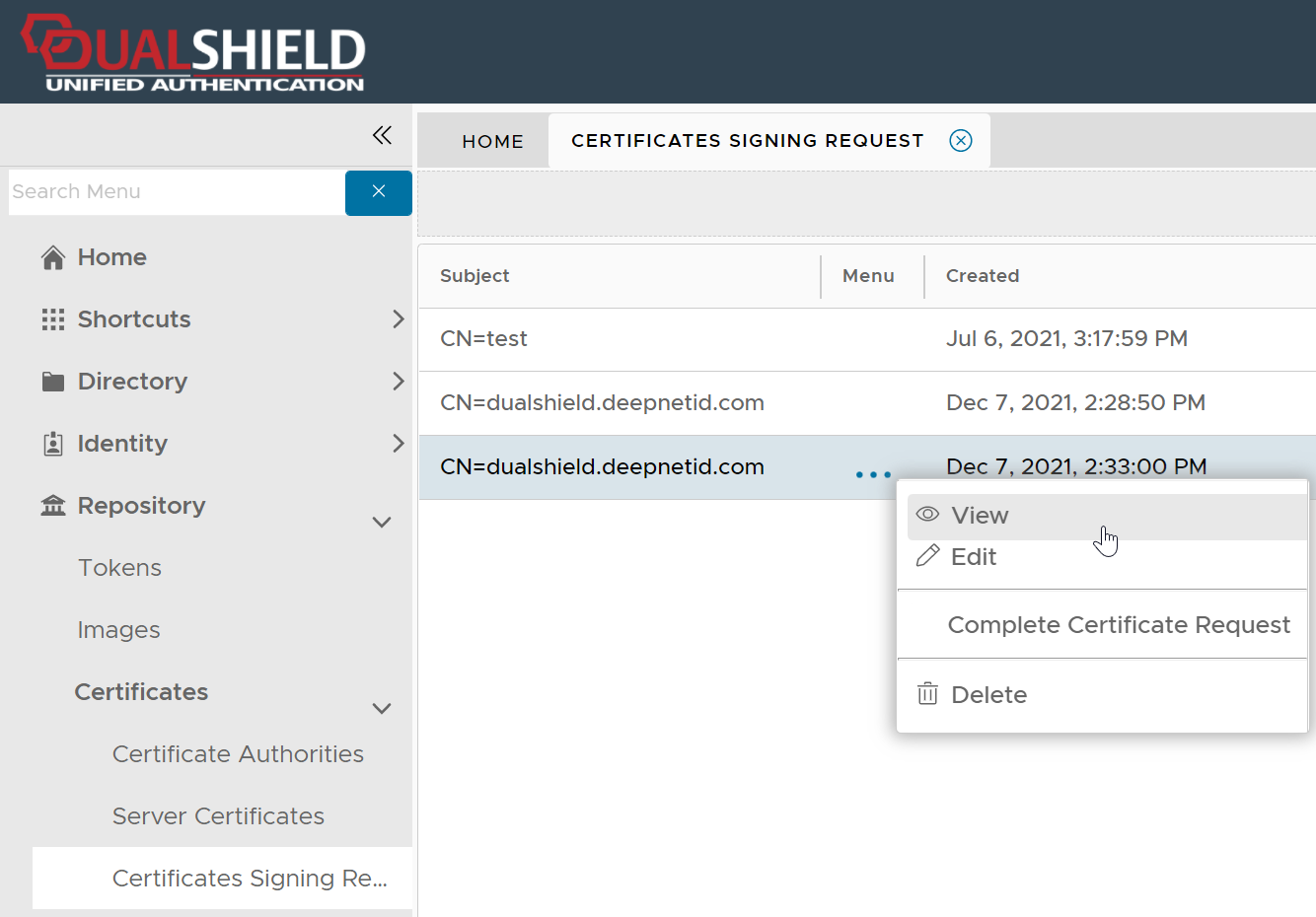
Click the context menu of the newly created Certificate Signing Request
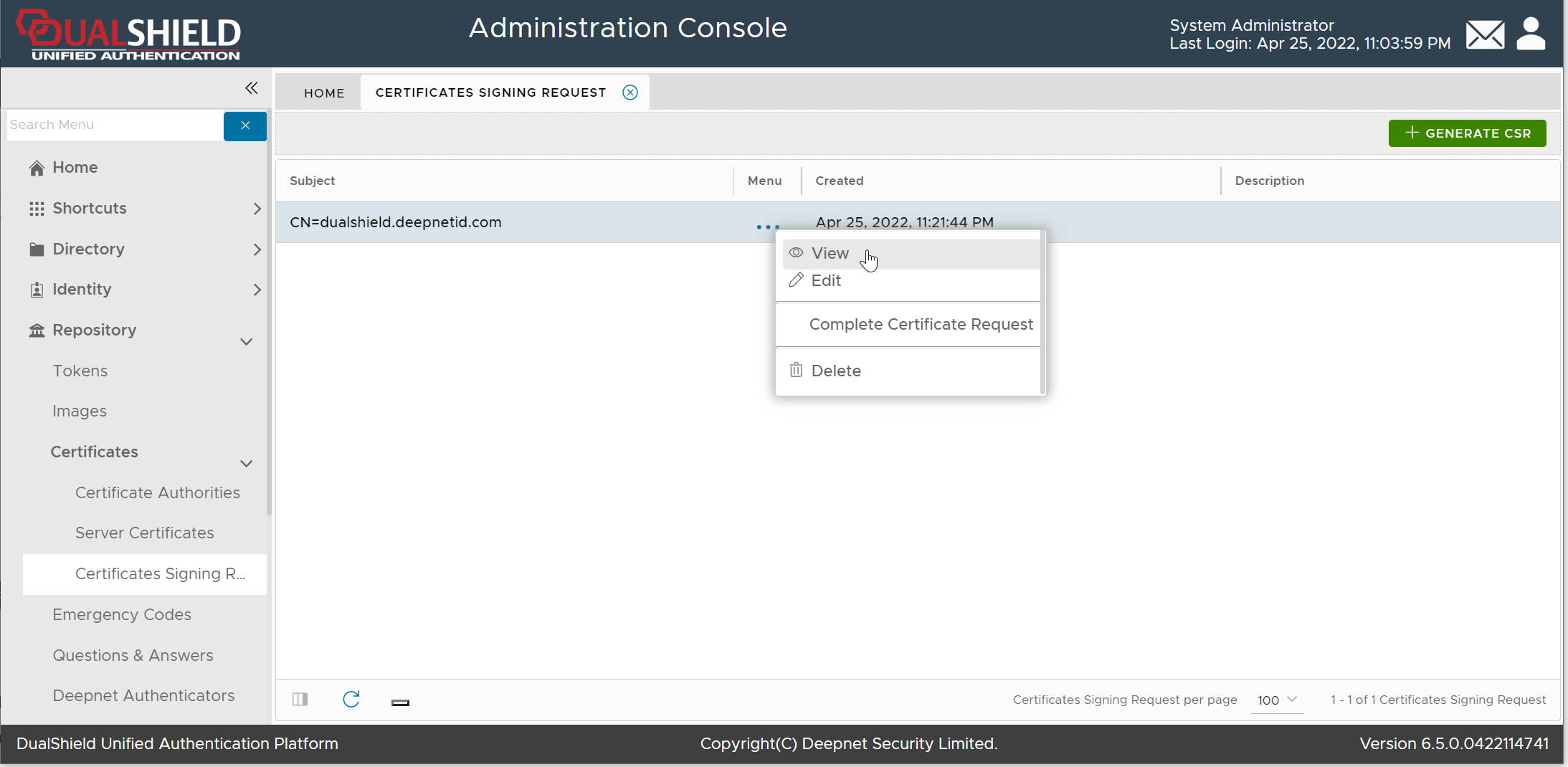
Select "View" from the context menu
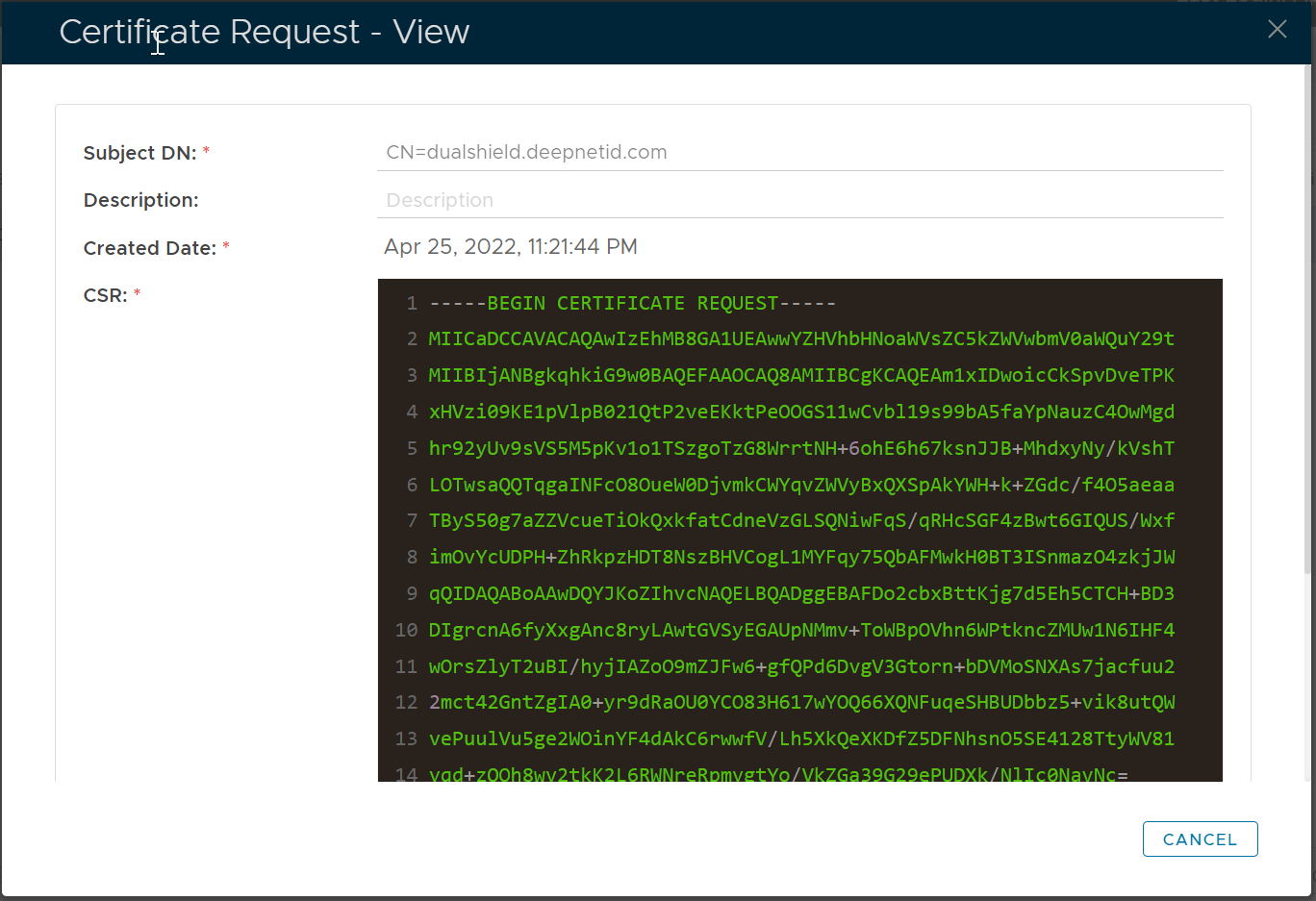
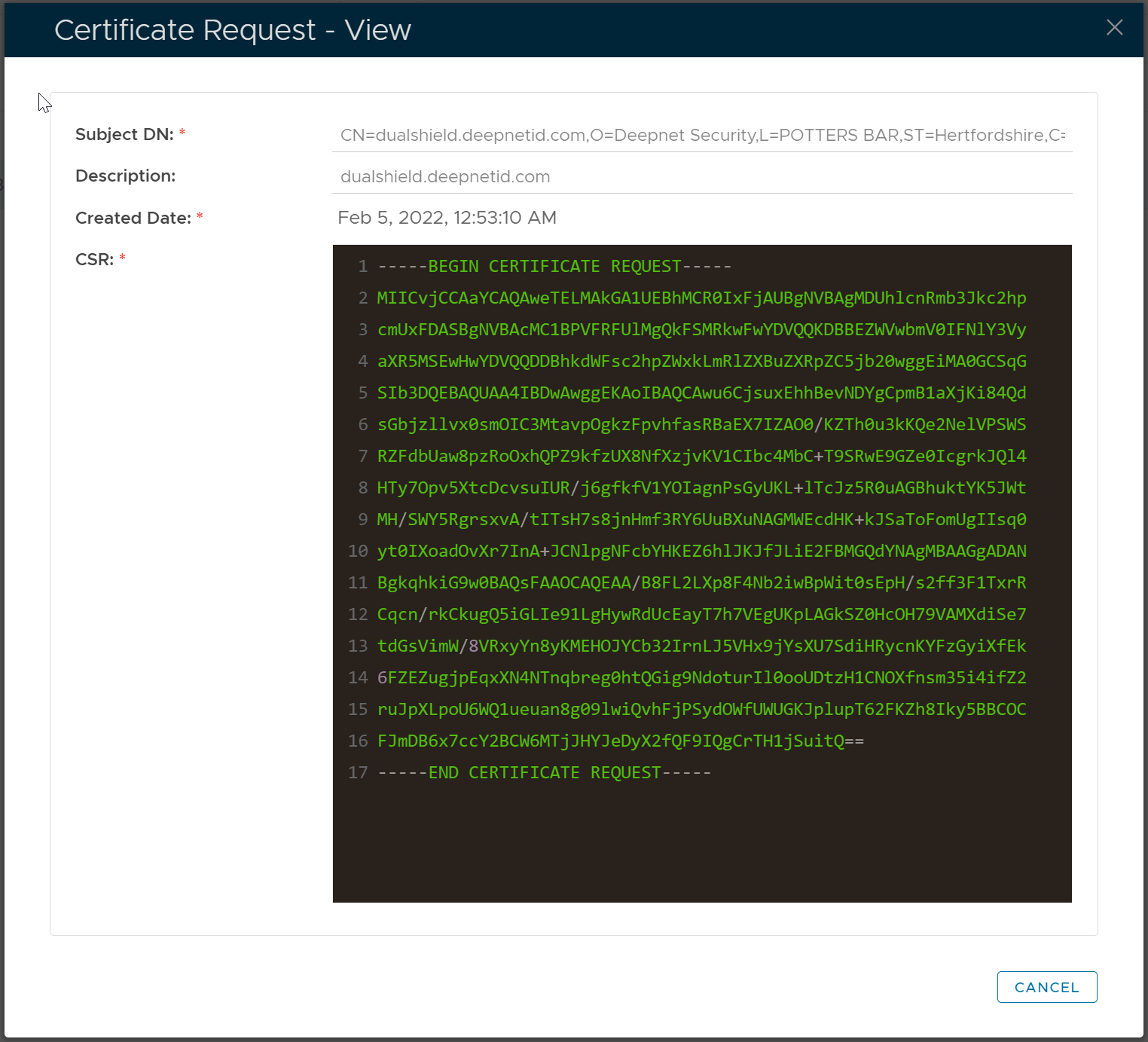
Copy the CSR text and submit it to your CA
Download the Certificate from CA
Once your CA has signed your CSR, it will issue you an SSL certificate.
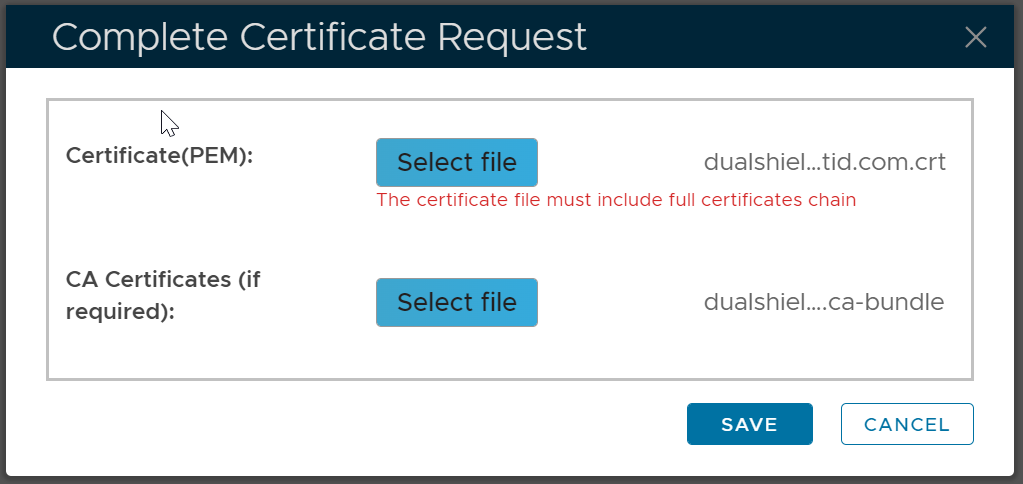
Download the SSL certificate. Commonly, the certificate is delivered in a CRT file, e.g. "dualshield.deepnetid.com.crt"
Also, a CA bundle file will be provided. The CA bundle file includes the certificate of the root CA and the intermediate CA, e.g. "dualshield.deepnetid.com.ca-bundle"

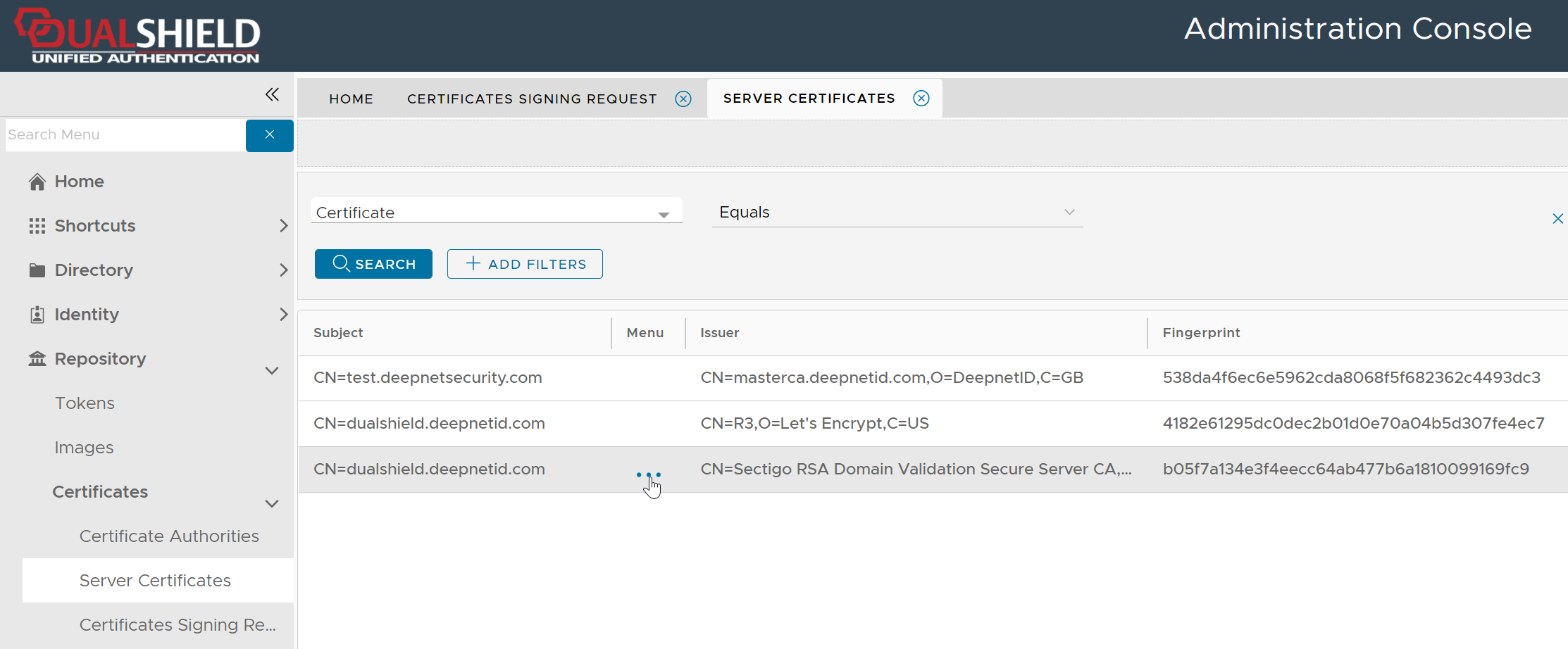
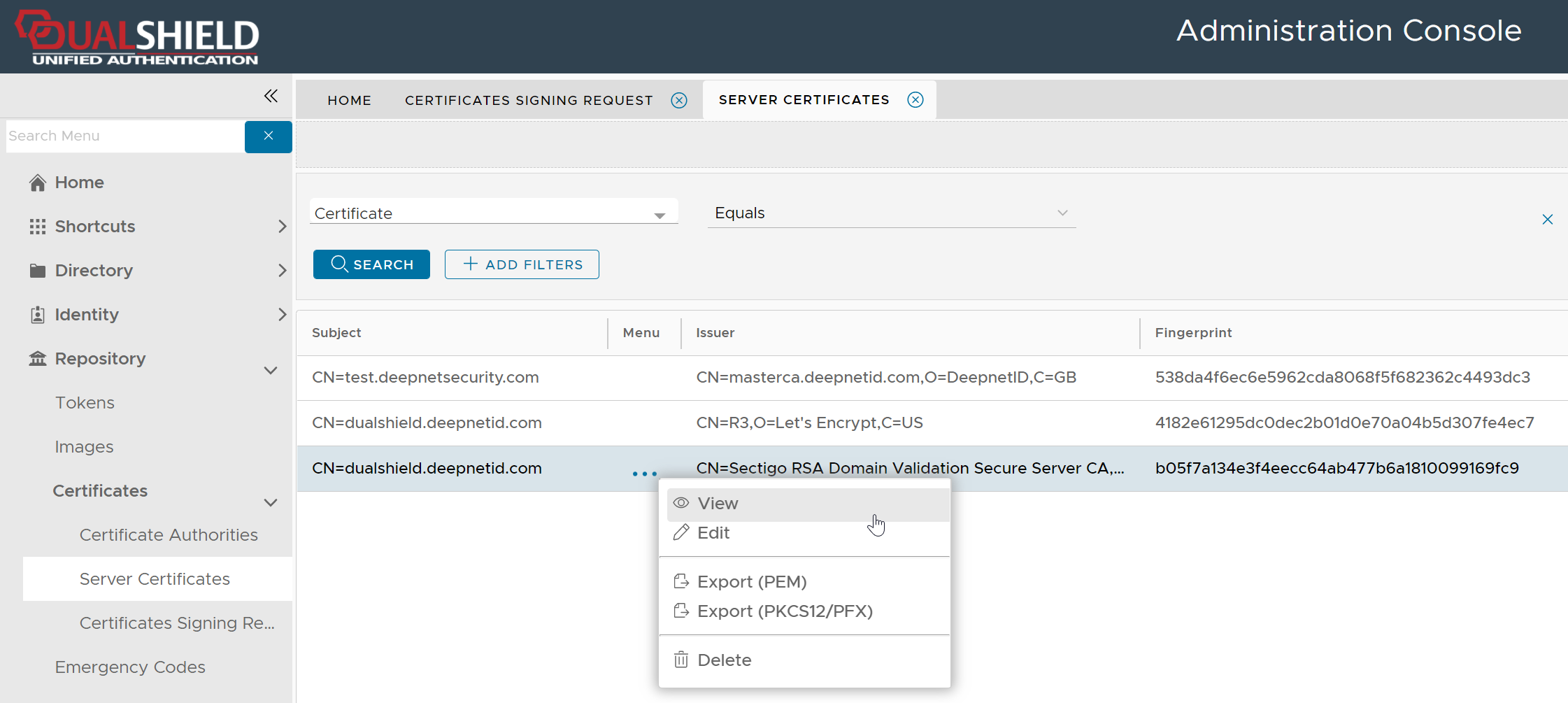
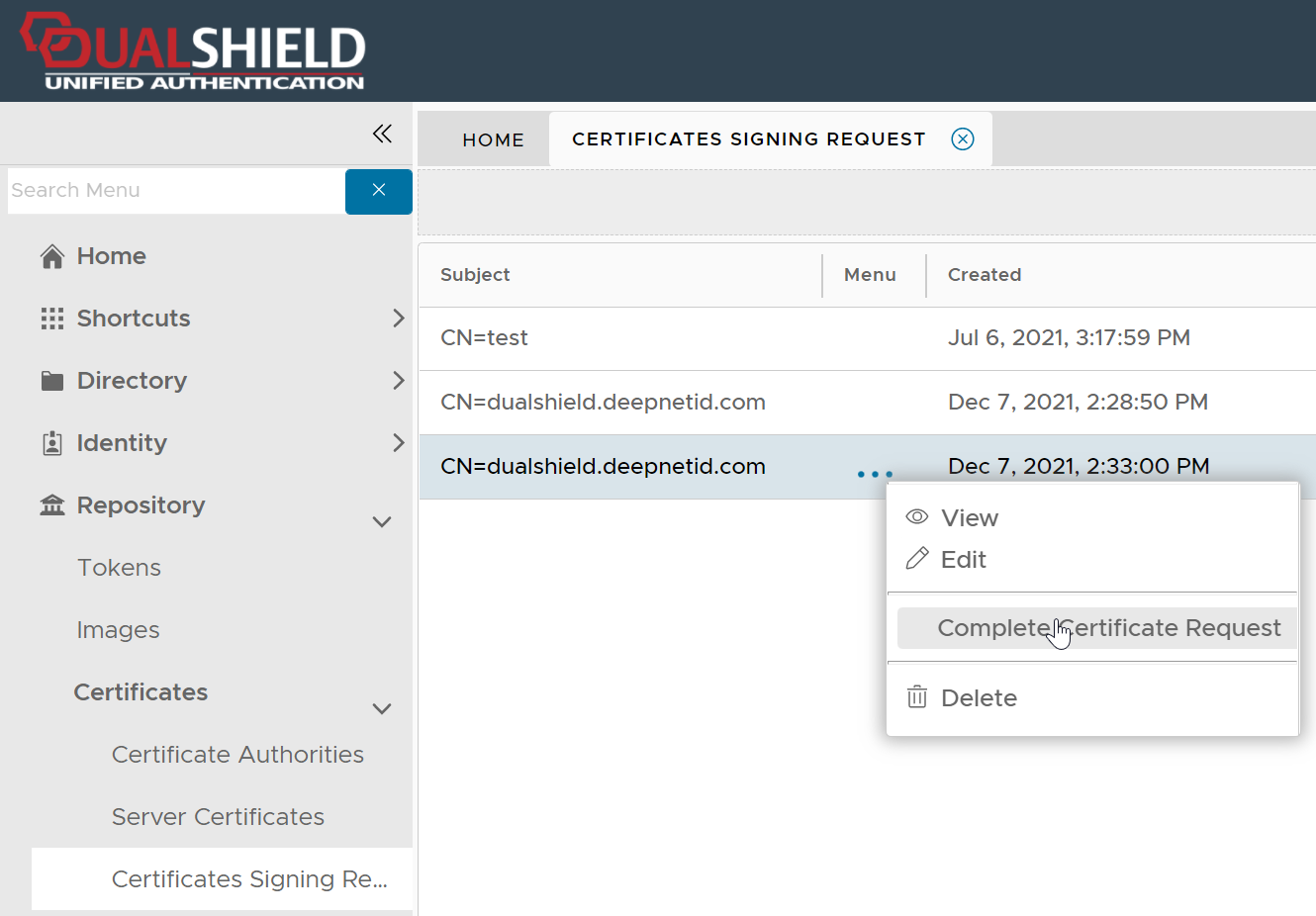
Complete the Certificate Signing Request