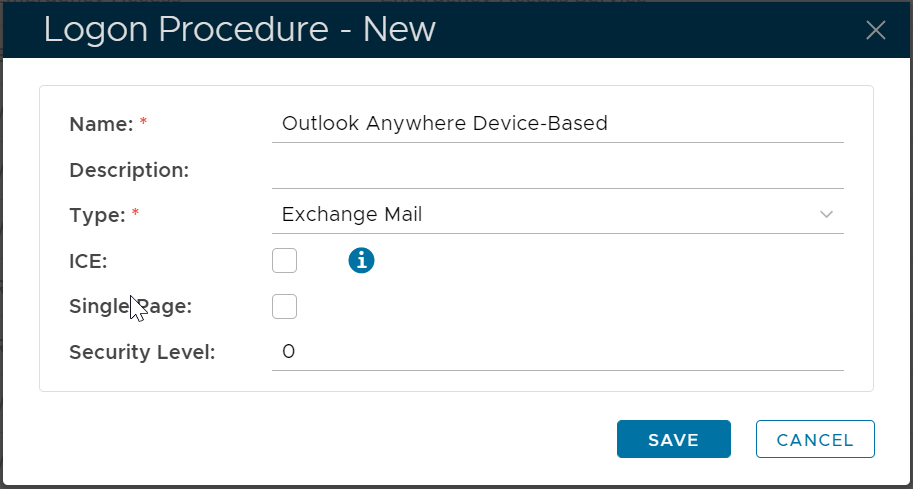
For Outlook Anywhere Device-Based Authentication, you must create a logon procedure in the type of Exchange Mail.
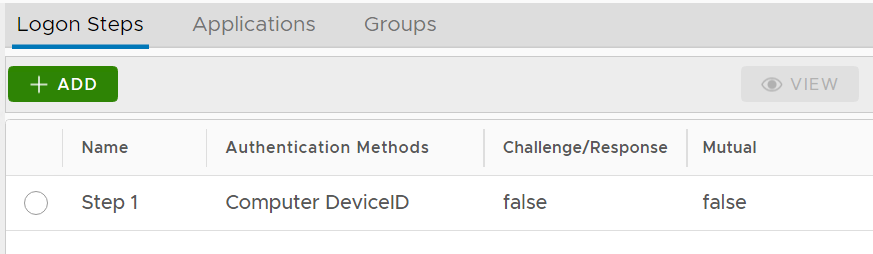
Once a logon procedure has been created, you need to add logon steps into the newly created logon procedure.
For Outlook Anywhere Device-Based Authentication, you only need to add one logon step and within the logon step you can only add "Computer DeviceID" as the authentication method.